Store
The nanos world Store is the platform on which you are invited to share your Game-Modes, Packages and Assets with the nanos world community!
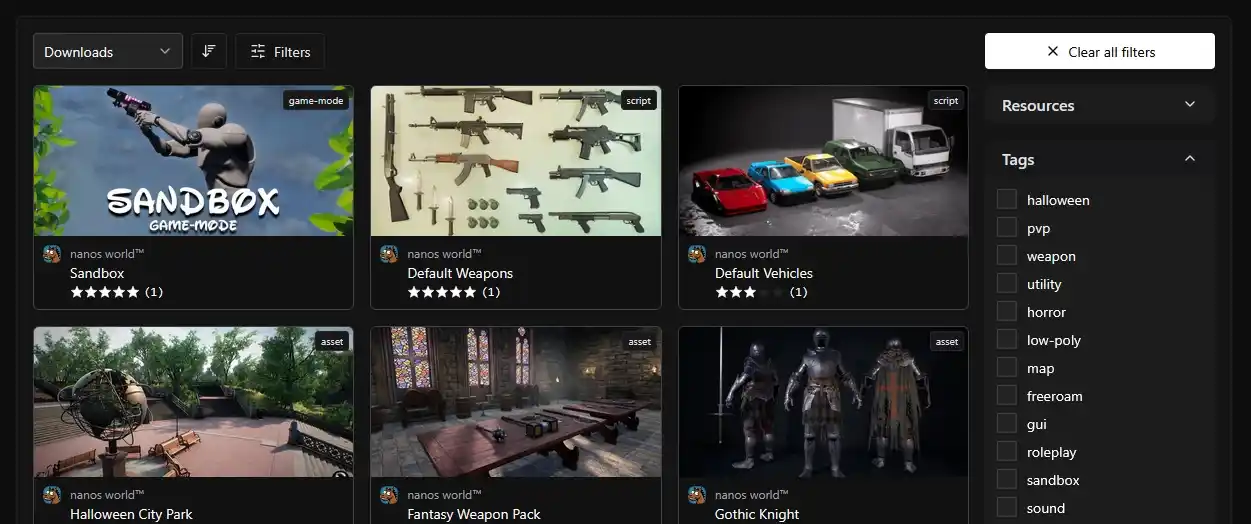
The Store is still under development. We are launching small usable pieces of it to build and improve it with you!
About the Store
In the Store, you can upload your Assets, Packages, release new versions, create Teams and much more! It is 100% integrated with Vault and the CLI!
Server Authorization Token
In order to be able to use the CLI, you must provide an Authorization Token in the Server's Config.toml or passing with --token command line.
This token is used to authenticate your account and the rights to download/upload the Assets/Packages that belong to your teams.
Generating a new Token
To generate a new token, go to your Profile → PAT page and press + Create Token button. You will be prompted to set a Name and Expiration Date for your Token.
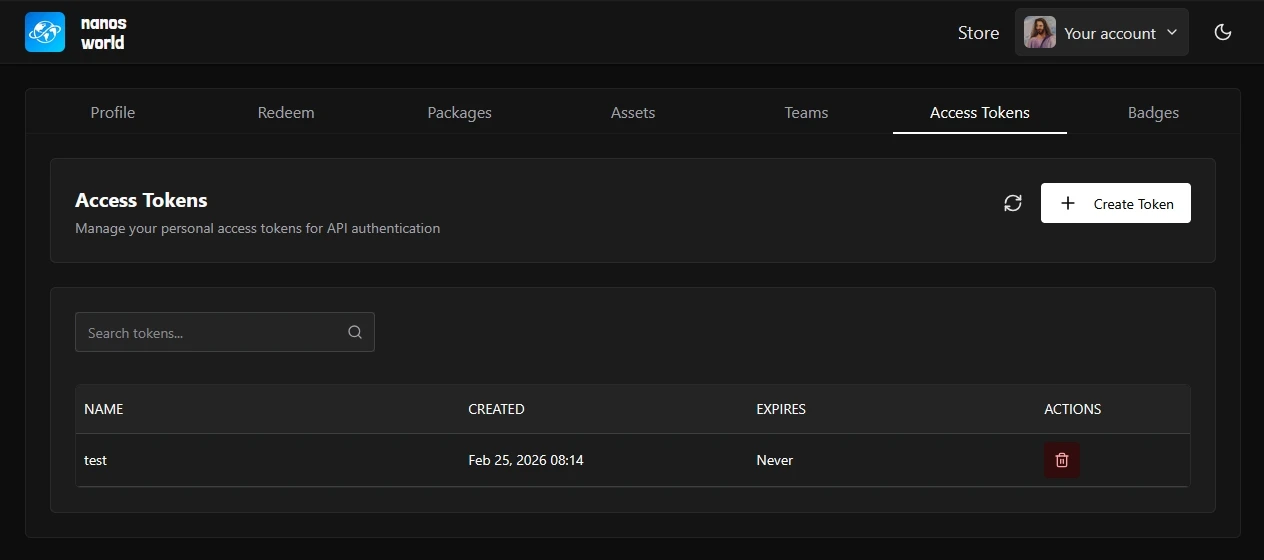
After created, copy the token and save it, you won't be able to restore it if you lose it.
Now just paste your token into your Config.toml token field or pass it as --token to your server and you are authenticated to run CLI commands!
Automate GitHub Releases
This workflow is maintained by the community. For more details, visit the open source GitHub Repository.
If your Package or Asset Pack is uploaded to GitHub, you can use the community created nanos world Store Publisher Action to automate the upload of new releases!
This action automatically handles version validation, package zipping, and uploading to the Store.
Setting up the Github Action
1. Add Your Token as a Secret
- Create a token as described in the Generating a new Token section
- Go to your repository Settings → Secrets and variables → Actions
- Click New repository secret
- Name:
NANOS_STORE_TOKEN - Secret: Your token generated in step 1
- Click Add secret
2) Create Workflow File
Create a .yml file inside your repository as .github/workflows/publish.yml with the content:
name: Publish to nanos world Store

on:
  # runs when you push a version tag (e.g. v1.0.1)
  push:
    tags:
      - 'v*'
  # allows running it manually from the Actions tab
  workflow_dispatch:

jobs:
  build:
    runs-on: ubuntu-latest
    name: Publish package
    steps:
      - uses: actions/checkout@v4

      - uses: nanos-world/store-action@v1
        with:
          NANOS_PERSONAL_ACCESS_TOKEN: ${{ secrets.NANOS_STORE_TOKEN }}
          NANOS_PACKAGE_NAME: 'your-package-name'  # Replace with your package name
Publishing a New Version
To publish a new version:
Update version in Package.toml:
[meta]
    version = "1.0.1"  # Increment from previous
Commit, tag and push:
git add Package.toml
git commit -m "Bump version to 1.0.1"
git tag v1.0.1
git push origin main --tags
The action will automatically publish your package when you push the tag!
You can also manually trigger the workflow from the Actions tab in your repository using the workflow_dispatch event.
The action automatically reads the version from your Package.toml file and compares it with the store version. Your local version must be greater than the store version for the upload to succeed.
Multiple Packages in the Repo
If you have multiple packages in your repository, you can publish them all at once using the EXTRA_PACKAGE_PATHS input with a JSON array format:
        with:
          ...
          EXTRA_PACKAGE_PATHS: '["path/to/package1", "path/to/package2"]'
For more advanced configuration options and troubleshooting, visit the action repository.