Dec: Vault Integration & Network Interpolation++!

Vault & Account In-game Integration & better Network Interpolation!
Welcome to our roundup of the latest updates from the last months!
Vault Full Integration
This month's highlight is a huge step forward for the Vault: it's now finally fully integrated with the Store and accessible directly from the main menu!

In-game Vault Tab
You can see the new docs page explaining all the new features on the Vault:
🛒 Vault Documentationvault-and-store/vaultHere's the highlights:
Resource Management
We have completely redesigned the Vault Manage tab.
You can now edit resource metadata, including title, description, logo, screenshots, visibility and tags:
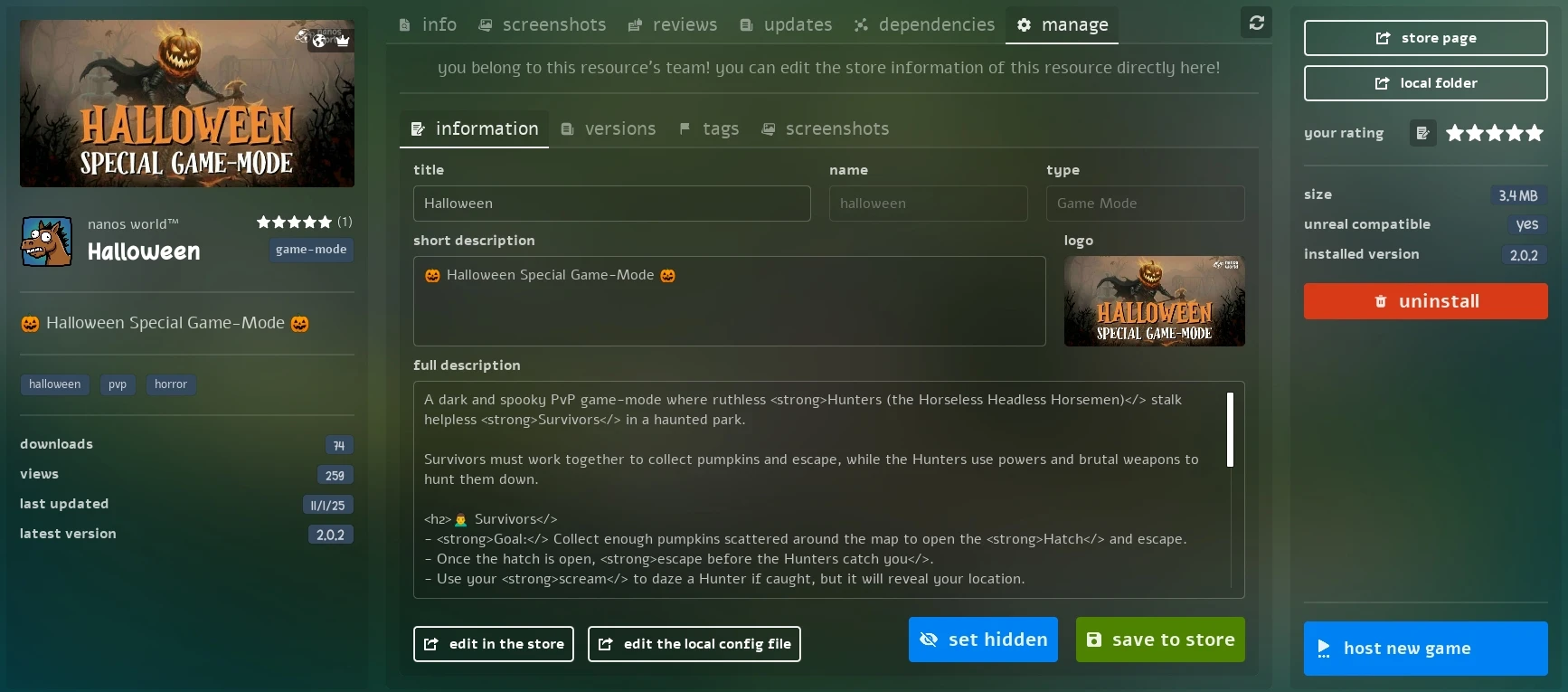
Vault Manage Info tab
And manage versions, by uploading, setting changelogs, releasing, deleting, and modifying version numbers, all from the manage tab:
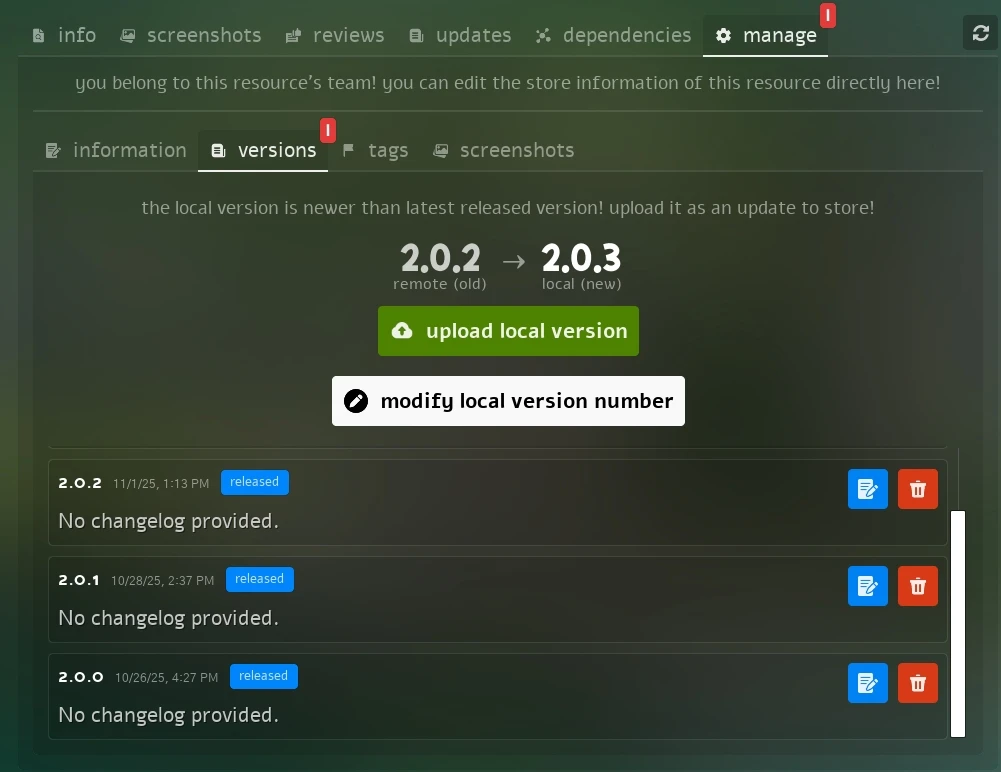
Vault Manage Versions tab
You can upload new versions directly from the game, the system automatically compress your local resource folder and upload it to the Store! Without needing to manually .zip and upload it via the website.
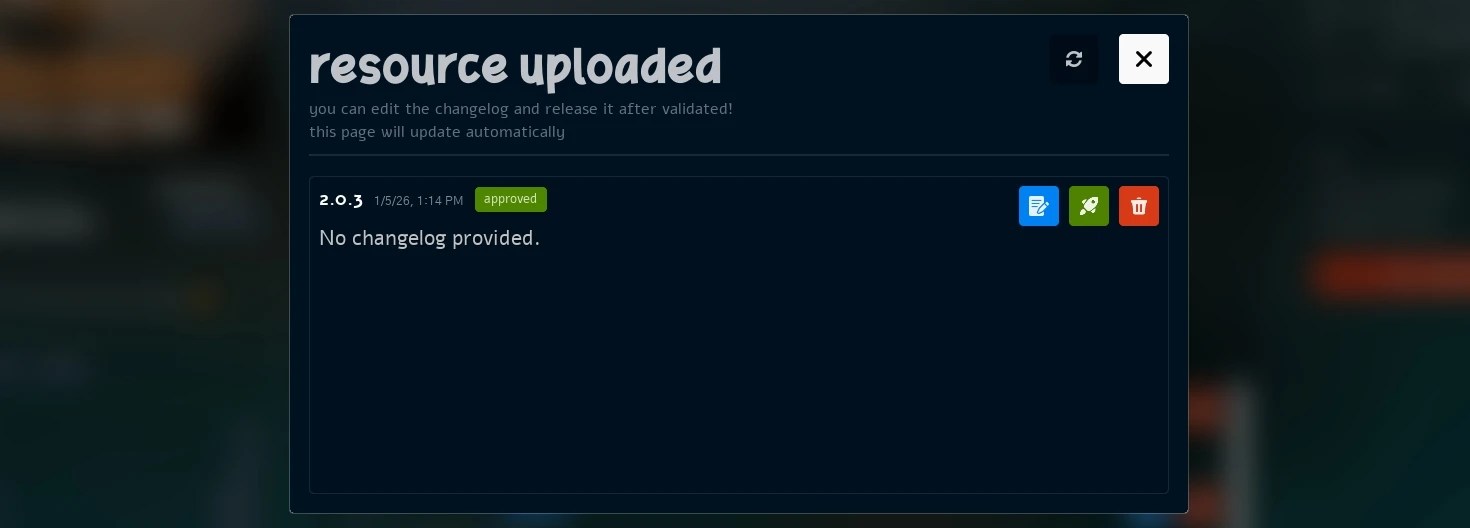
Vault Manage Versions tab uploading a new version
Ratings & Reviews
You can now Rate and Review any Vault resource. All ratings and comments are displayed in the Reviews tab and directly under the resource name.
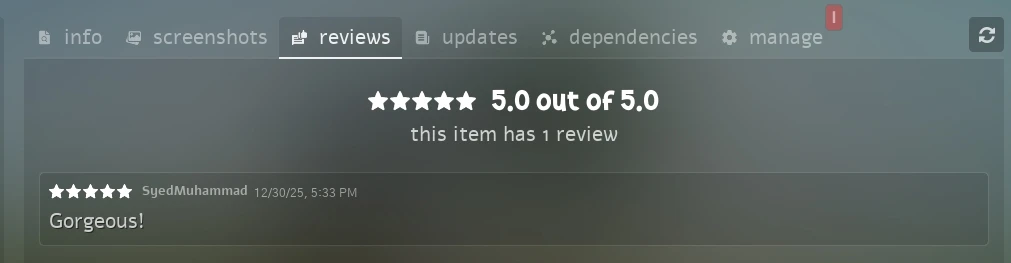
Vault Resource Ratings Tab
Creating Resources
We've also reworked the Resource Creation flow. You can now create both Local and Store resources directly from the game!
If you already have a local resource that you created, it will be displayed as a yellow-bordered resource in your Vault, and you can create a Store resource from it directly:
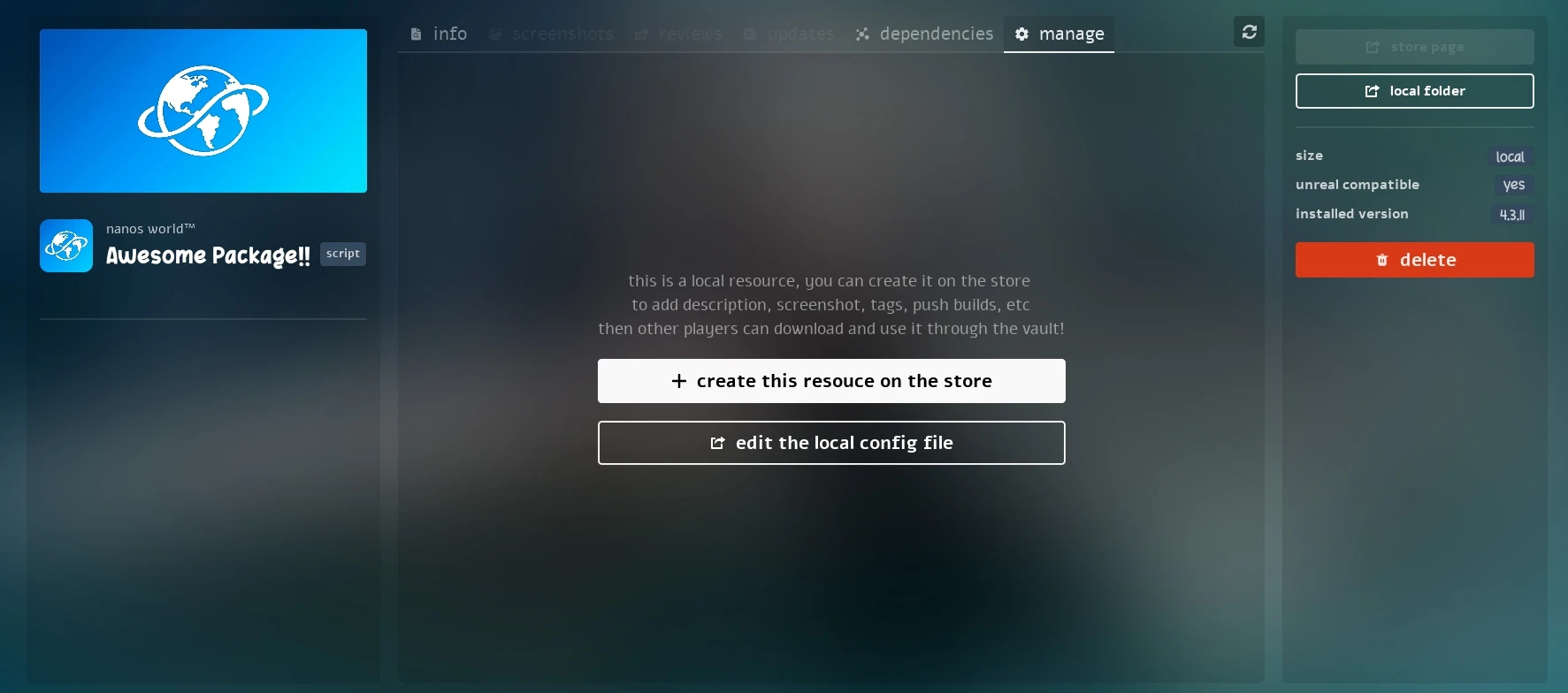
Vault Local Resource
By pressing the + create this resource on the store button, you will open a popup where you can confirm all the required information for the Store Resource, and select the Team it will belong to, it will automatically create it on the Store for you:
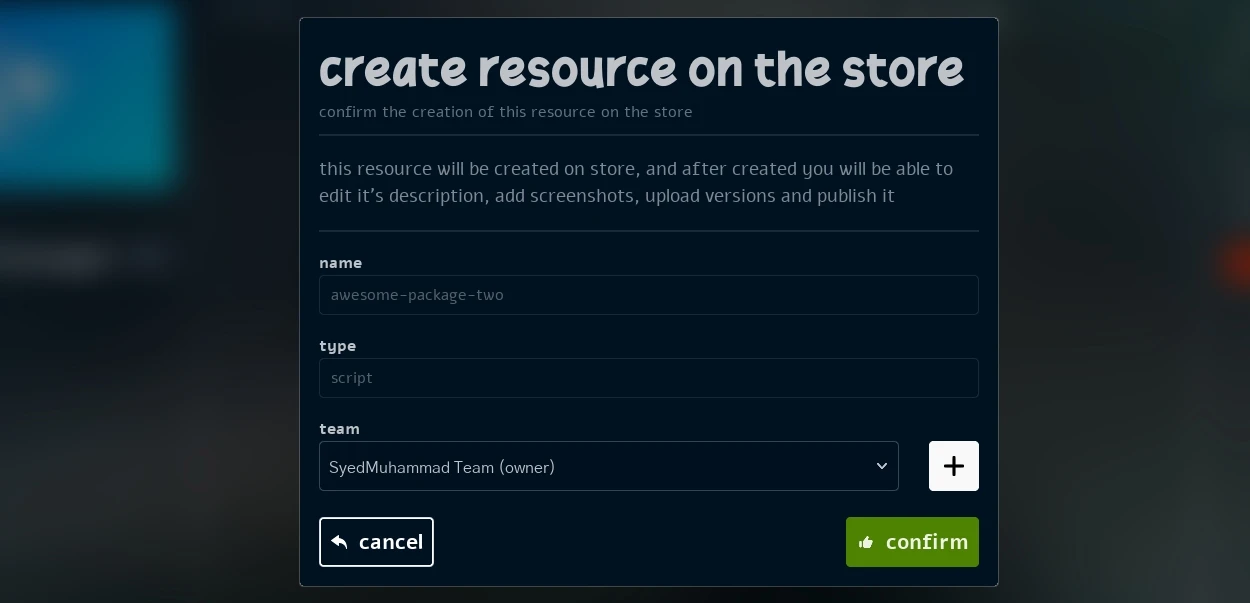
Vault Create Resource on Store
Then you will be able to edit all it's information and manage versions directly from the game!
Dependencies Information
Now clicking on any item in the Vault Dependencies tab will open a pop-up with full information of the clicked item! recursively
Vault Dependencies Information Pop-up
Profile & Account Integration
The Profile screen has been greatly improved and integrated. You can now edit your username, see your and your friends role and badges directly in-game!
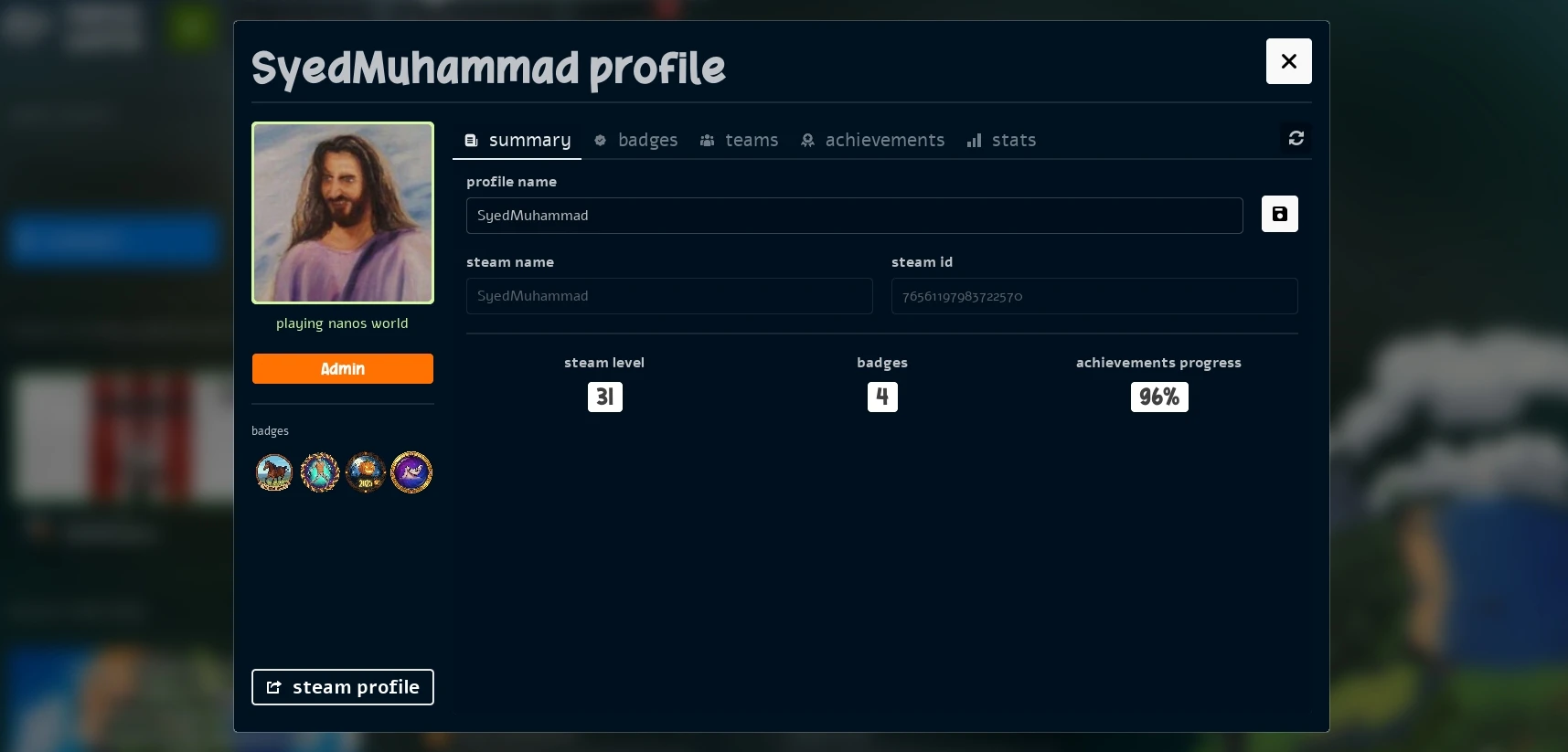
Profile Pop-up
Also in your profile, you can now see all the teams you belong to:
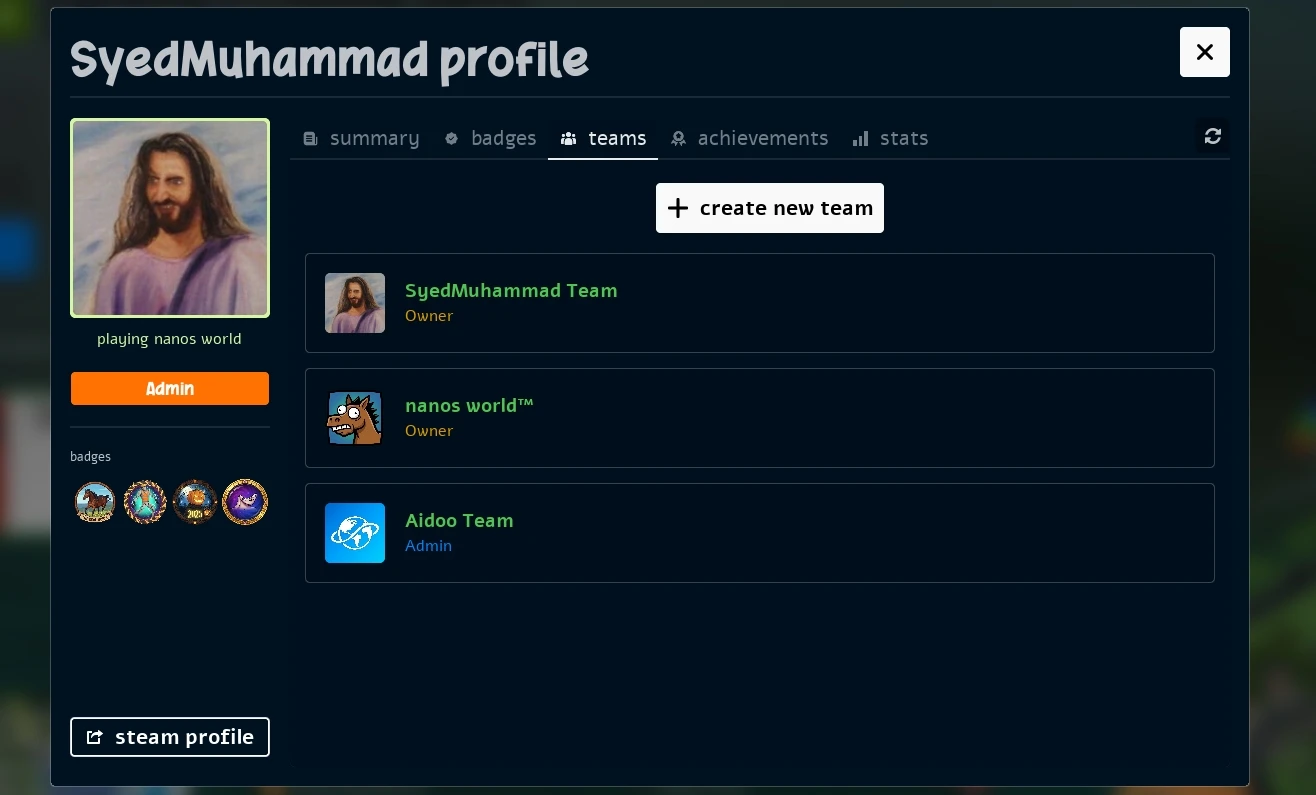
Profile Teams
Teams Integration
We've also integrated Teams Management directly into the game!
By clicking on any Team logo, you can see all information regarding that Team, including its description, members and all associated resources:
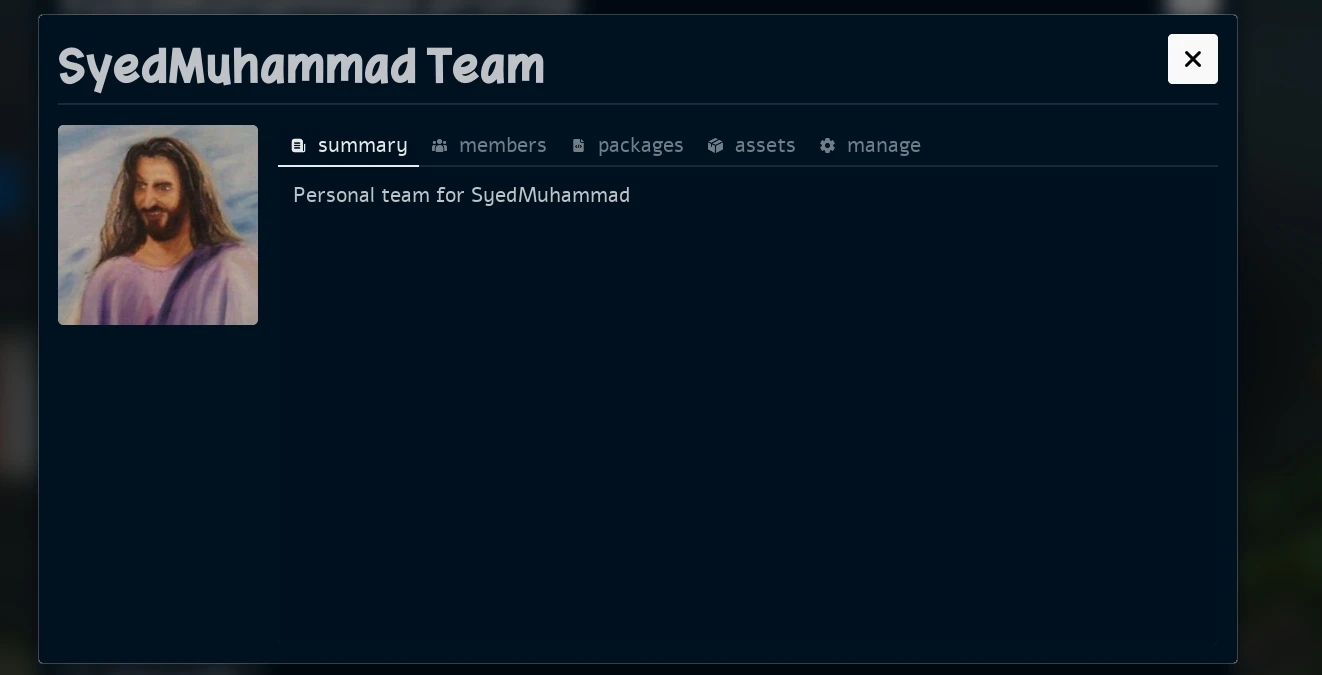
Team Pop-up
Team Management
It is now possible to Create Teams directly from the menu. Teams can have their name, description, and logo edited, and can be created either from your Profile screen or during resource creation.
You can also add or remove team members, and promote or demote them to Admin status directly from the Team's manage tab!
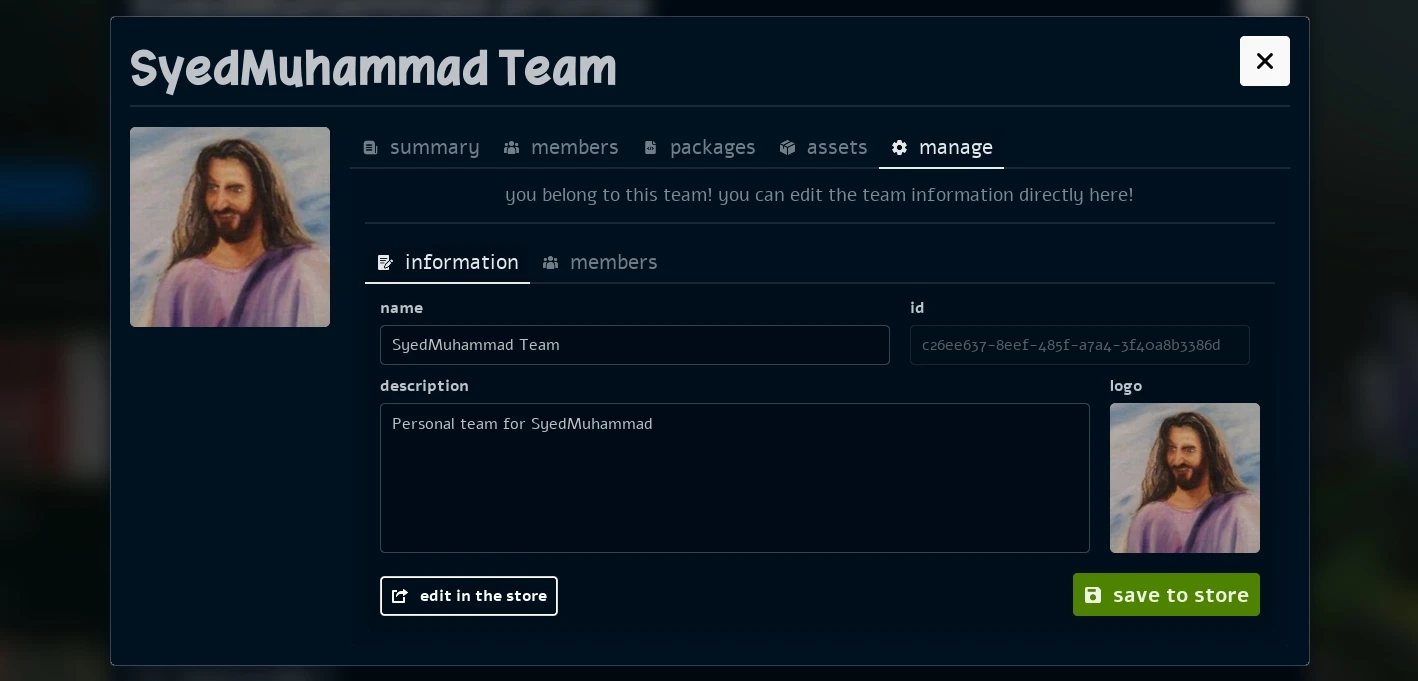
Team Manage Pop-up
UI Improvements
Quit Confirmation & Waiting
We added a new Quit Confirmation & Waiting PopUp when pressing the quit button.

Quit Confirmation Pop-up
Before when quitting the game, the game would freeze waiting some operations were still running (most async API calls).
Now we have implemented a pop-up that will be displayed while those operations are still being finished, making sure the game will gracefully quit and not freeze anymore. You can still force it closing by pressing the force quit button on it.

Quit Waiting Pop-up
Improved Network Debugging
We have improved the network debugging information displayed in the world. Now you can better visualize the received snapshots and velocity of entities in an "networking entity" perspective.
It now draws squares and arrows around the entity to better represent the received data from the server.
You can see how it looks in the following section video.
Improved Interpolation System
We had another iteration on the Network Interpolation System. We have drastically improved how it behaves in different network conditions and scenarios with high speed entities moving.
Now high-speed entities such as Vehicles or thrown objects will feel way smoother. Before we could notice a lot of stuttering and lagginess when being a passenger of a vehicle or driving side-by-side with other players, now everything will feel way better, even in poor network conditions!
Also, the interpolation will now only happen for entities that are visible on screen, and close by a distance of 10000 units. Otherwise they are snapped to the network received location. Improving performance and reducing unnecessary interpolation calculations for far away entities.
In this test, the video was recorded from a passenger perspective (receiving the network data from the driver), while the vehicle is moving at high speed. It's possible to notice how the squares (representing the received snapshots) are received in a unstable manner, but the entity smoothly interpolates between them
Networking Interpolation Smoother in High Speed
No camera or vehicle stutter or flickering happening anymore!
In-game Error Logs Notifications
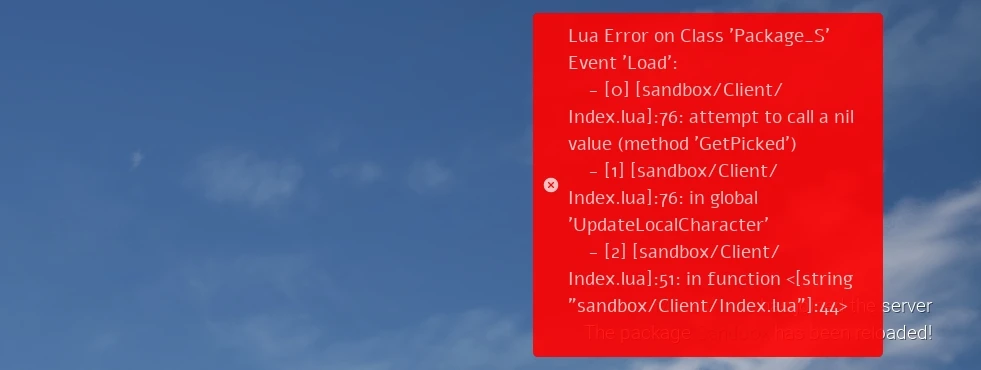
Error Logs Notification Pop-up
We integrated a new option to toggle in, to enable all scripting errors to be displayed as in-game notifications. To help during development and debugging of scripts.
To enable it, just toggle the show errors as notifications option in the Settings > Debug tab.
Conclusion
This month we completed one of the most important features to have in nanos world: the full Vault Integration. One of the most important factors for sandbox games are the content creation and sharing capabilities, and with this update we are making a huge leap forward in that direction.
Creating and sharing a Package or Asset Pack can be done in just a few clicks, without needing to leave the game. Managing versions, updating metadata, and seeing reviews and ratings is now all possible directly from the in-game Vault interface!
We still have work to do on this front, with more improvements and features planned for the future, but this is a solid foundation to build upon.
On the networking side, the improved interpolation system should make a noticeable difference in gameplay feel, especially in high-speed scenarios. This will help make driving vehicles and fast-paced action much smoother and more enjoyable.
Also, if you are reading this before Jan 11, we are running a special Playtest on Sunday, Jan 11, to test the game and community created game-modes! Join us for helping and having fun!
I hope you enjoyed this month's update! See you in the next one! I wish you all a fantastic new year ahead! Thank you for being part of the nanos world community! 🎉🎉