额外功能
沙盒游戏模式的一些额外功能和概念
沙盒游戏模式还提供了其他几个子系统,可以通过脚本进行使用和扩展,例如:
Sandbox WebUI
你可以通过 Sandbox.HUD 变量直接访问沙盒 WebUI。
Tutorials
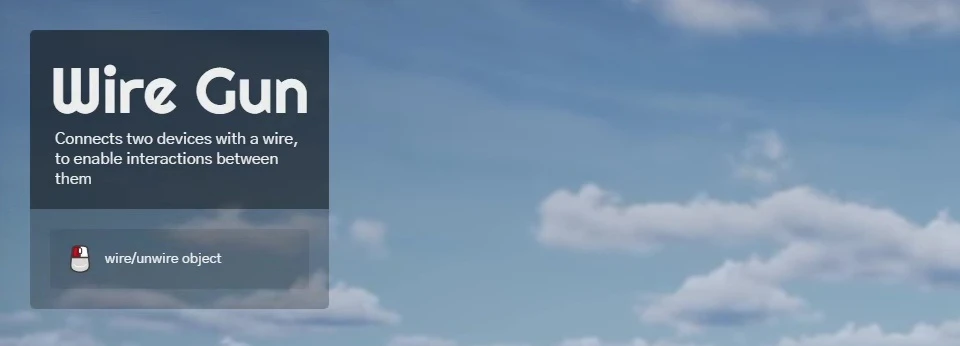
The Tutorials UI can display a title, a short description and also keys. 它会被工具枪系统自动调用,用于显示当前装备工具的操作说明。
You can also use it on your own packages to provide instructions to the players:
-- Shows the Tutorials UI with a title, a description and a list of keys
-- Each key can be a Key Binding name (e.g. "Fire") or a raw key name (e.g. "E")
Sandbox.Tutorials.Show("My Tool", "Helps you build awesome things", {
	{ key = "Fire", text = "Spawn a block" },
	{ key = "E", text = "Rotate the block" },
})

-- Hides the Tutorials UI
Sandbox.Tutorials.Hide()
SpawnHistory
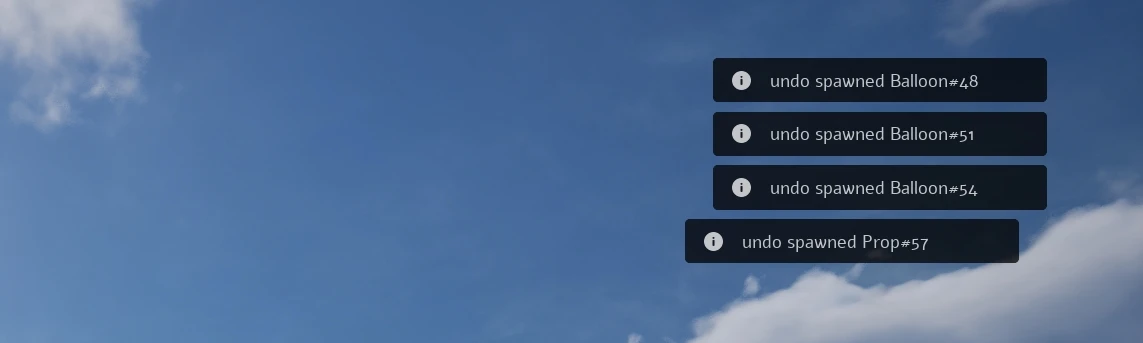
这是一个服务器端系统,用于追踪每个玩家生成的全部物品。它通过将信息附加到生成的物品上来实现,因此你可以检查是谁(以及在何时)生成了特定物品。
You can call those functions server-side to add an item to a Player's history, so they can undo it by pressing X.
-- Adds an item to the history of a player
Sandbox.SpawnHistory.AddItemToHistory(player, my_prop)

-- Destroys the item at the given position in the history of a player (the last one if index is nil)
-- Returns true if an item was destroyed, otherwise returns false
local destroyed = Sandbox.SpawnHistory.DeleteItemFromHistory(player, nil)

-- Updates an item ownership data
--  I.e. in cases an item gets modified and we need to update the new owner
Sandbox.SpawnHistory.UpdateItemOwnership(other_player, my_prop)
By calling Sandbox.SpawnHistory.AddItemToHistory(), a value "SpawnedBy" will be set on the entity, it will be synced with all clients, and contain the following data:
{
	player_name = "...", -- Player name
	player_steam_id = "...", -- Player Steam ID
	time = 123, -- Time that it was spawned (Server.GetTime())
}
Notifications
虽然游戏内置已经有了一个通知系统(Client.ShowNotification()),但沙盒提供了一个更高级的通知系统,允许你显示只展示一次的“教程类”通知:
-- Adds a Notification on the Screen. Parameters:
--   type       NotificationType  Type of the notification to display
--   id         string            Unique ID used to store if the notification was already displayed to the player
--   message    string            The message to display
--   duration   number            Duration in seconds of the notification
--   delay      number            Time in seconds to wait until display the notification
--   force      boolean?          To force it to be displayed regardless if it was already displayed before
Sandbox.Notifications.Add(NotificationType.Info, "my_package_welcome", "Welcome! Press Q to open the Spawn Menu", 5, 2)
PersistentConfig
我们创建了一个系统,用于在使用工具枪(或任何其他自定义工具)时帮助持久化配置。我们的工具枪使用它来在不同会话之间持久化在上下文菜单中修改的配置:
-- Saves a config for a class
Sandbox.PersistentConfigSystem.SaveConfig("MyToolGun", "power", 50)

-- Gets a config of a class
local power = Sandbox.PersistentConfigSystem.GetConfig("MyToolGun", "power")
EntityInput

这是一个由我们的实体使用的系统,用于将自定义输入绑定到实体上的动作:
-- Registers a Key Binding (players can remap it in the settings)
Input.Register("MyEntityActivate", "E")

-- Adds an input binding to an entity, using the Key Binding name (callbacks receive the entity)
Sandbox.EntityInputSystem.AddEntityBinding(my_entity, "activate", "MyEntityActivate", function(entity) end, function(entity) end)

-- Removes an input binding from an entity
Sandbox.EntityInputSystem.RemoveEntityBinding(my_entity, "activate")
Internally it works automatically by just defining input_bindings to any entity class you want, this will expose to Context Menu when selecting the entity, the input bindings to be set. For example, in the Sandbox's Thruster entity (a Prop inherited class):
-- 此实体的输入绑定
Thruster.input_bindings = {
	{
		label = "activate / deactivate",
		callback_pressed = function(entity)
			entity:CallRemoteEvent("SetActive", Reliability.Reliable, true)
		end,
		callback_released = function(entity)
			entity:CallRemoteEvent("SetActive", Reliability.Reliable, false)
		end,
	},
	{
		label = "toggle",
		callback_pressed = function(entity)
			entity:CallRemoteEvent("SetActive", Reliability.Reliable, not entity:GetValue("Active"))
		end,
	},
}