绘制网格体
如何使用可用的新的材质自定义方法。
In Unreal Engine, a Material is an asset that can be applied to a mesh to control the visual look of the scene. 从宏观角度来看,最简单理解材质的方式就是将其视为涂在物体上的“油漆”。你可以定义它的颜色、光泽度、是否透明等许多属性。
In Unreal Engine, when you create a Material, you can define custom Parameters for it. So if you defined some parameters for a Material in a mesh, you can tweak it with simple commands in nanos world!
nanos world 提供了大量方法,允许你通过脚本与为材质创建的参数进行交互!
在继续之前,请先阅读 Base Paintable 类以了解所有可用方法!
将网格体材质替换为默认材质
To illustrate, let's spawn a Cube and change it's Material using Lua:
-- 生成静态网格体立方体
local my_cube = StaticMesh(Vector(300, 0, 100), Rotator(0, 45, 0), "nanos-world::SM_Cube")

-- 将其材质替换为 nanos 默认的 Masked 材质
my_cube:SetMaterial("nanos-world::M_Default_Masked_Lit")
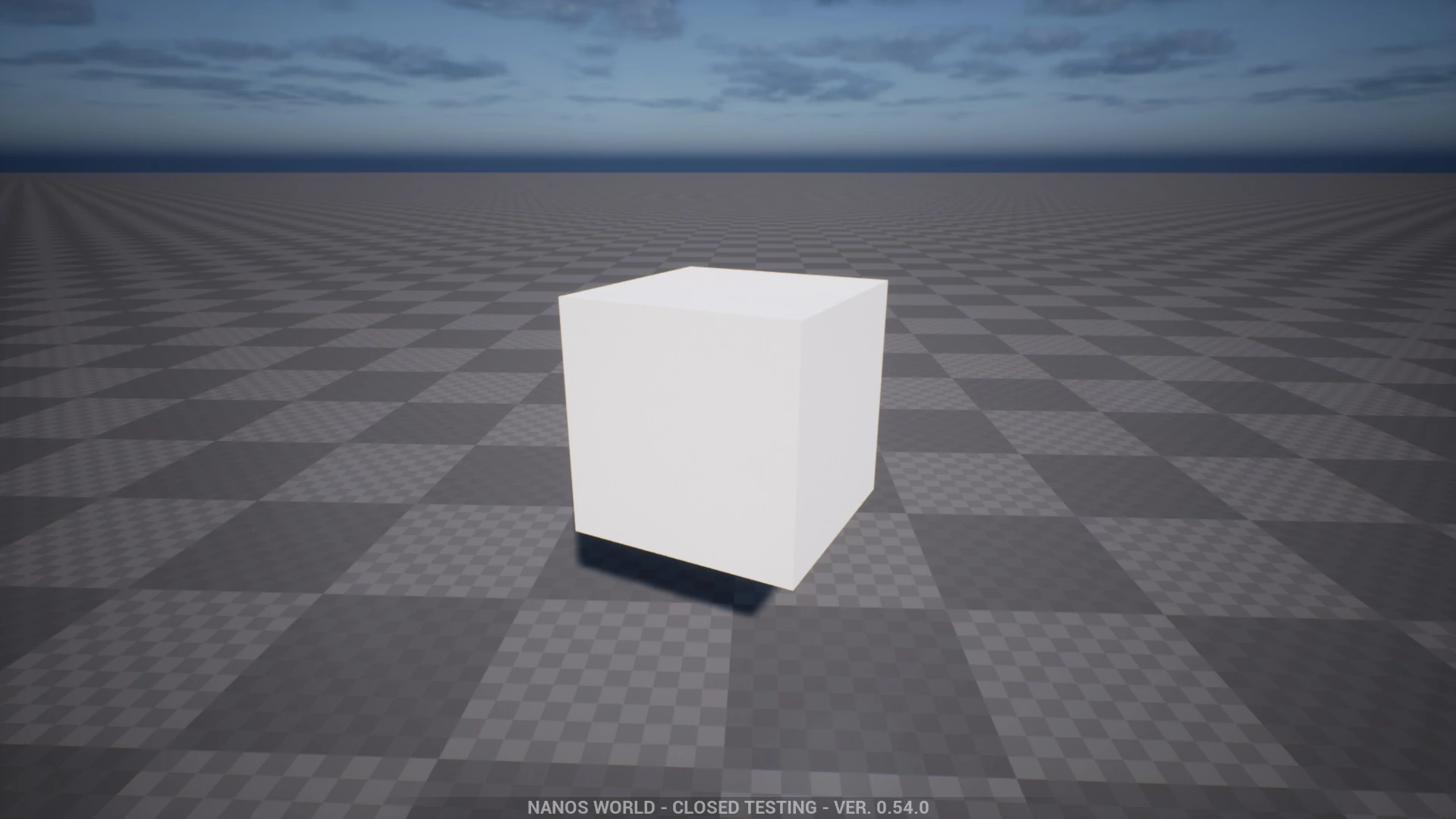
应用默认 Masked 材质的空白立方体
将网格体染色为红色
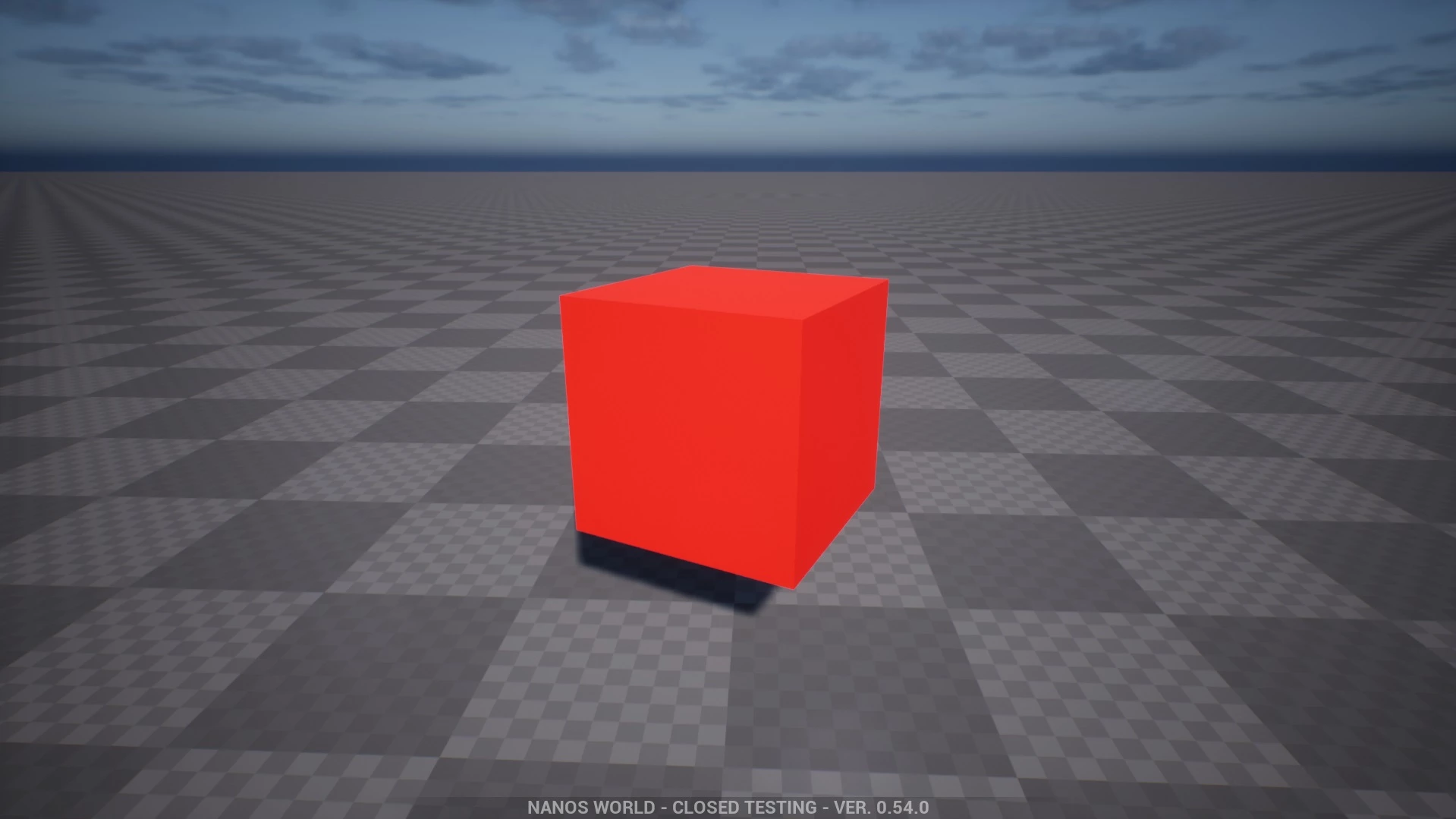
Now let's set its material to red! To be able to do that, we must set the Color parameter named Tint, which is the parameter connected to the Base Color of the nanos world default Materials. You can find all parameters available in the Default Materials page.
-- 生成静态网格体立方体
local my_cube = StaticMesh(Vector(300, 0, 100), Rotator(0, 45, 0), "nanos-world::SM_Cube")
-- 将其材质替换为 nanos 默认的 Masked 材质
my_cube:SetMaterial("nanos-world::M_Default_Masked_Lit")

-- 将其涂成红色
my_cube:SetMaterialColorParameter("Tint", Color(1, 0, 0))
应用带有红色参数的默认 Masked 材质的立方体
让网格体呈金属质感
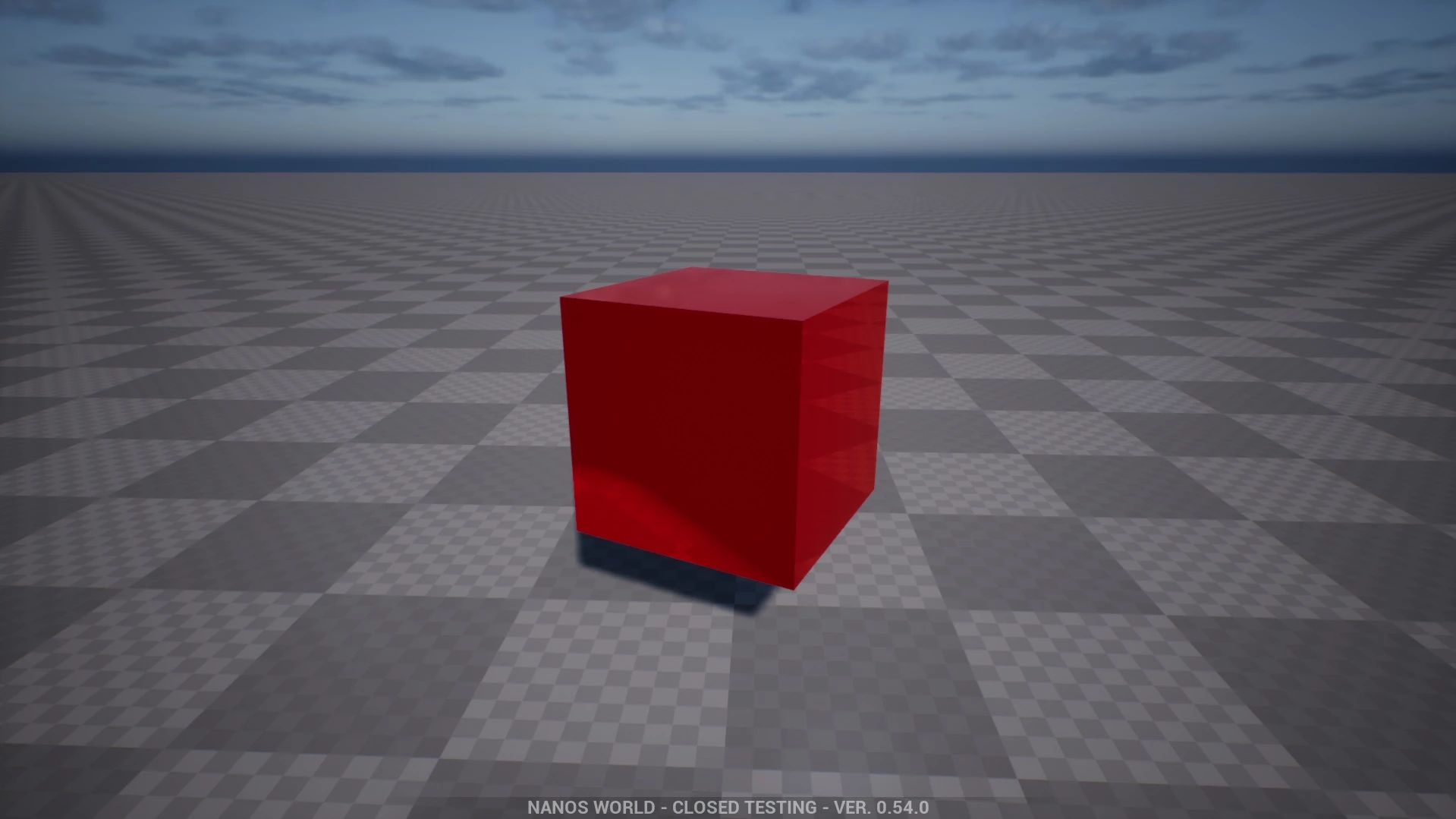
Now let's give it a metallic style! You can learn more about Physically Based Materials to know about how each input affects the final representation of a surface!
-- 生成静态网格体立方体
local my_cube = StaticMesh(Vector(300, 0, 100), Rotator(0, 45, 0), "nanos-world::SM_Cube")
-- 将其材质替换为 nanos 默认材质
my_cube:SetMaterial("nanos-world::M_Default_Masked_Lit")

-- 将其涂成红色
my_cube:SetMaterialColorParameter("Tint", Color(1, 0, 0))

-- 设置金属感
my_cube:SetMaterialScalarParameter("Metallic", 0.85)

-- 设置光泽感
my_cube:SetMaterialScalarParameter("Roughness", 0)
应用带有红色和金属度参数的默认 Masked 材质的立方体
制作镜面效果
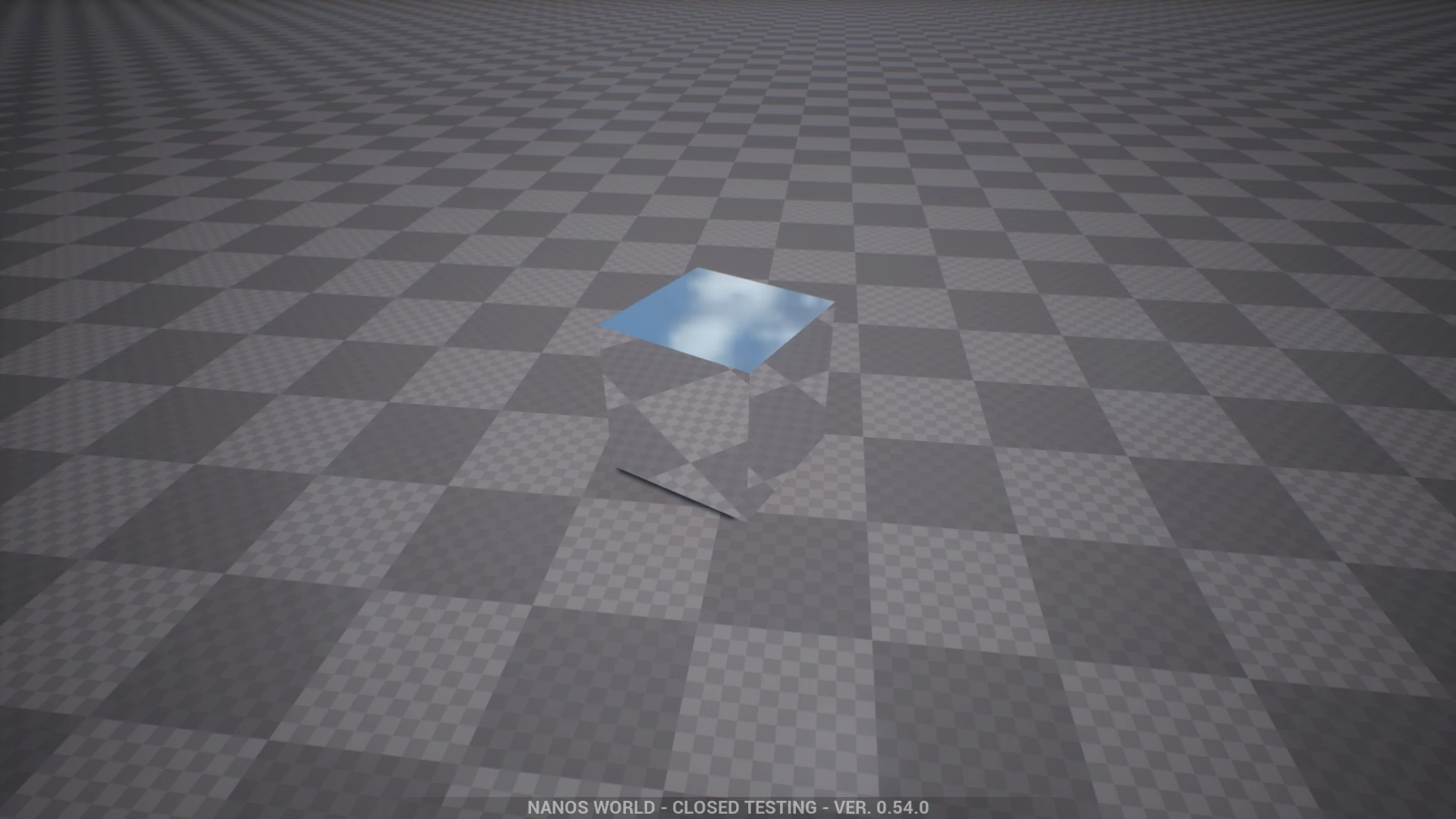
一个有趣的尝试是让材质完全反射,就像镜子一样:
-- 生成静态网格体立方体
local my_cube = StaticMesh(Vector(300, 0, 100), Rotator(0, 45, 0), "nanos-world::SM_Cube")

-- 将其材质替换为 nanos 默认材质
my_cube:SetMaterial("nanos-world::M_Default_Masked_Lit")

-- 设置为全金属和高光泽
my_cube:SetMaterialScalarParameter("Metallic", 1)
my_cube:SetMaterialScalarParameter("Roughness", 0)
应用带有金属度和粗糙度参数的默认 Masked 材质的立方体
将纹理加载到网格体
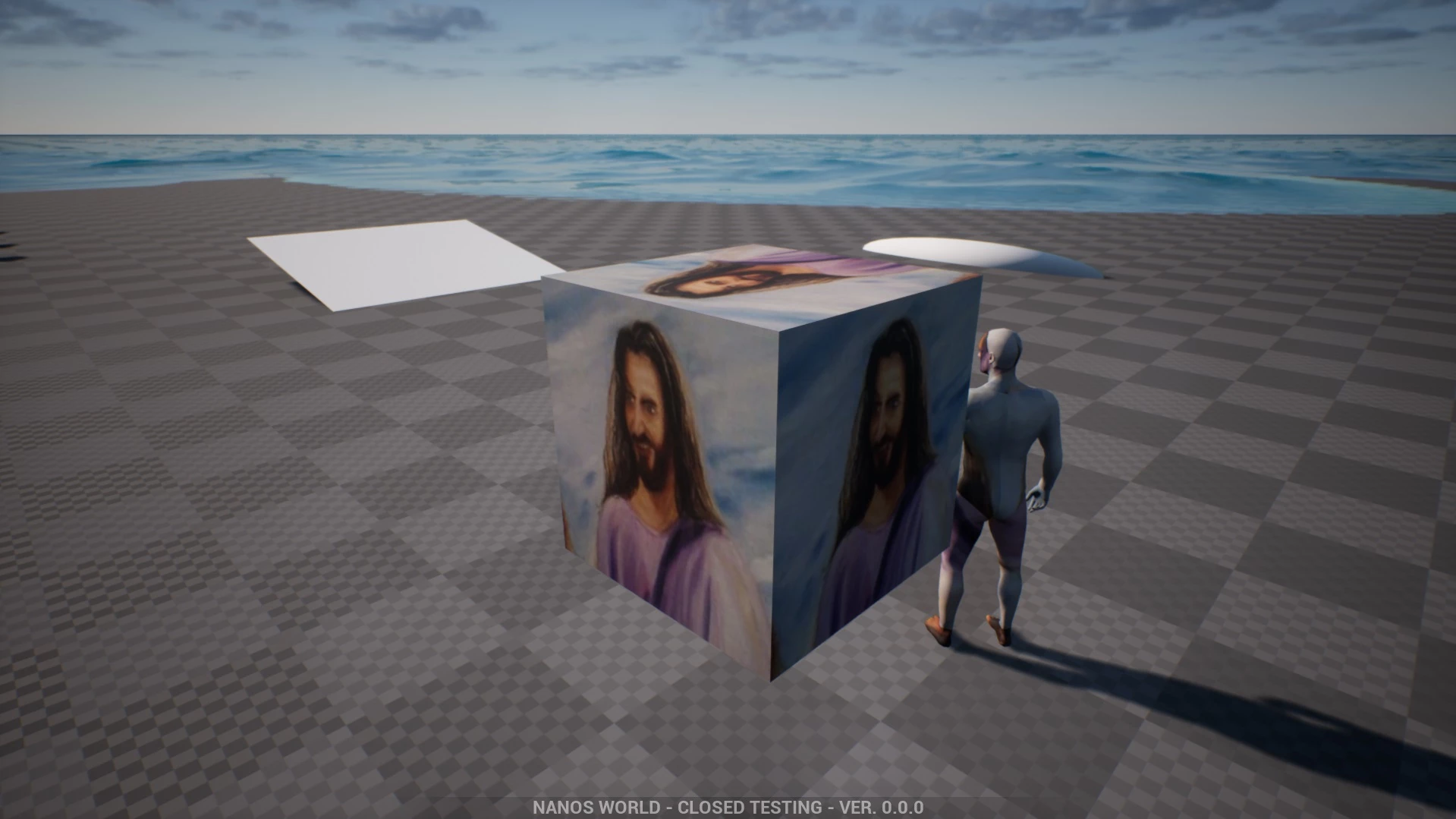
It is even possible to load images (.jpg, .png, etc) from disk and apply to the mesh! For that you will need to have an image inside an Asset Pack or a Package (in the Client/ folder). We are going to use this image (imgur) with the name syed.jpg and we will place it inside our Package Client/ folder.

现在你可以像这样设置它:
-- spawns a static mesh cube
local my_cube = StaticMesh(Vector(300, 0, 100), Rotator(0, 45, 0), "nanos-world::SM_Cube")

-- replaces it's materials with the nanos default one
my_cube:SetMaterial("nanos-world::M_Default_Masked_Lit")

-- applies a custom texture to a parameter called "Texture"
-- the path format is package://[PACKAGE_FOLDER_NAME]/[PATH_TO_FILE]
my_cube:SetMaterialTextureParameter("Texture", "package://my-package/Client/syed.jpg")
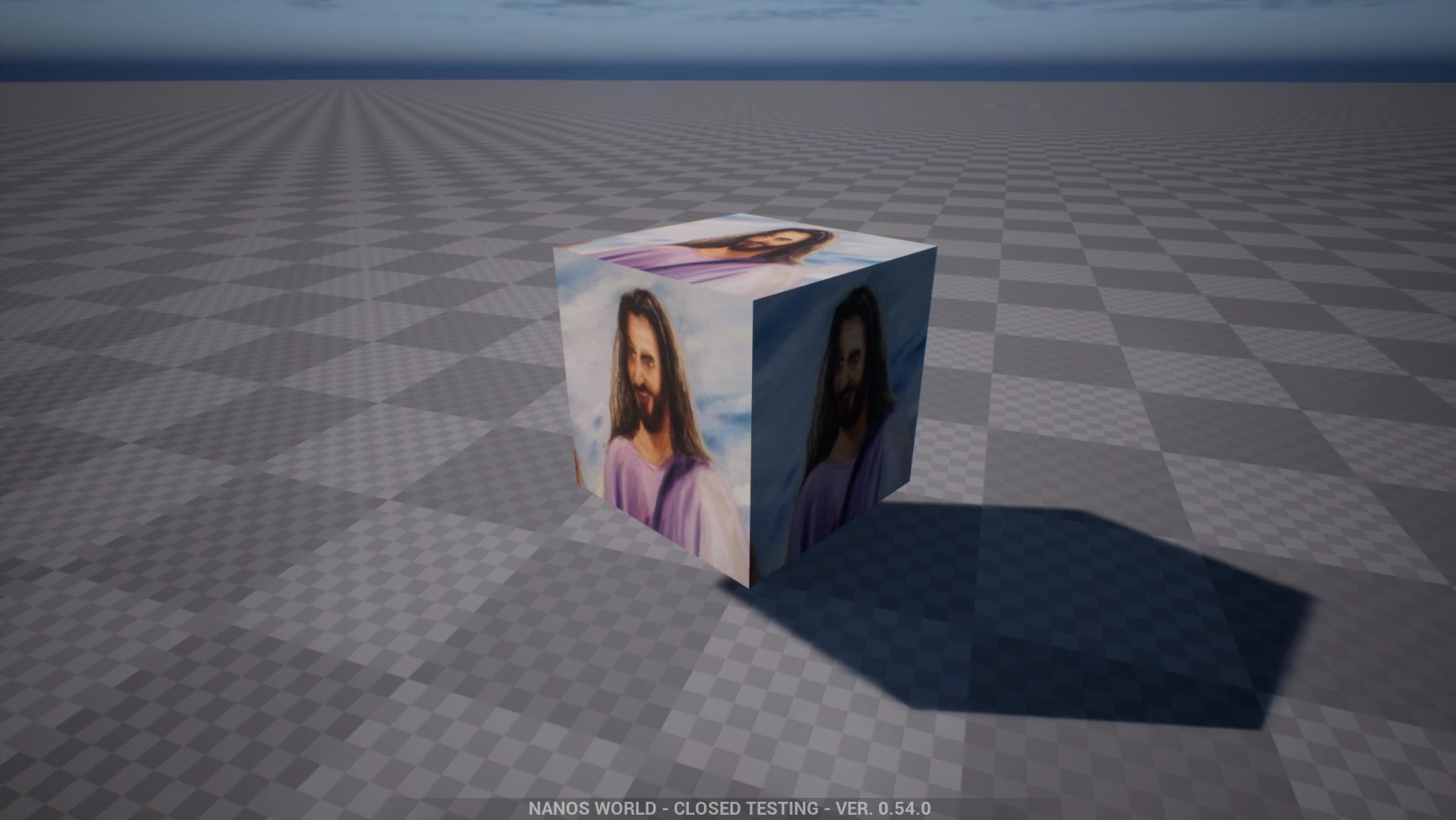
瞧!轻而易举!尽情创建你自己的材质和纹理并在游戏内进行调整吧!
请注意!直接从磁盘加载原始图像速度较慢,可能会导致不必要的卡顿!此外,原始图像在加入服务器时既不会被缓存,也不会被自动预加载。