📑 Lista Completa de Tutoriais
Lista de Tutoriais, Snippets e Exemplos para criar Packages e game-modes para o nanos world.
🚀 Start Here
New to nanos world scripting? Follow these in order, each one builds on the previous:
- Essential Concepts: how everything works
- Quick Start: start your server and create your first Package
- Your First Game-Mode: build a small deathmatch, with a HUD and remote events
- Name Tags and Doors: short examples using events and triggers
- Basic HUD (Canvas): track the local Character and draw a HUD
🖥️ User Interface
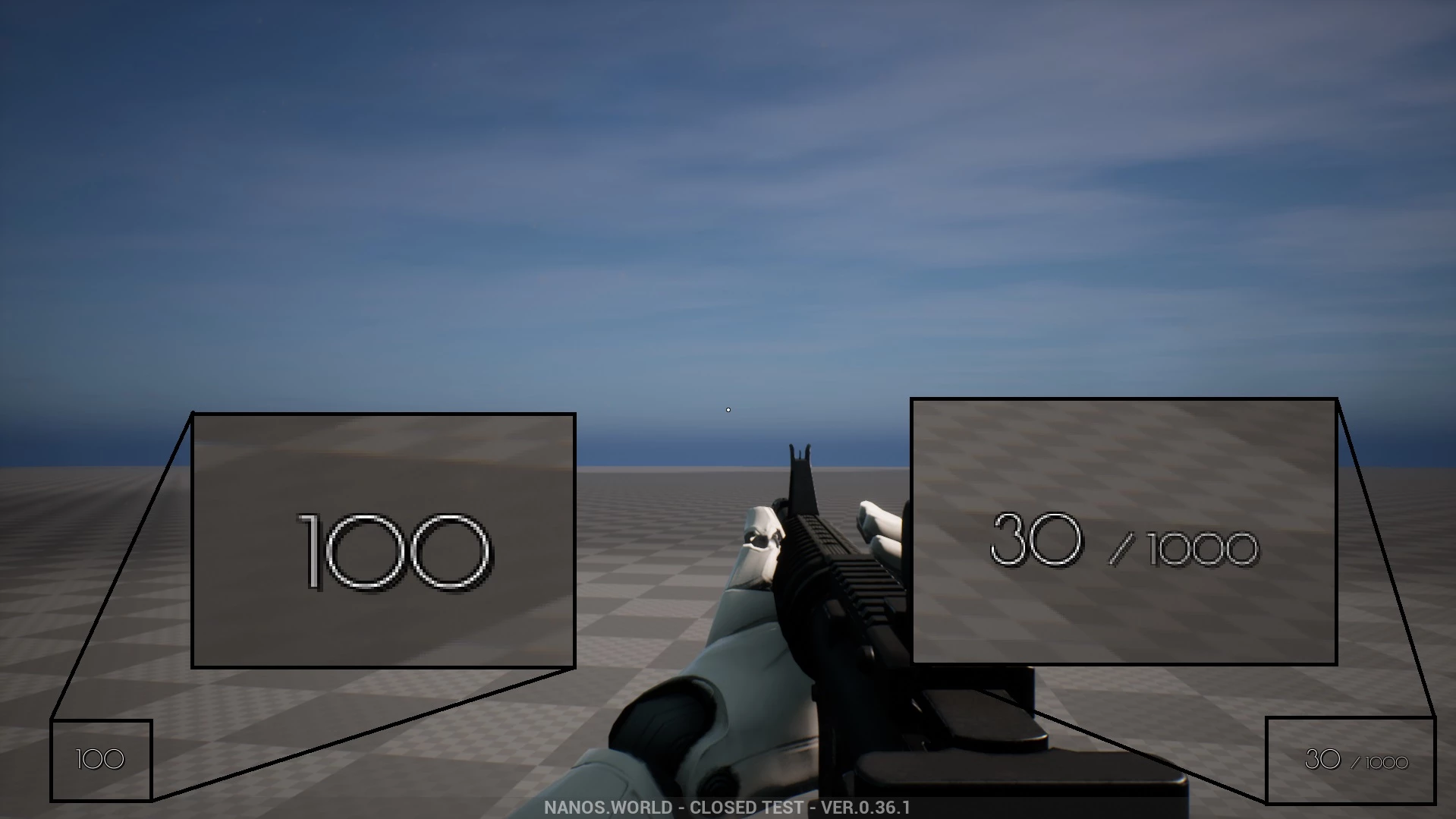
HUD Básica (Canvas)
How to add a basic HUD using Render’s Canvas features, to display the character’s Health and Ammo.
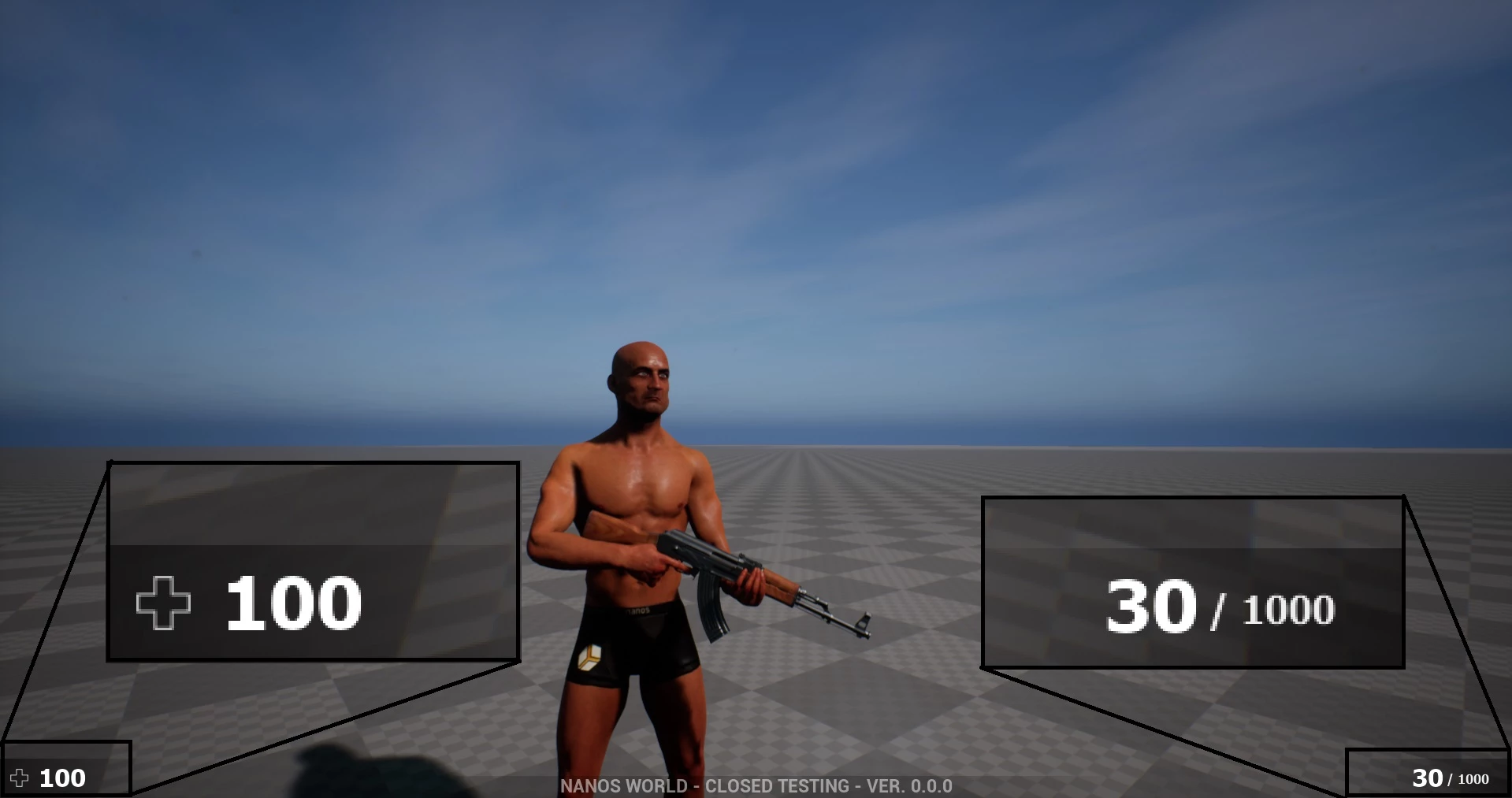
HUD básica (HTML)
How to add a basic HUD using HTML + JavaScript + CSS to display the character’s Health and Ammo based on CS:GO HUD.
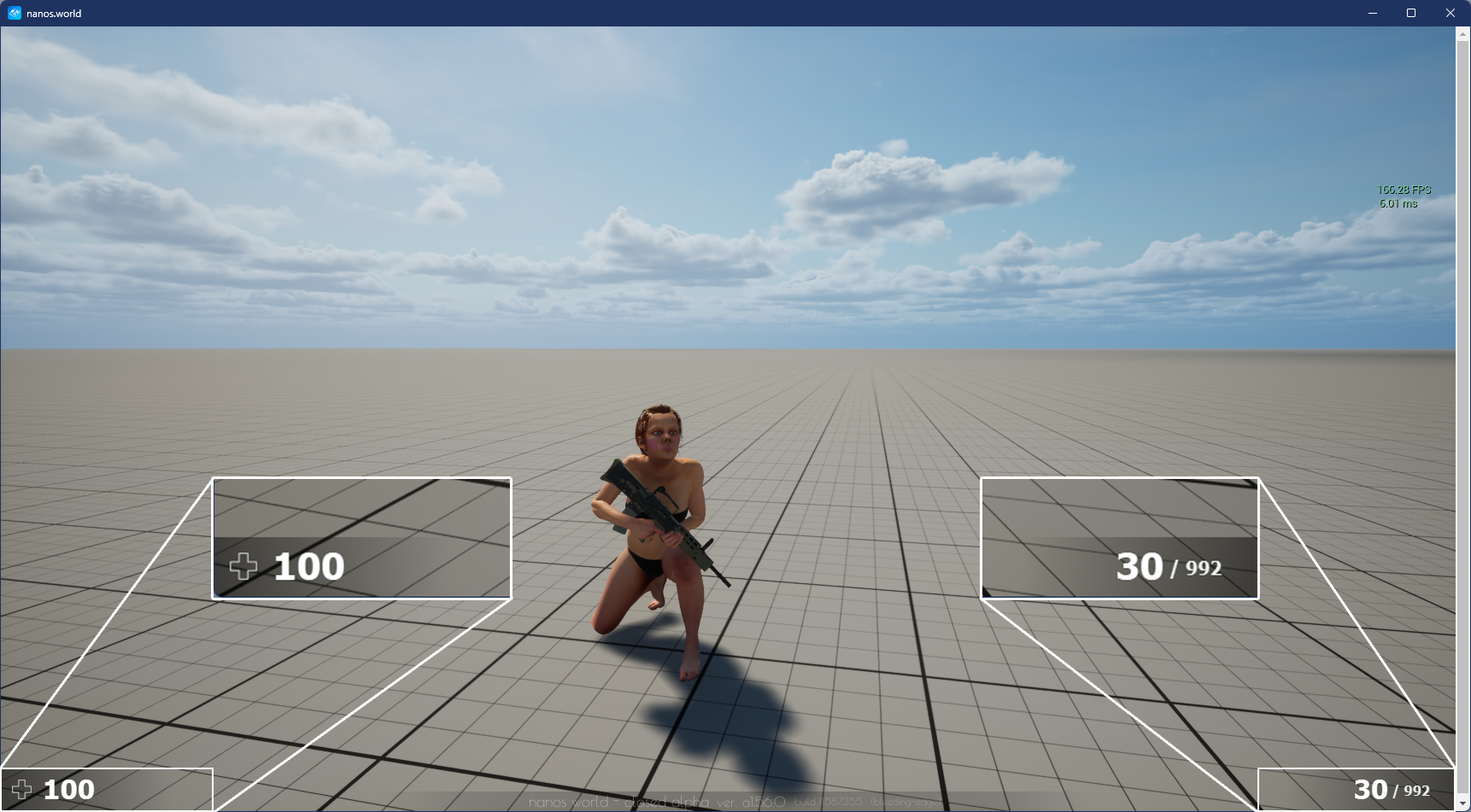
Basic HUD (React)
How to add a basic HUD using React (with Vite) to display the character's Health and Ammo.
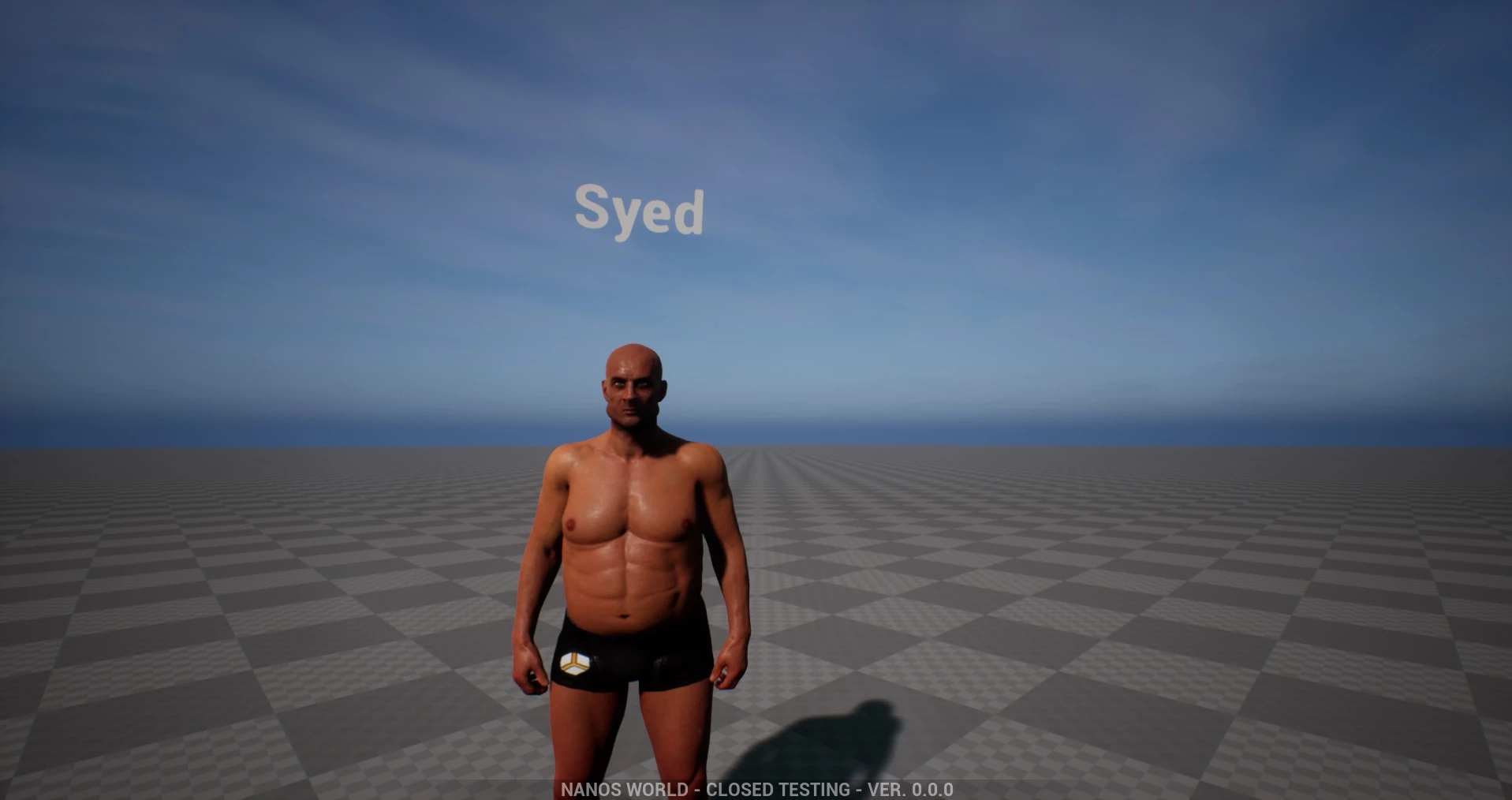
Nametags
How to add Name Tags to Characters.
🔫 Weapons
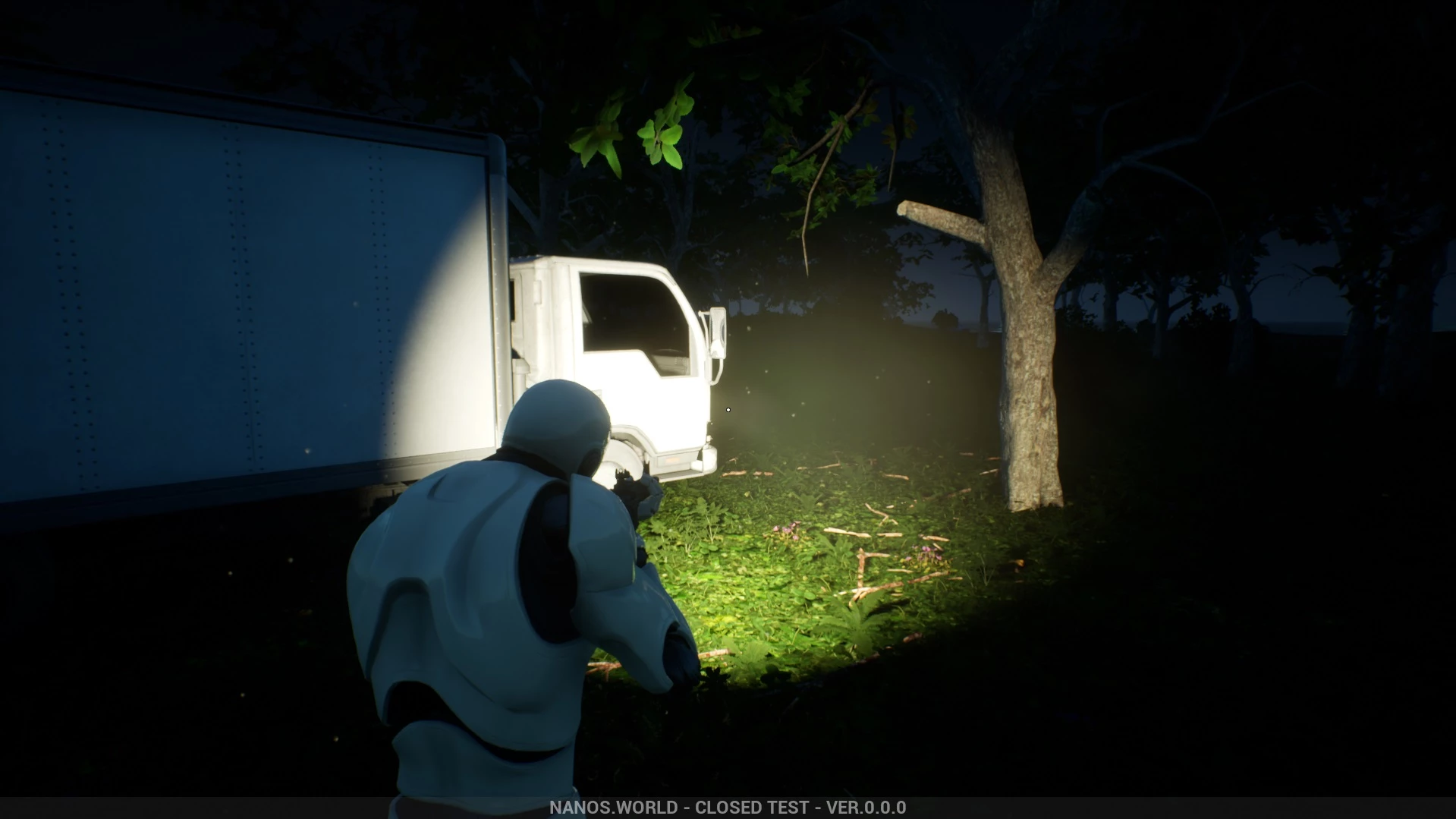
Lanterna para Arma
Este exemplo de código anexa uma Light a uma arma para fazer uma lanterna attachada.
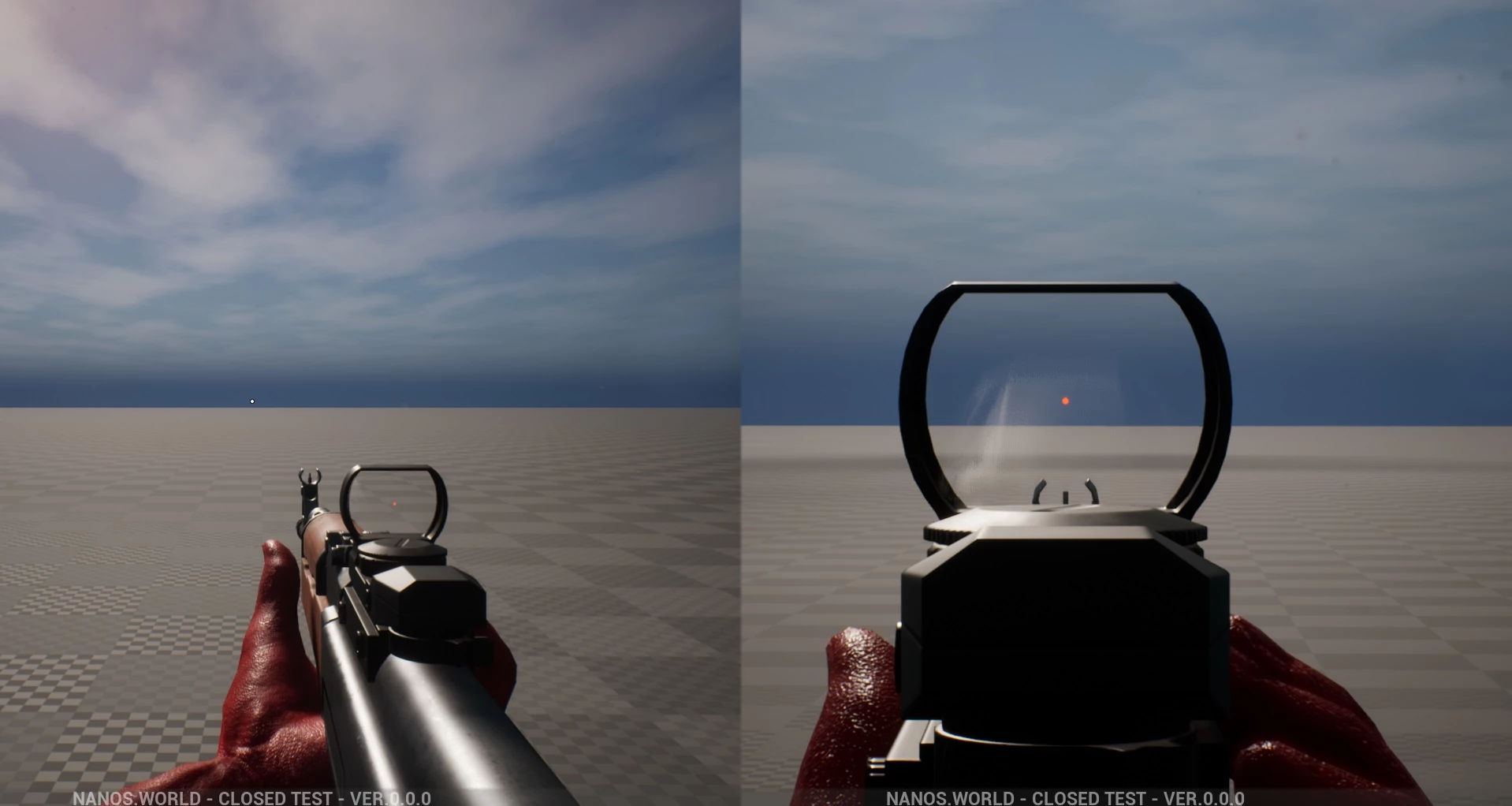
Mira para Armas
This sample code shows how to attach custom sights meshes into a Weapon and work as real scopes.
Prop Shooter
This sample code modifies a Weapon to make it shoot Props instead of normal bullets.
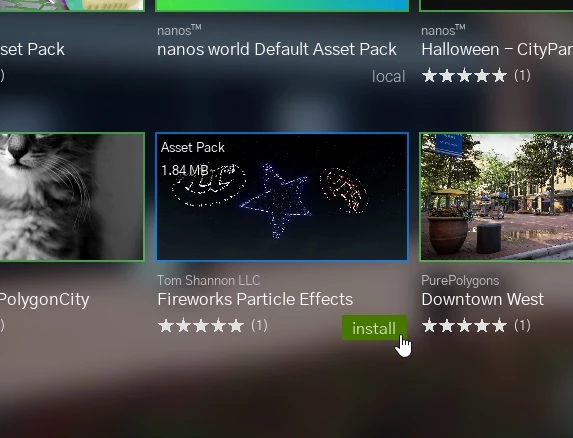
Fogo de Artifício
How to create a Firework-shooter weapon using the Fireworks Particle Effects Asset Pack from our Vault!
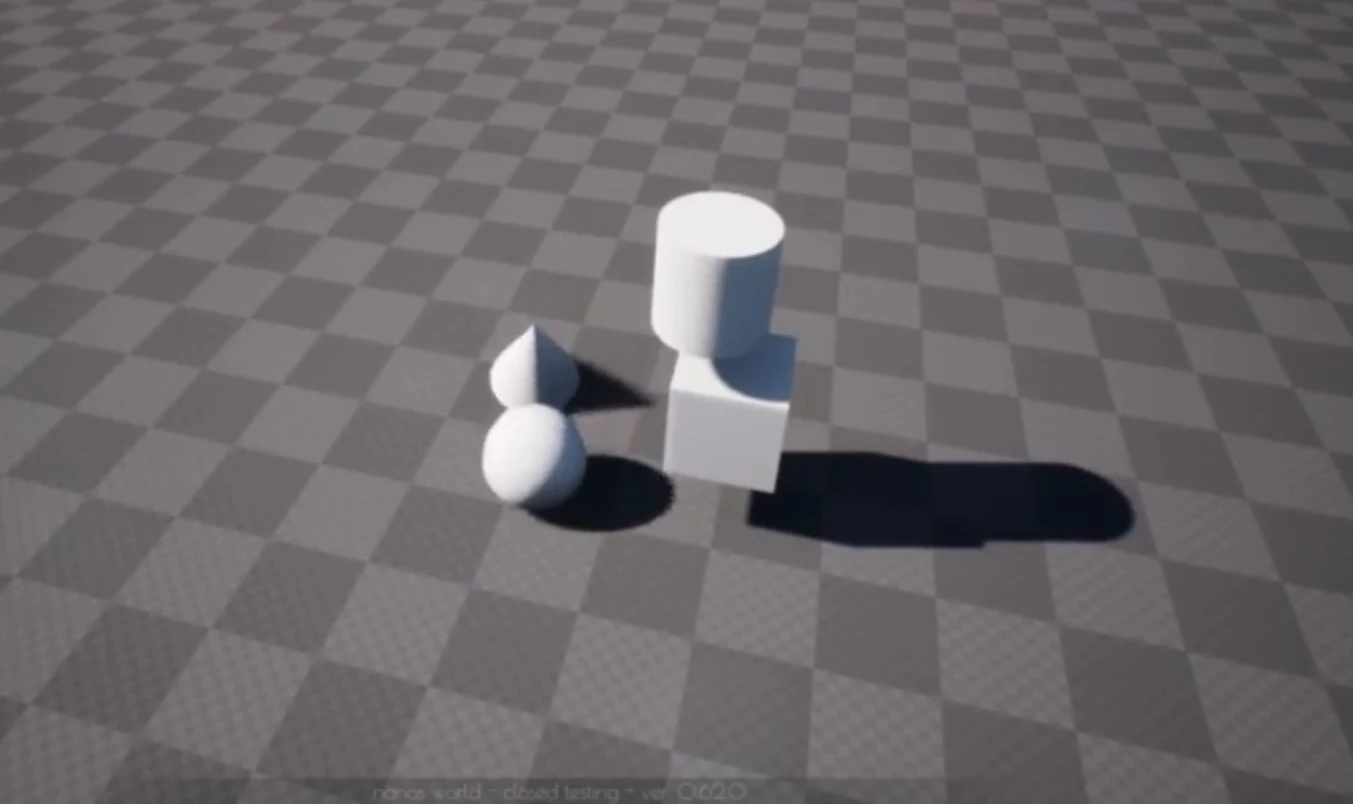
Arma de Gravidade
How to create a simple Gravity Gun to move Props around, validating the client input on the server.
🌎 World & Gameplay
Portas
How to create a simple and automatic door when Characters move in.
Prop Rain
How to create a rain effect with Props (boxes) falling from sky once a Character enters a Trigger.
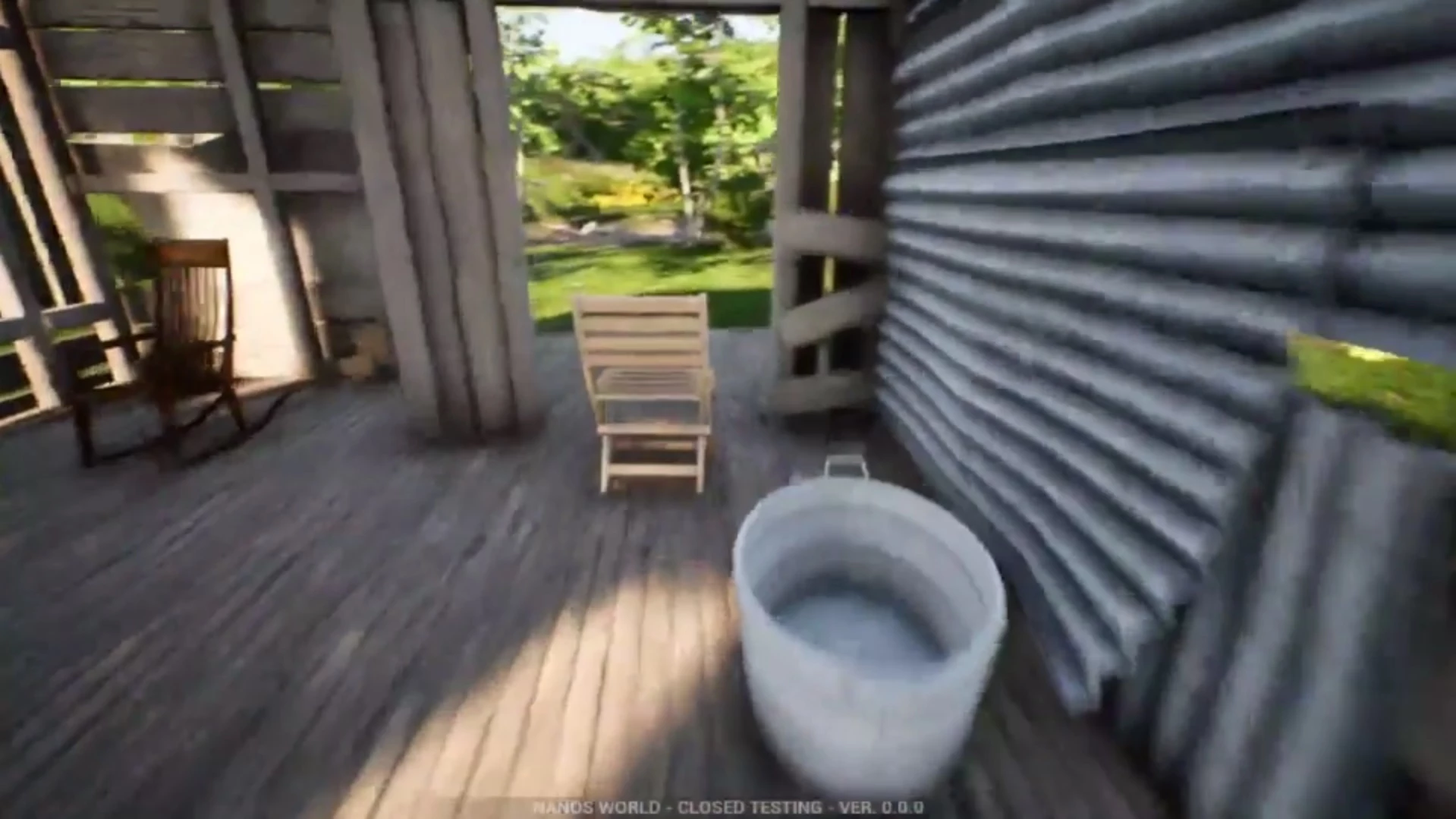
Jogar como Prop
How to simulate a Prop possessing using a Character. This can be used for Prop Hunt game-modes!
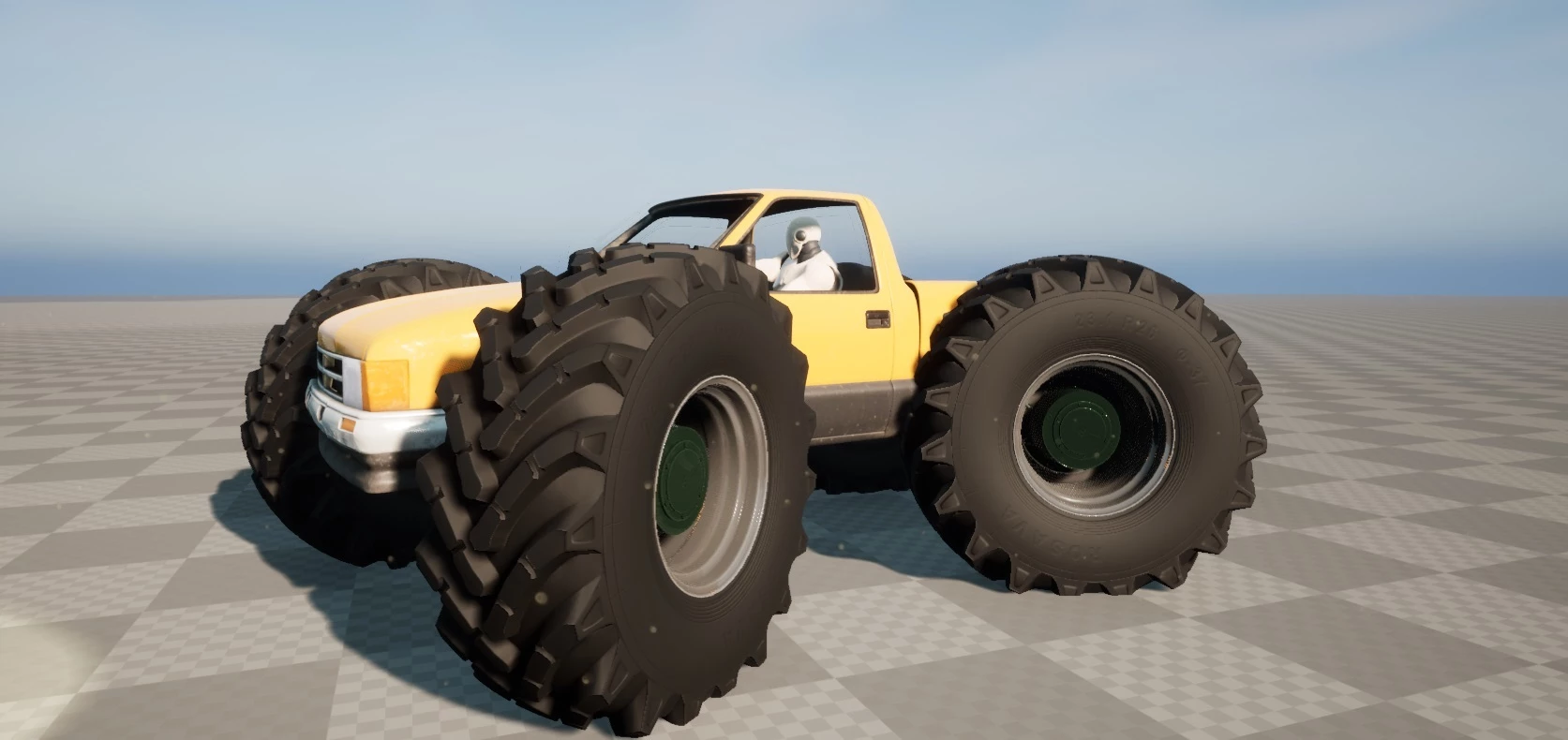
Monster Truck
How to create a Monster Truck using the Vehicle system.