Sep: Open Playtest, Projects, Hub & Feedback!

Halloween Game Jam submissions are open, upcoming open playtest, introducing Projects, the new Hub & Global Search, new Profiles, Support & Feedback pages, Character Shooter Mode, WebUI rendering rewrite and much more!
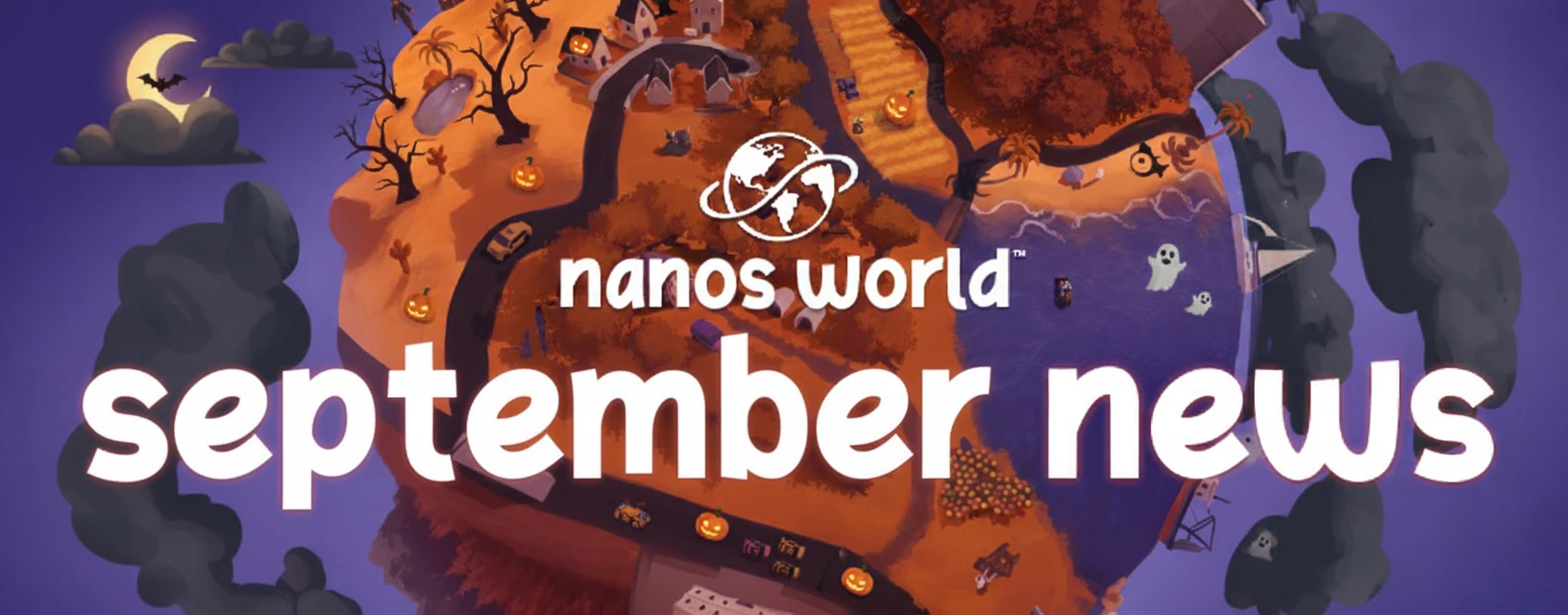
Welcome to our roundup of the latest updates from the last month!
🎃 Halloween Game Jam is Running!
The Halloween Game Jam 2026 is officially live, and submissions are open right now! 👇
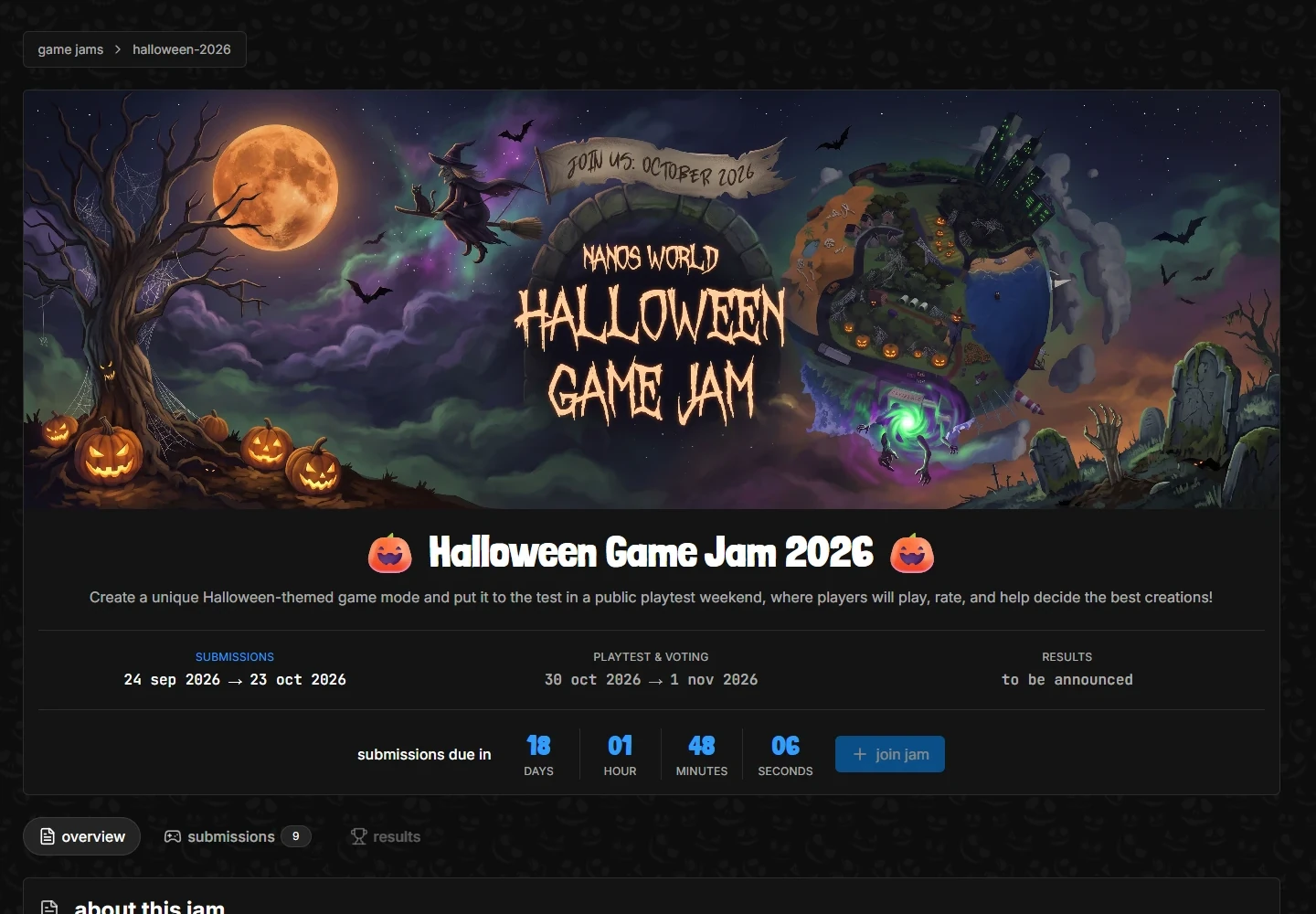
We already have several submissions, and there is still plenty of time to join! These are the dates:
- Submissions & Development Time: until October 23.
- Public Playtest & Voting: from October 30 to November 1, open to everyone on Steam.
- Results: announced shortly after the Playtest.
To join, head to the Game Jam page, click join jam and create your entry. You can submit a game-mode as a solo developer or with your Team, add screenshots and videos to it, and register a server to host it during the event.
This will be our biggest Playtest yet, with tens of thousands of players participating! It's the best time to showcase your work and put nanos world in front of the crowd! 🙏
Halloween 2026 Game Jamhttps://nanos-world.com/game-jams/halloween-2026Every participant and voter will get a Halloween 2026 Game Jam badge, and the winners will get special ones! 🏆
Introducing... Projects!
The biggest addition to the website this month: Projects!
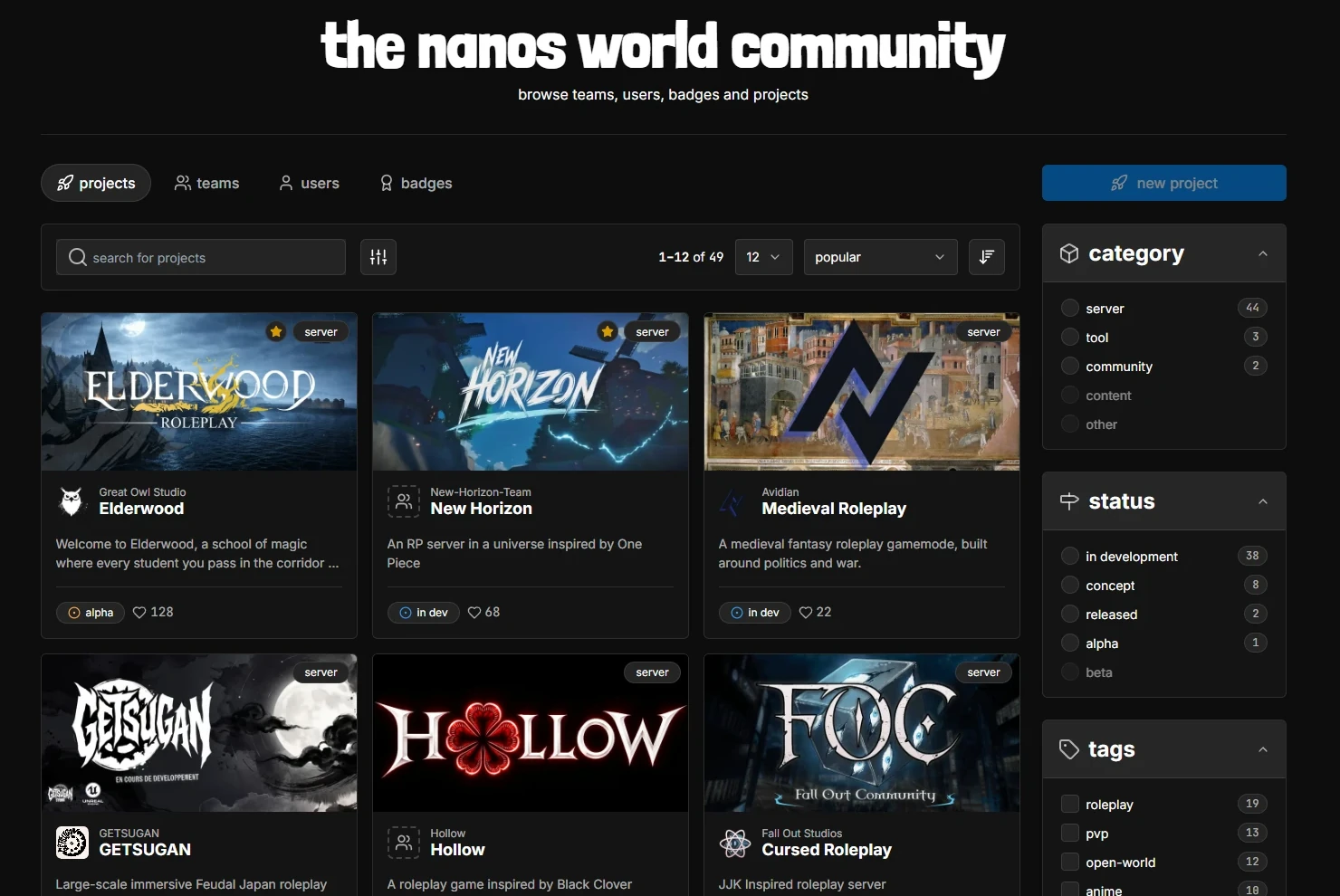
A project is the page for something your team is building or running: a server, a community, a tool or any other creation. It shows people what it is, how far along it is and where to find it, and lets you link the store resources it uses.
Every Team can now create Projects and show them to the world, with their own page, description, screenshots, videos, links and languages.
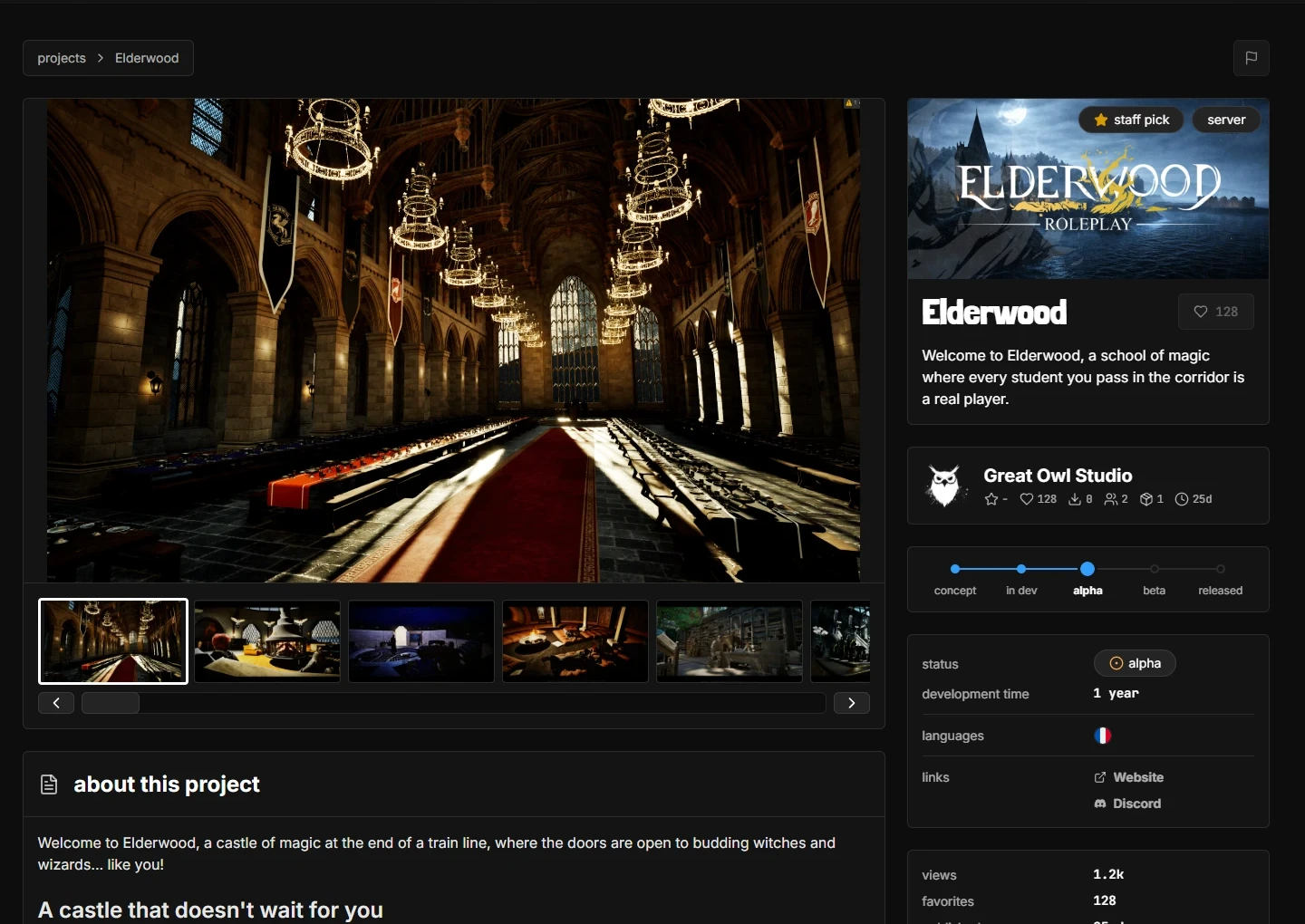
Each Project shows its development status (concept, in dev, alpha, beta or released) and how long it has been in development, and has its own Favorites count, so people can show their support for it.
Is your project looking for people? Mark it as Recruiting, and other developers will be able to find it with the filter on the Projects page!
Go ahead and create your own Project, and show the world what you are working on!
Community Projectshttps://nanos-world.com/community/projectsKeys for your Project
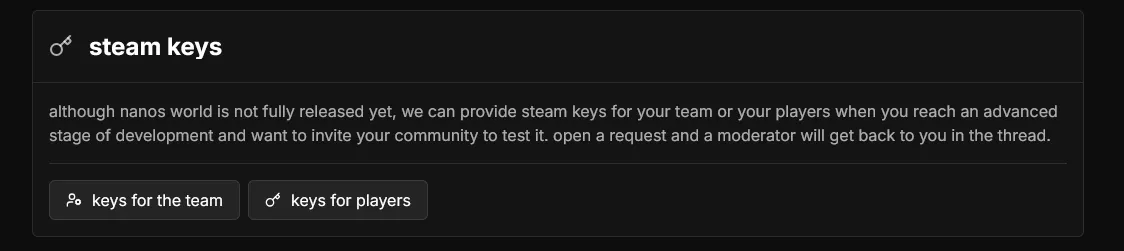
Also, Projects are now the place to request keys for your players or developers. If your project is a server, you can request keys for it through the new Support page, and we will send them to you in a single place.
Website & Community
September was a huge month for the community, with tons of changes and new features for the website!
The Hub
The new Hub is now the home of everything happening on nanos world: the current events, the overall stats and what is trending this week across the Store and the Community, all in a single page.
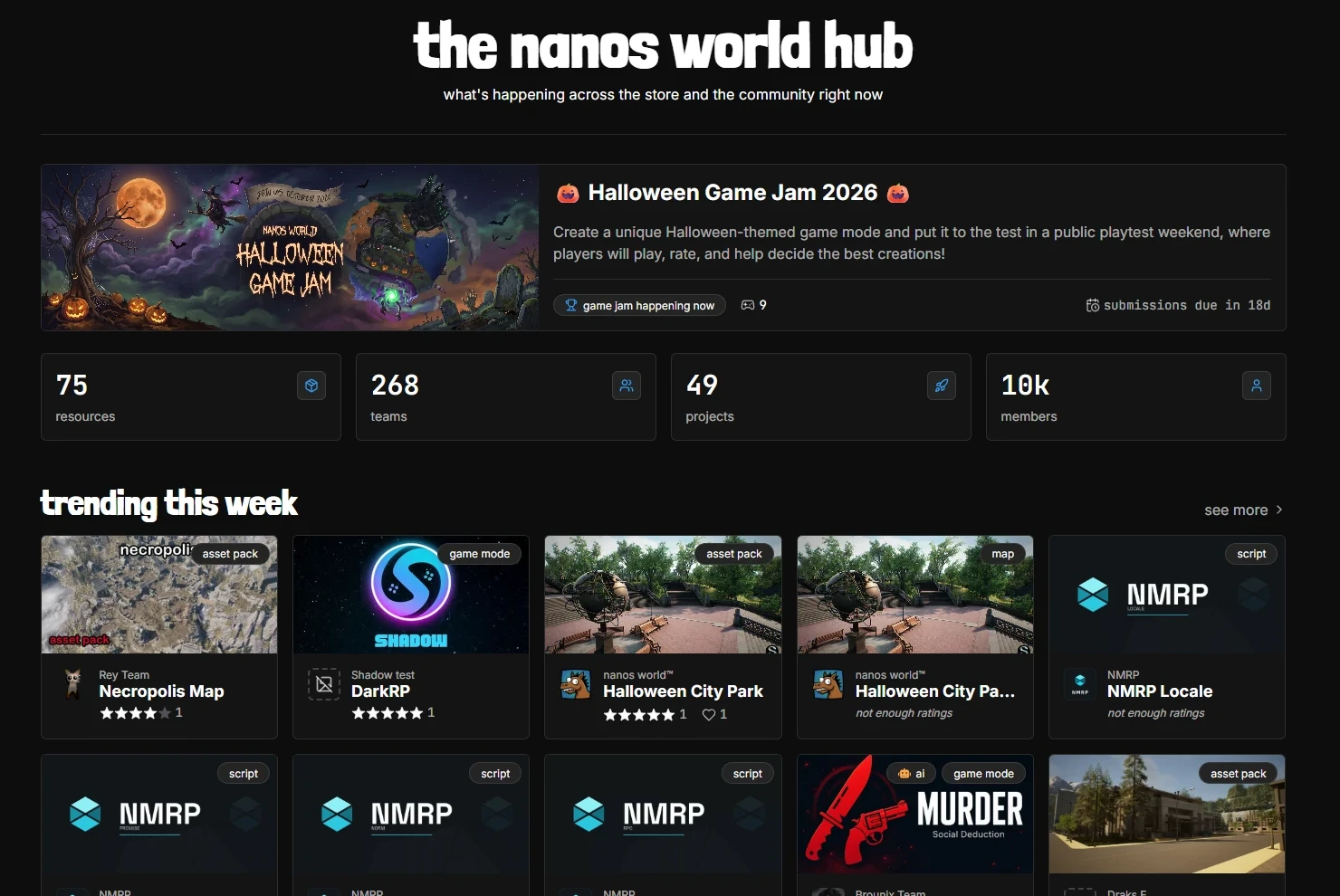
You can see the trending resources, popular packages and projects, top creators, recently updated resources and new projects or teams being published.
The nanos world Hubhttps://nanos-world.com/hubNew Global Search
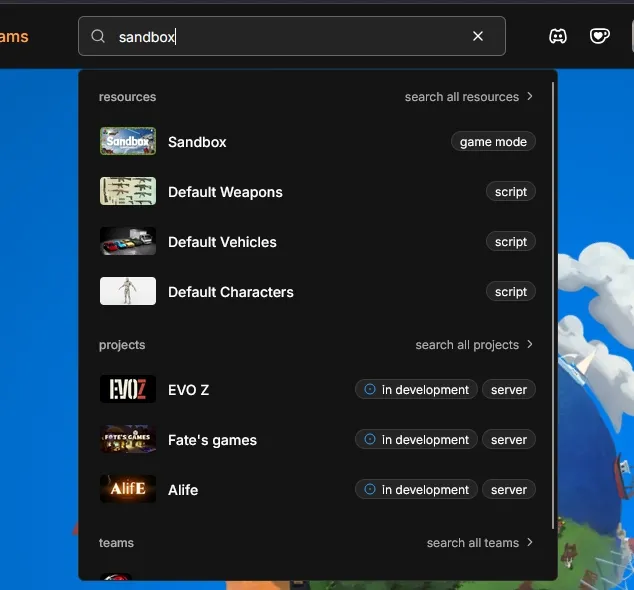
We also added a Global Search to the navbar, so you can search for any Project, Resource, Team or User from anywhere on the website!
New Navbar
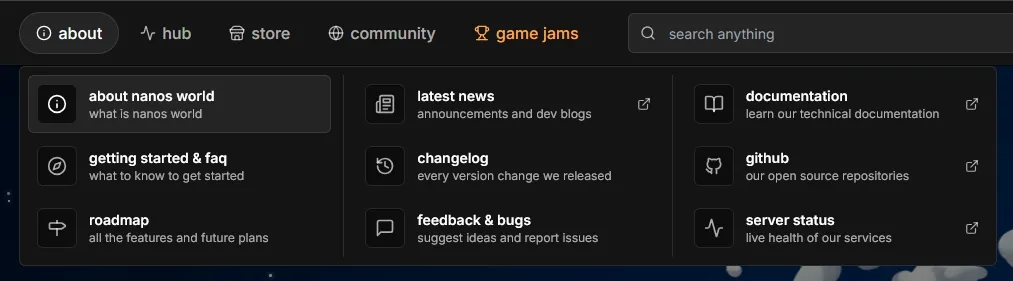
The navbar was redesigned, with richer dropdowns to reach every page faster:
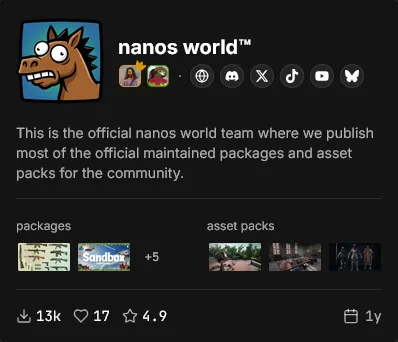
New Hover Cards
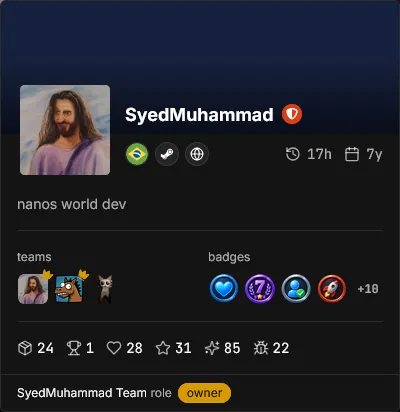
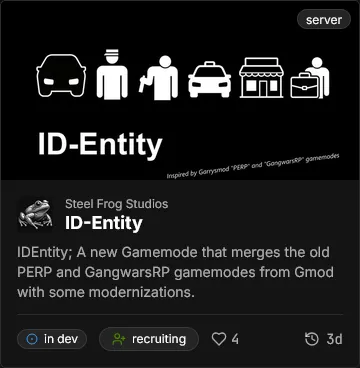
Now, hovering the cursor over any Project, Resource, Team, User or Badge across the site shows a Hover Card with its details, so you don't need to open a page just to check who someone is:

New Profile & Team Pages
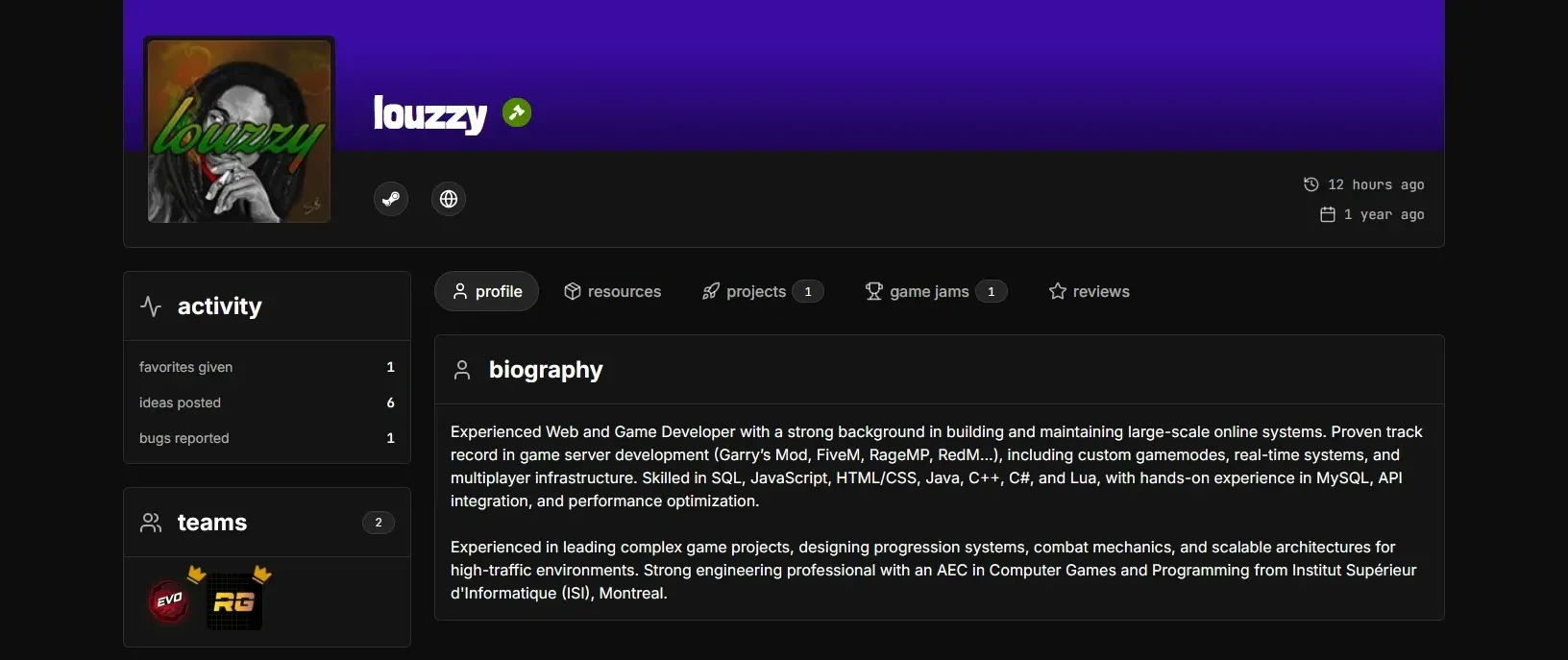
Profile and Team pages were redesigned with new tabs showing your Resources, Projects, Game Jams you participated in and Reviews you wrote, plus an Activity panel with your stats (favorites given, reviews written, ideas posted and bugs reported).
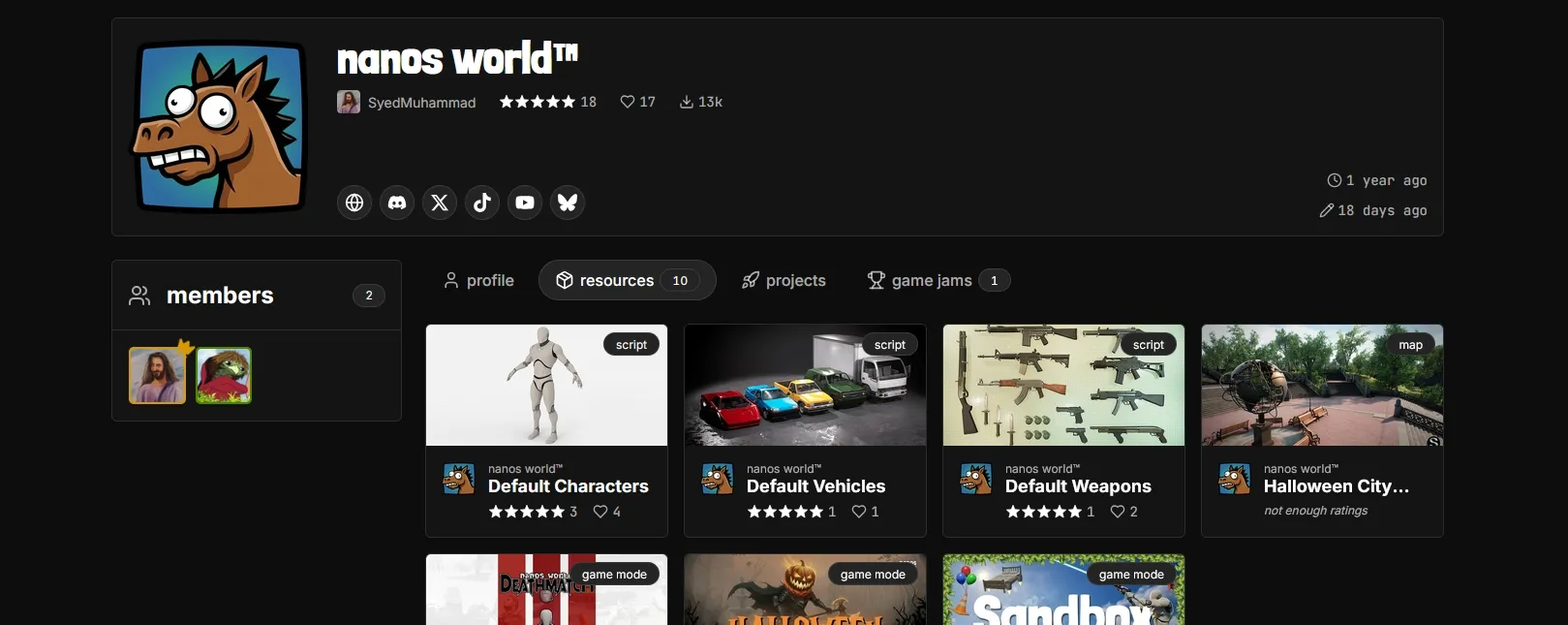
You can now add Links to your profile and to your Teams. Links are automatically matched to common websites (Discord, GitHub, YouTube, X, Twitch, Ko-fi, etc.) and display their icons. Go ahead to your Profile or Team page and add yours!
AI Generated Content Filter
Since low-effort AI-generated content is becoming more common, and the community asked for a way to identify and filter it, we added a new AI-generated label for Resources and Projects, and you can filter them out when browsing the Store or Projects pages.

The AI-generated label is applied by our moderation team. If any of your resources or projects is marked as AI-generated by mistake, you can appeal it through the Support page.
Also, if you find any resource or project that is low-effort AI-generated and not marked as such, please report it through the Report button on its page.
Resources Management
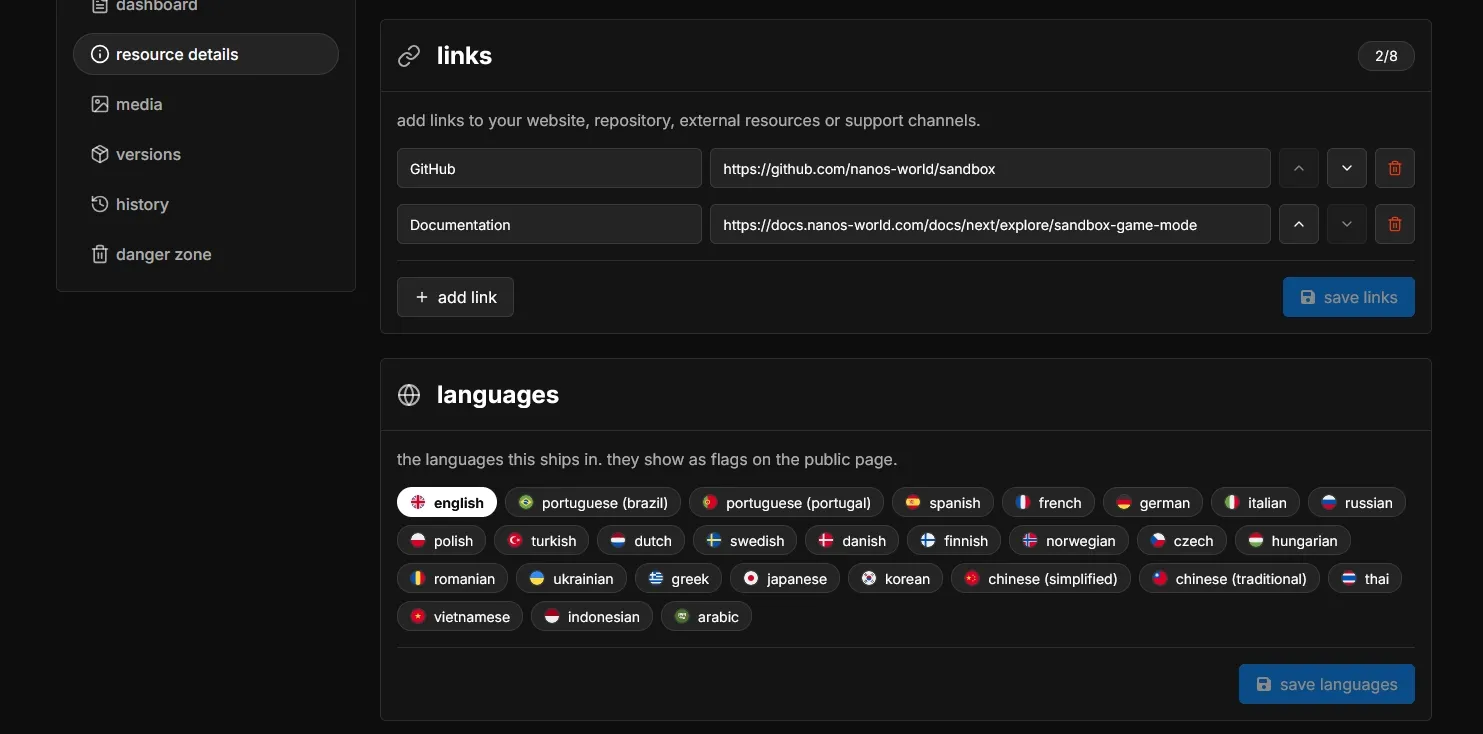
Resources can now have Languages, Links and Videos, and up to 20 screenshots, and a description of up to 25K characters, allowing creators to show more details and context about their creations!
The publishing checklist and the visibility settings were merged: a Resource or Project can only be published after completing the checklist. We also made the checklist more interactive, showing the progress and allowing you to click on each item to go directly to the page where it can be completed.
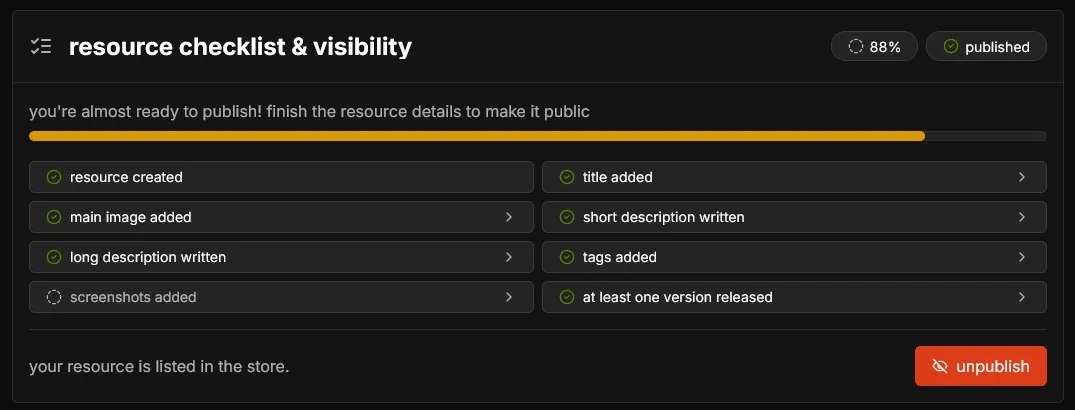
Also the resource (and teams) manage page has a new History tab, showing an audit trail of every change made to it.
Improved Favoriting & Rating
The rating modal was redesigned to be more interactive and fun, incentivizing users to rate resources. You can rate from 1 to 5 stars, and your review and the average rating is shown on the resource page.
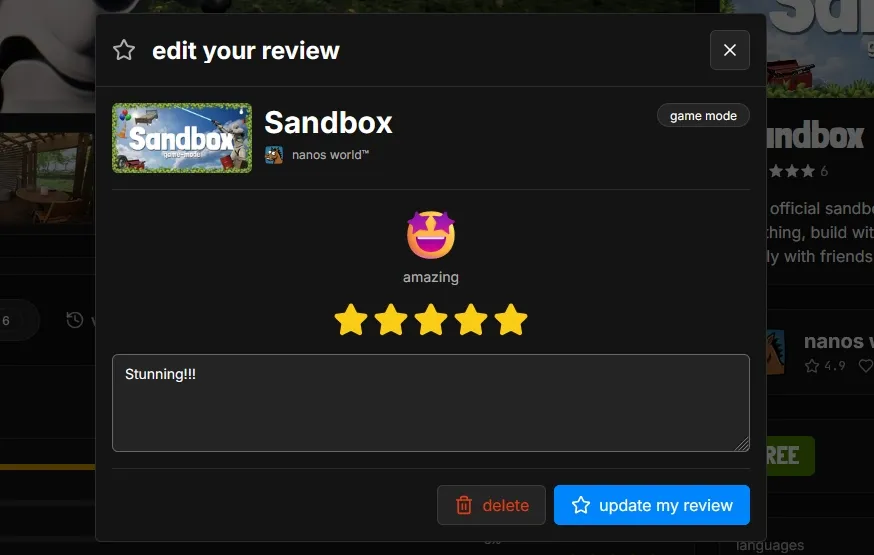
You can rate any resource in their Reviews tab!
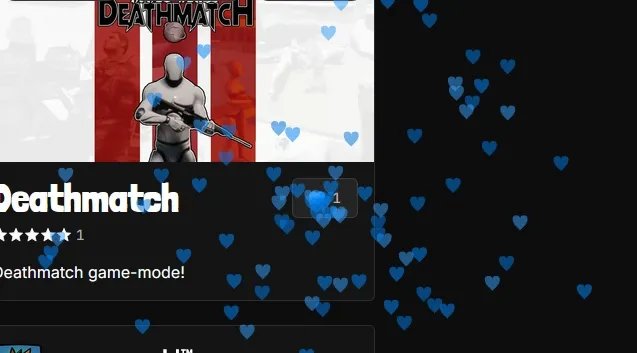
And we added some particle effects when rating, favoriting or creating a Team, Resource or Project. You should try it! 😉
New Feedback Page
We just launched a new Feedback page, where you can see all the ideas and bugs reported by the community, vote for them and comment on them. You can also submit your own ideas or report bugs, and track their status.
Everything from FeatureOS, Canny and GitHub was imported, so your old posts and votes are still there!
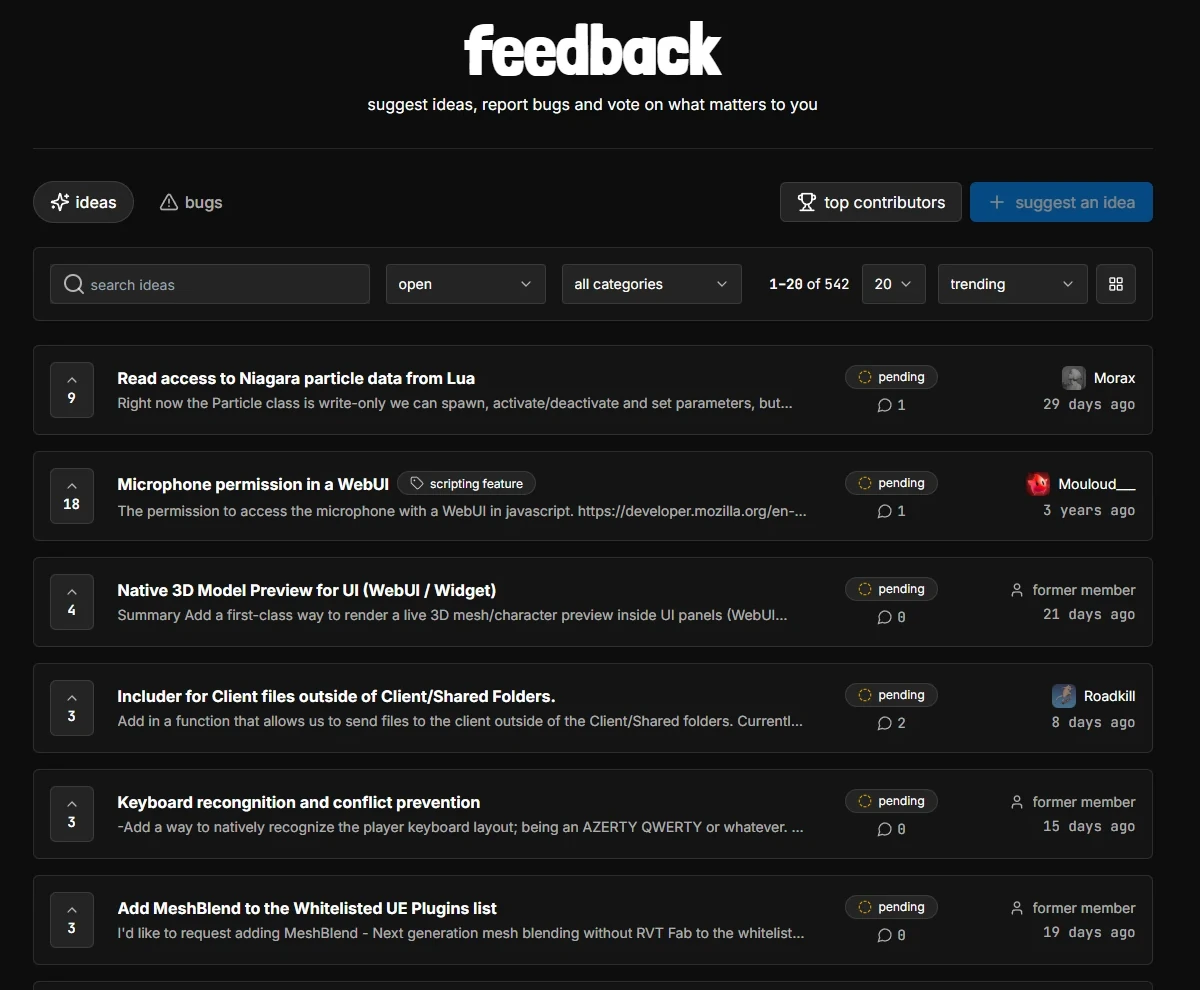
By creating a bug/idea post or voting for one, you get the special Voter and Feedbacker badges on your profile! The number of ideas and bugs you posted is also shown on your profile!
The new Feedback page also has a Top Contributors ranking with the users that have submitted the most ideas and bugs, and voted for the most posts!
Thank you for helping us prioritize what to work on next! We read every single post and comment, and we will try to answer as many as possible.
Feedback Pagehttps://nanos-world.com/feedbackRoadmap & Changelog
The Roadmap and the Changelog were also moved from the docs to the main website:
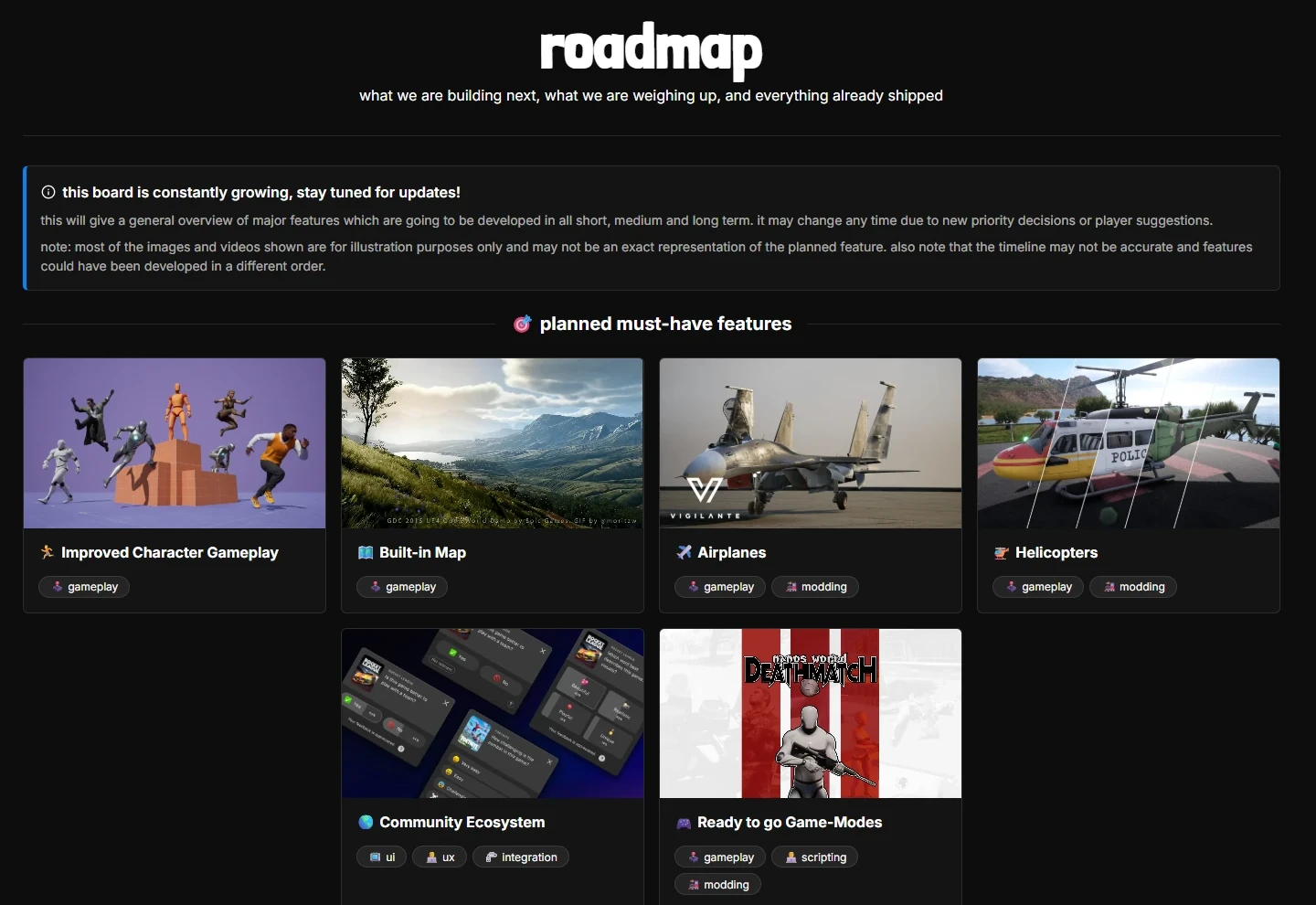
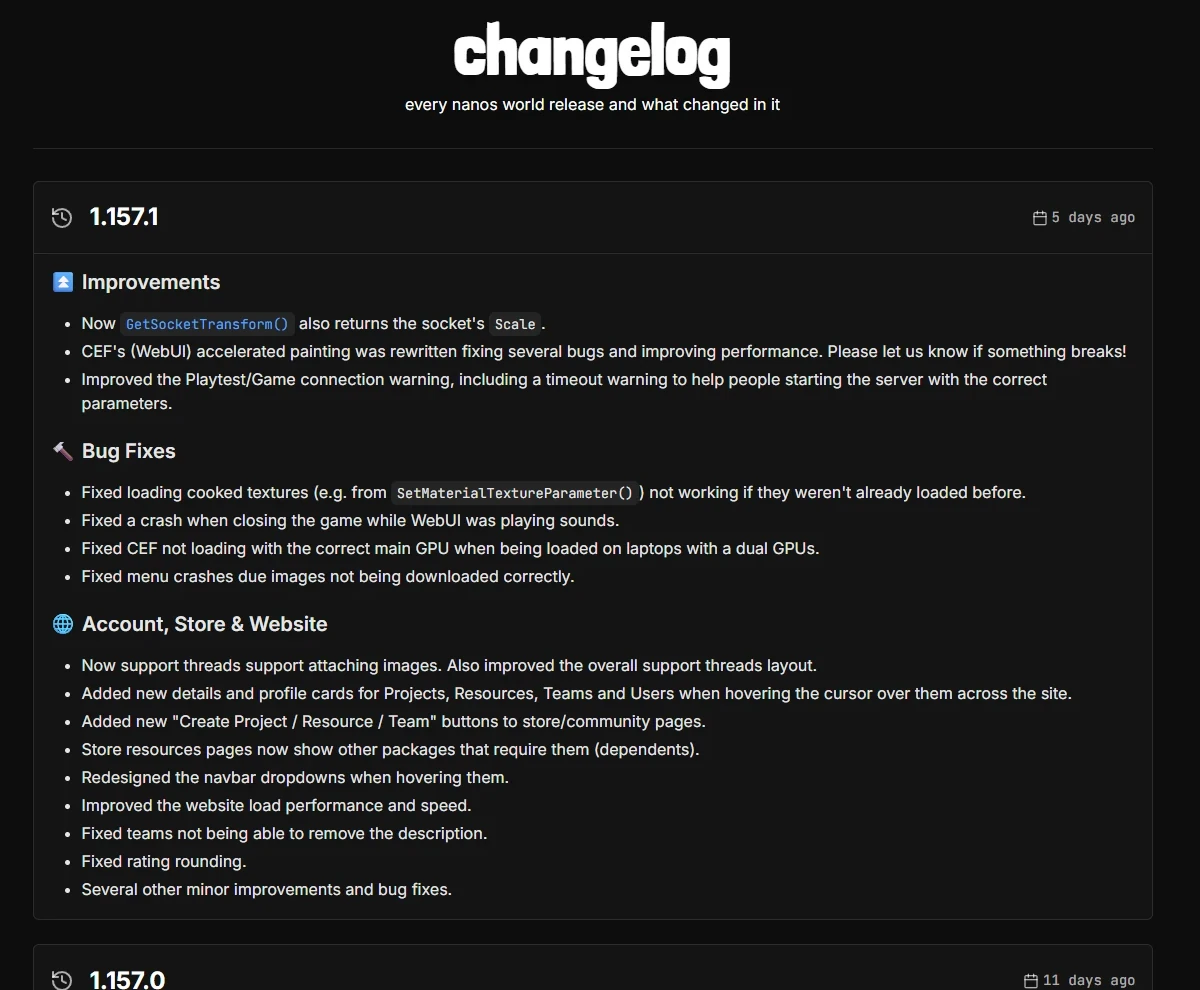
We also updated the Roadmap with the features we released recently!
Roadmaphttps://nanos-world.com/roadmap Changeloghttps://nanos-world.com/changelogPrimeiros passos
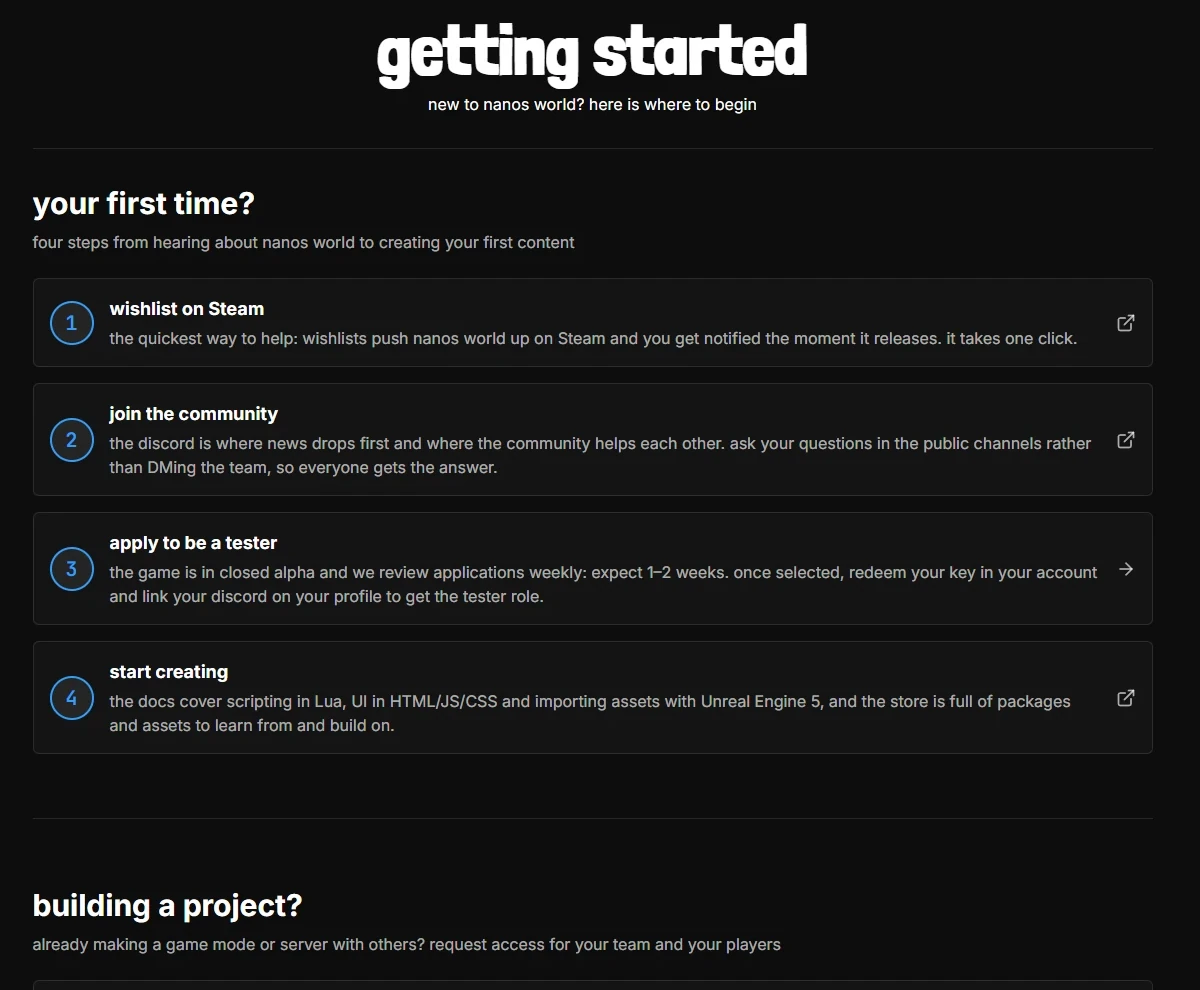
New to nanos world? The new Getting Started page walks you through the first steps: applying to become a tester, joining the community and starting to create. We also added a new FAQ.
Support
We launched a new Support area, where you can open a thread to talk directly with us: account issues, key requests for your Project, security reports and more.
Requesting keys for your Project's players is now done through Support too, with all the information we need in a single place.
Supporthttps://nanos-world.com/supportReports & Moderation
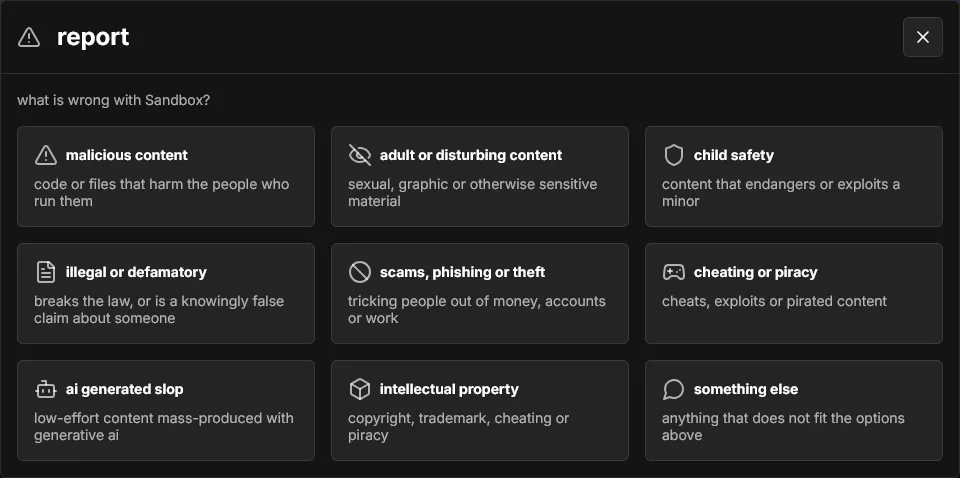
We reworked our Report system: you can now report Resources, Projects, Teams, Users, Reviews, Discussions and Game Jam entries on the website, and also report Resources and Reviews directly from the Vault in-game.
Notifications & Birthday
- New email notification settings: in your account settings you can choose which emails you want to receive (feedback, support, ratings, etc.).
- You can now add your Birthday to your profile and enable a setting for our Discord bot to say happy birthday and give you a special role on your day! 🎂 (bye bugged Mee6)
- New reviews, Teams and Resources are now posted to our Discord activity channel.
- New automatic badges: Admirer (favoriting a Resource or Project), Voter and Feedbacker, and Creator is now also given to Project creators.
Other Improvements
- Improved the login and added a welcome message for new accounts.
- Improved the website load performance and speed.
- Fixed several mobile layouts, including the Projects page.
- Several other UI, layout and bug fixes.
Steam App Parameter
Attention server owners: Game Servers now start in the Playtest Steam App by default. To run your server for the main "game" app, launch it with the new --steam_app "game" parameter. The old --playtest parameter was deprecated in favor of --steam_app "playtest".
Players can only join servers running the same Steam App they are playing on, so make sure your server is using the correct one!
Server Configurationcore-concepts/server-manual/server-configurationWebUI Rendering Rewrite
The WebUI (CEF) accelerated painting was rewritten using a new shared texture approach, fixing several bugs and improving performance.
We also fixed CEF picking the wrong GPU on laptops with dual GPUs, and a crash when closing the game while a WebUI was playing sounds.
Scripting Improvements
Character Shooter Mode
We added a new Shooter Mode for Characters with Character:SetWeaponShooterMode(). In Shooter Mode, a held Weapon stays aimed while idle or walking, it is lowered while sprinting, and the aim input aims down sights instead of raising the Weapon.
local character = Character(Vector(0, 0, 100), Rotator(), "nanos-world::SK_Male")
character:SetWeaponShooterMode(true)
Client.GetSettings()
New Client.GetSettings(), which returns the local player's game settings (toggle sprint/crouch/aim, mouse sensitivity, volumes, etc.), so your UI and game-modes can adapt to them.
local settings = Client.GetSettings()
Console.Log("Mouse Sensitivity: " .. settings.MouseSensitivity)
GetSocketTransform()
Actor:GetSocketTransform() now supports Attachable IDs and also returns the socket's Scale.
Sync Improvements
Actor:TranslateTo()now uses implied velocity when applying synced positions, fixing sync stutters.- Several improvements to the experimental Based Sync system from last month, including fixing CharacterSimple entering the falling state when standing on moving platforms, and characters taking ragdoll damage when standing on a moving object.
Ultra Dynamic Sky Mounting
Servers can now mount their own Ultra Dynamic Sky Asset Pack version. If none is mounted, the native one is used when spawning the Sky.
Other Fixes
- Fixed
Entity:CallRemoteEvent()andEntity:BroadcastRemoteEvent()always sending as reliable, regardless of the call's parameters. - Fixed
Vehicle:SetCameraOffset()not being applied to the live camera. - Fixed
Sky.SetOverallIntensity()not working correctly. - Fixed
Character:SetCameraMode(FPSOnly)attaching the camera on the character's feet. - Fixed loading cooked textures (e.g. from
SetMaterialTextureParameter()) not working if they weren't loaded before. - Fixed lean Asset Packs not being sent to clients.
- Fixed file transfers showing PB/TB/s download speeds after the first transfer.
- Fixed the
--max_tick_rate,--max_sync_rate,--max_send_rateand--max_file_transfer_rateserver parameters not being parsed correctly. - Fixed menu crashes when downloading images.
Dependencies Updated
- Updated Lua to v5.4.9.
- Updated Steam SDK to v1.65.
Docs
We did a huge audit on the docs: all API functions, events and parameters descriptions were updated, a lot of tutorials were improved, wrong examples were fixed, and we added many new pages:
- Your First Game-Mode
- Editor Setup
- Package Loading & Lua Environment
- Networking & Replication
- Never Trust the Client
- Player Lifecycle
- Input & Key Bindings
- Debugging & Logging
- Matrix struct reference
Also the Alpha Testing page was updated with more information about the tester registration process.
Conclusion
September was all about the website and getting everything ready for the Halloween Game Jam. With Projects, the Hub, Support and the new Profiles, the website is becoming the real home of the nanos world community, and not only a place to download stuff.
This whole website overhaul is part of my goal of having a fully integrated community ecosystem (one of the items in our Roadmap). I truly believe that having a welcoming and collaborative environment for the community is the most important part of nanos world, and I want to make sure that everyone can find their place in it, and that everyone can contribute to it in a meaningful way. I still have big plans for our community, and I hope to keep improving it in the coming months.
A special thanks to everyone already working on their Game Jam entries, to everyone contributing translations through Crowdin, and to those supporting development through Ko-fi! Your support is what allows me to continue working on nanos world full-time. 💙
If you have any suggestions or find any bug, please let us know in our Feedback Hub!
See you in the Jam! 🎃