Water
Comment ajouter de l'Unreal Water dans votre level et l'intégrer de façon transparente dans nanos world
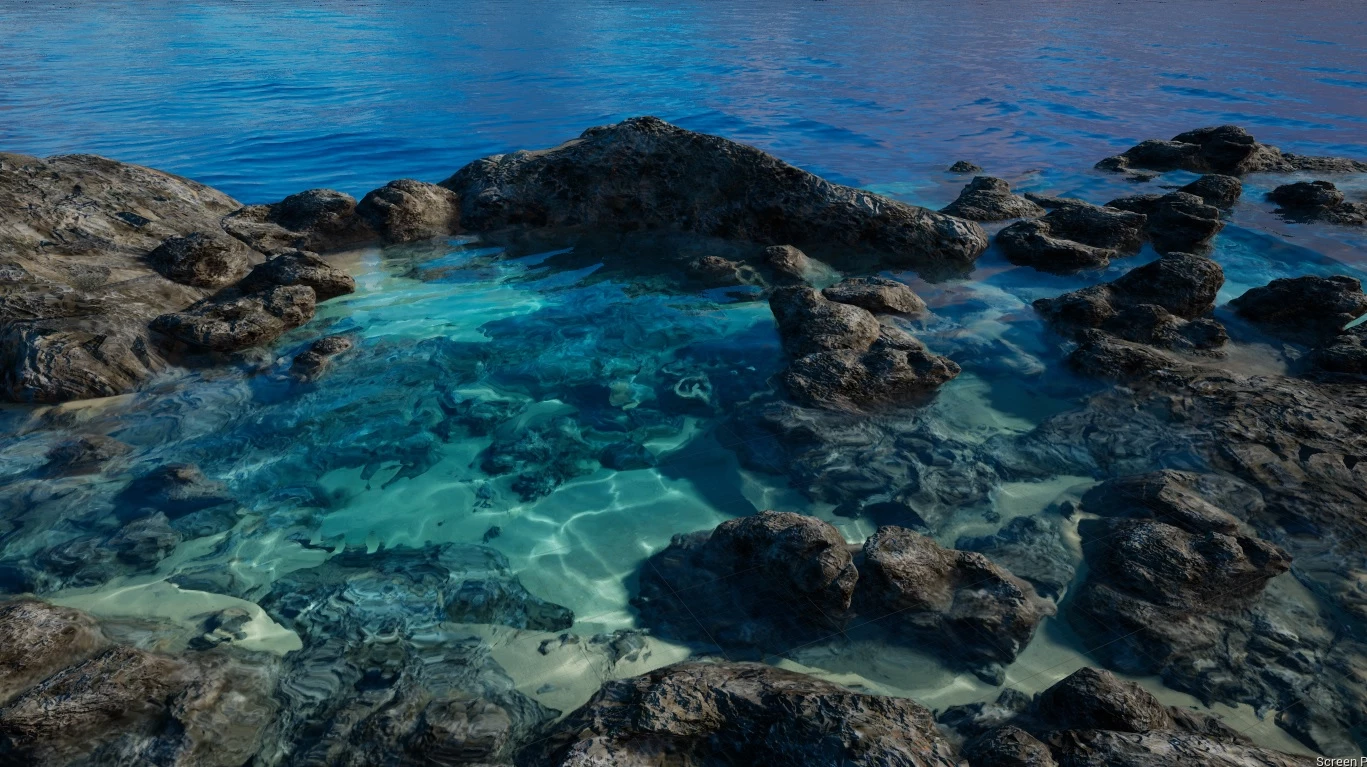
Since Unreal Engine 4.26, it is possible to use an amazing and beautiful Water System in your Maps. Et nanos world a réussi à intégrer ce système de façon transparente dans notre jeu.
Any Prop, Character, Vehicle, or even Pickables will react procedurally to this Water System, no additional tweaks are necessary, you can just drag-n-drop your Water Actors into your Level and it works!
L'utilisation du nouveau Plugin Eau d'Unreal vous oblige à l'activer dans votre projet ADK, et nécessite également que vous ayez installé Visual Studio et toutes les dépendances .NET habituelles pour pour la compilation.
In Unreal Engine Documentation you can find dozens of guides and tutorials on how to use it, and don't worry, everything will work once you import it into nanos world!
Comment les objets réagissent à l'eau
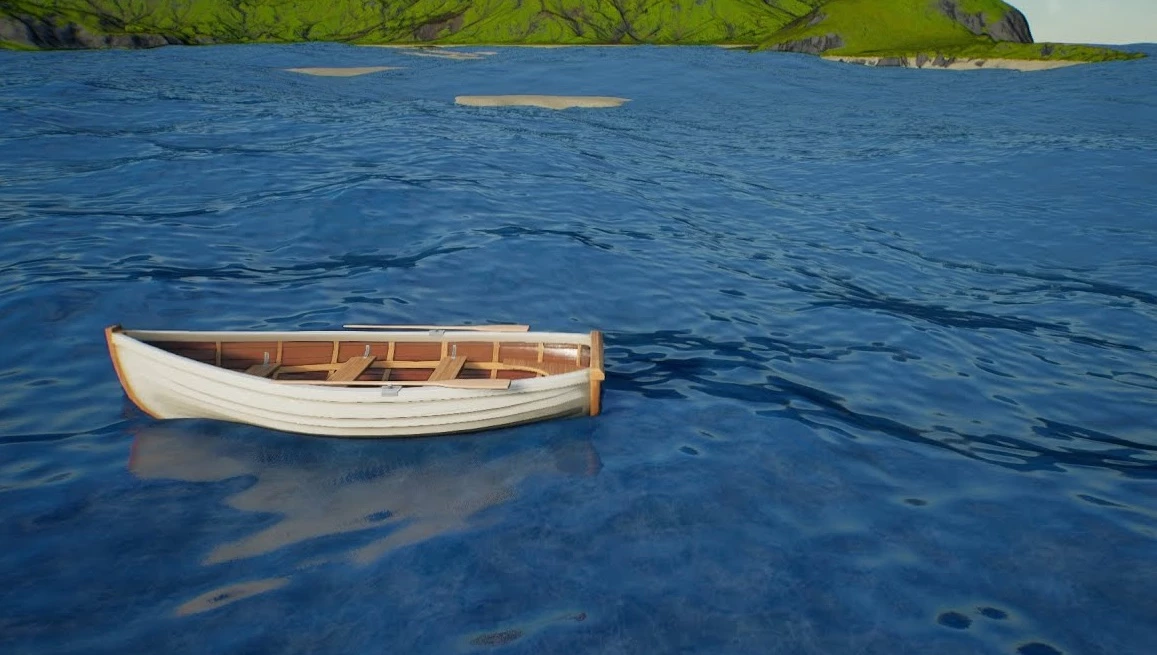
Unreal Water a le concept de Buoyance Spheres, chaque sphère représente un élément de Buoyance qui fera flotter l'objet.
Nous voulons toujours vous exposer des façons de personnaliser et de contrôler les Sphères de Buoyance à travers le scripting !
Props & Pickables
Props and Pickables are the most straightforward objects, they will automatically get one Buoyance Sphere at the same size of their Meshes.
Véhicules
Vehicles will automatically get four Buoyance Spheres, positioned around each Wheel, which will make Vehicles float and do not turn that easily.
Character
Les personnages utilisent un système plus complexe, intégré avec les "Swimming states" et les animations. It uses one Buoyance Sphere as well, slightly translated to make the swimming animation transitions work perfectly.