Water
How to add Unreal Water in your Level and seamlessly integrate it with nanos world
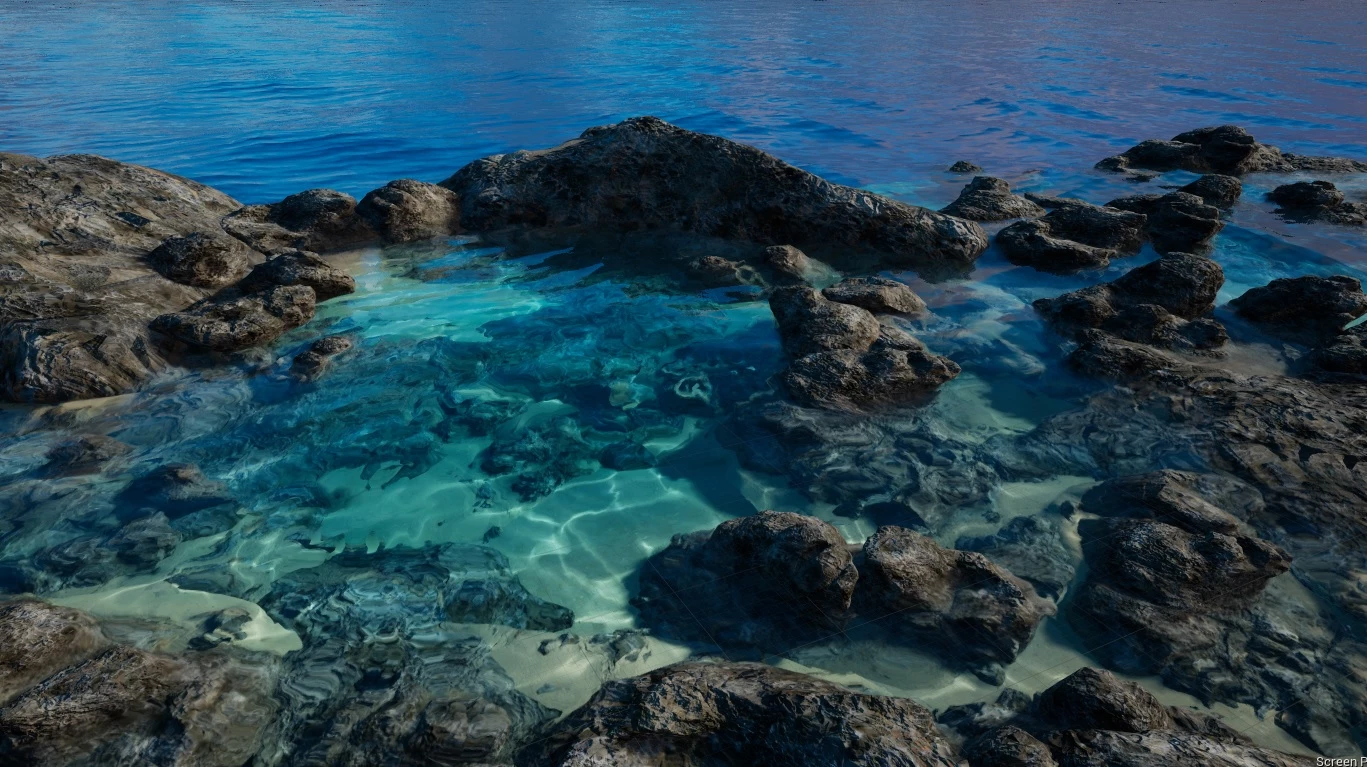
Since Unreal Engine 4.26, it is possible to use an amazing and beautiful Water System in your Maps. And nanos world managed to integrate this system seamlessly in our game.
Any Prop, Character, Vehicle, or even Pickables will react procedurally to this Water System, no additional tweaks are necessary, you can just drag-n-drop your Water Actors into your Level and it works!
Using the new Water Plugin from Unreal requires you enabling it in your ADK Project, and also requires you have installed Visual Studio and all usual .NET dependencies for compiling it.
In Unreal Engine Documentation you can find dozens of guides and tutorials on how to use it, and don't worry, everything will work once you import it into nanos world!
How Objects react to Water
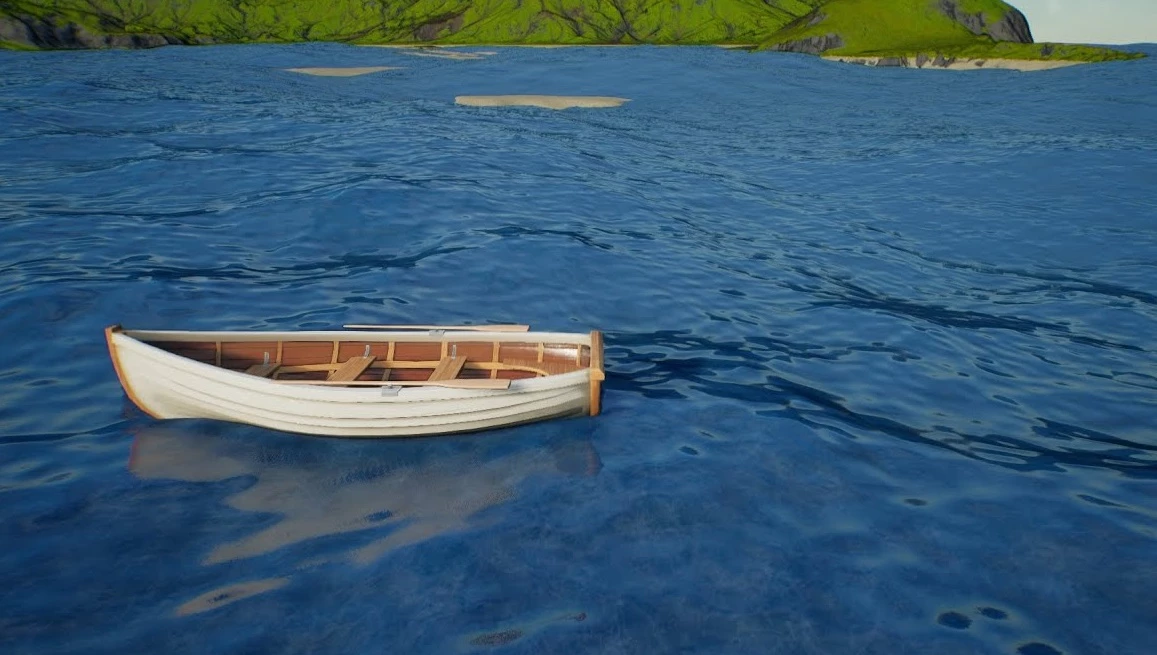
Unreal Water has the concept of Buoyancy Spheres (Pontoons), each sphere represents a Buoyancy element which will make the object float.
You can customize the Buoyancy of Props, Pickables and Vehicles through scripting with SetBuoyancySettings and SetBuoyancyPontoons (e.g. :SetBuoyancySettings()). Also make sure your map Package has enable_water_buoyancy = true in its Package.toml.
Props & Pickables
Props and Pickables are the most straightforward objects, they will automatically get one Buoyancy Sphere at the same size of their Meshes.
Vehicles
Vehicles will automatically get four Buoyancy Spheres, positioned around each Wheel, which will make Vehicles float and do not turn that easily.
Character
Characters use a more complex system, integrated with Swimming states and animations. It uses one Buoyancy Sphere as well, slightly translated to make the swimming animation transitions work perfectly.