Oct: Jam Winners, Playground, Team Recruiting!

Announcing the Halloween Game Jam winners, the new Playground, new Sandbox tools & entities, an improved Server Browser, Team Recruiting, better Lua safeguards and much more!

Welcome to our roundup of the latest updates from the last month!
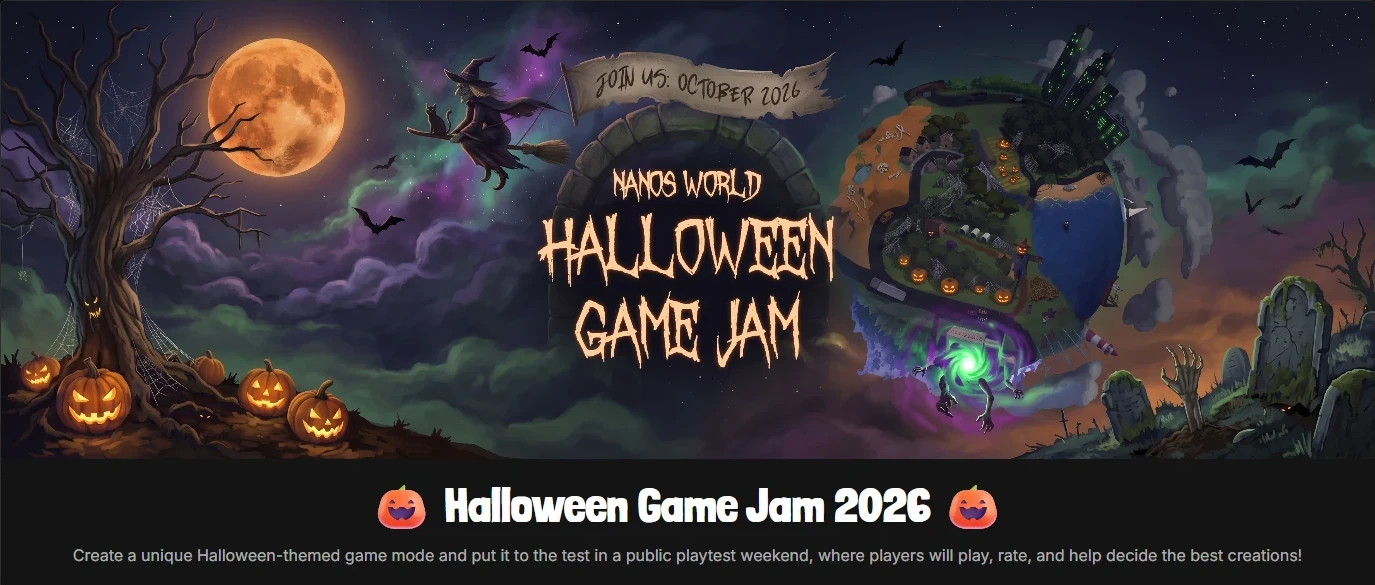
🎃 Halloween Game Jam Winners!
Our Halloween Playtest weekend is over! The entries were amazing and the competition was fierce. Thank you to everyone who joined, hosted a server, submitted a game-mode, voted and joined us on this fun weekend! 💙
The Overall Winner!

Scoring 4.69 out of 5, we're proud to announce Death in the Box is the overall winner of the Halloween Game Jam 2026! Congratulations to the TimeTales team for winning the Game Jam!
Overall Ranking
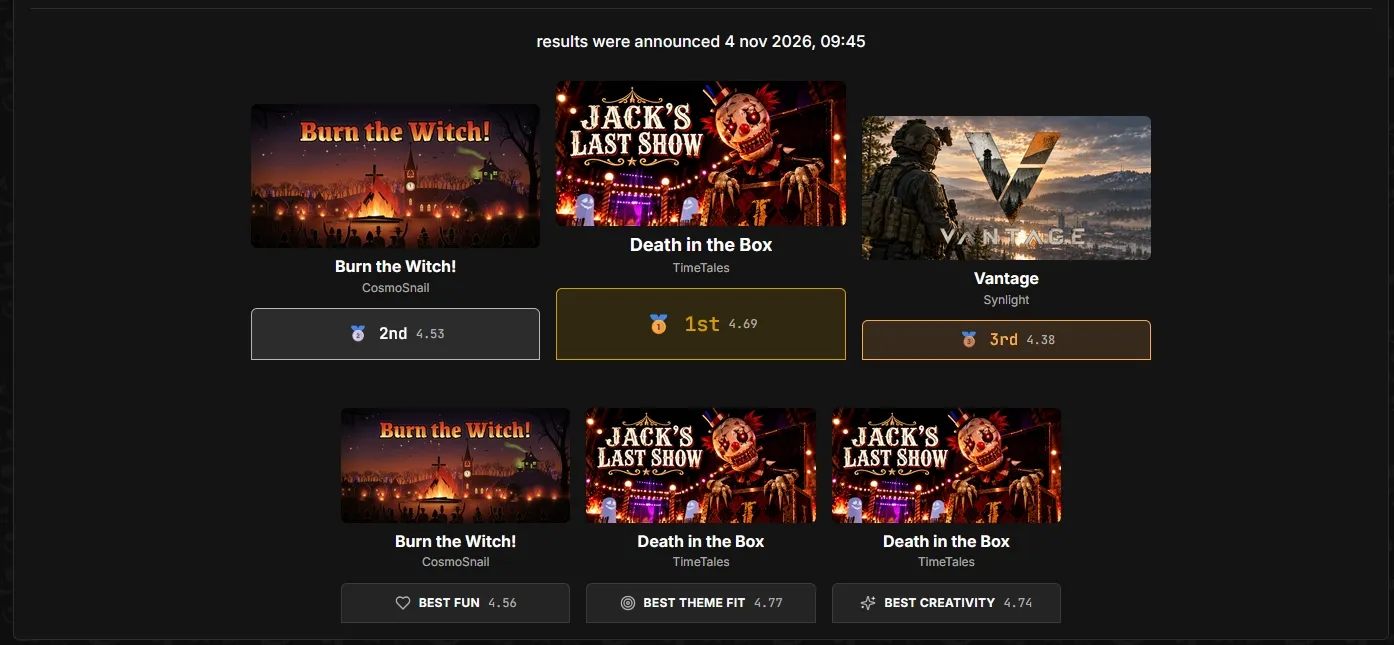
Congratulations to CosmoSnail and Synlight for being 2nd and 3rd place winners as well!
- 🥇 1st Place:
4.69Death in the Box, by TimeTales - 🥈 2nd Place:
4.53Burn the Witch, by CosmoSnail - 🥉 3rd Place:
4.12Vantage, by Synlight
Category Winners
Also congratulations to all the winners in each category! The winners were selected based on the highest scores in each category!
- Fun:
4.56Burn the Witch, by CosmoSnail - Theme Fit:
4.77Death in the Box, by TimeTales - Creativity:
4.74Death in the Box, by TimeTales
All the top 3 ranked and participating Badges have been sent to the team member accounts! Thank you again to everyone who participated, and for the amazing moments together! 💙
Note that the ranking was determined by the votes from the community, and the category winners were selected by the highest Bayesian average score in each category, to ensure a fair and balanced evaluation of the entries.
Playtest Weekend
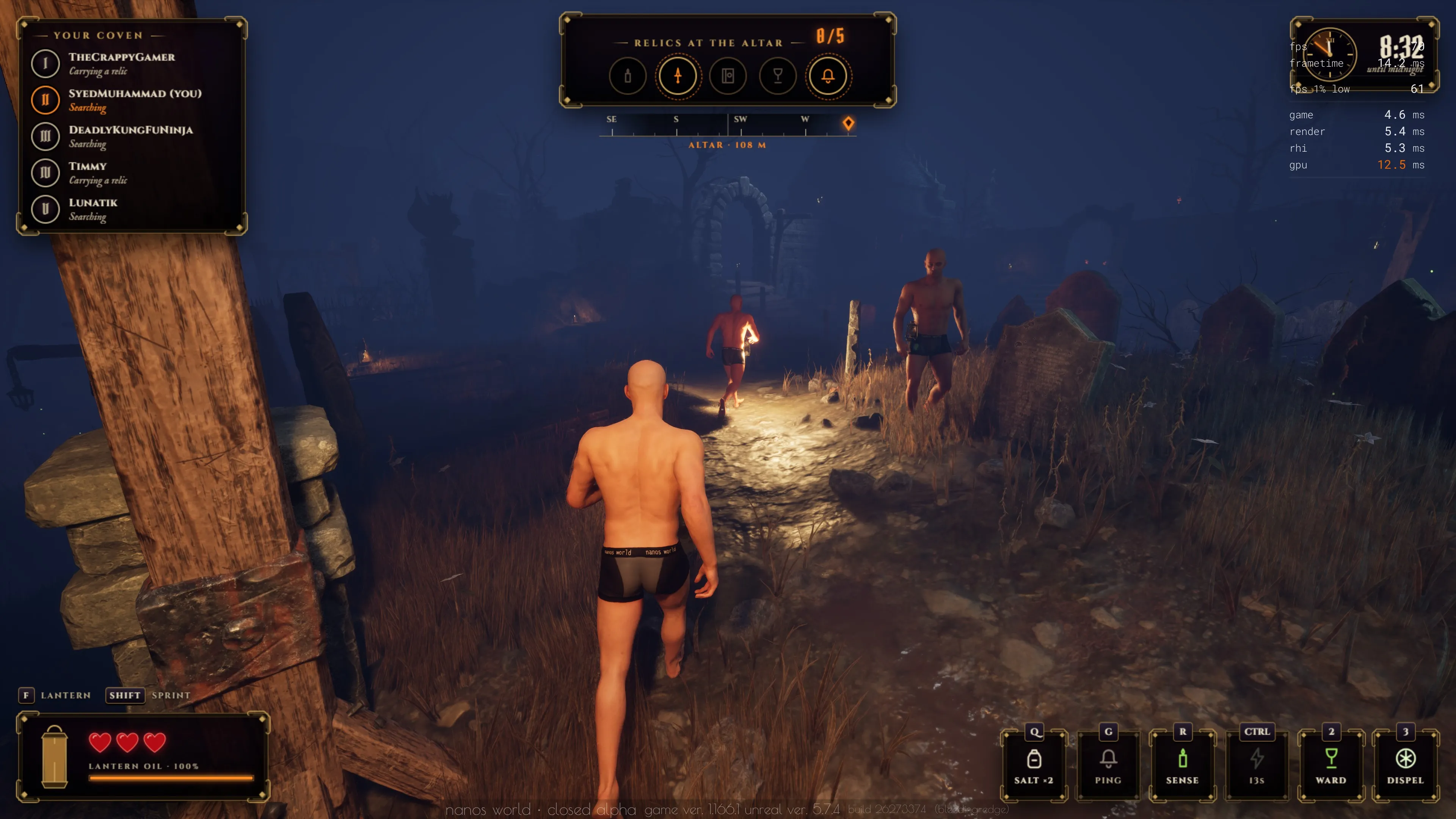
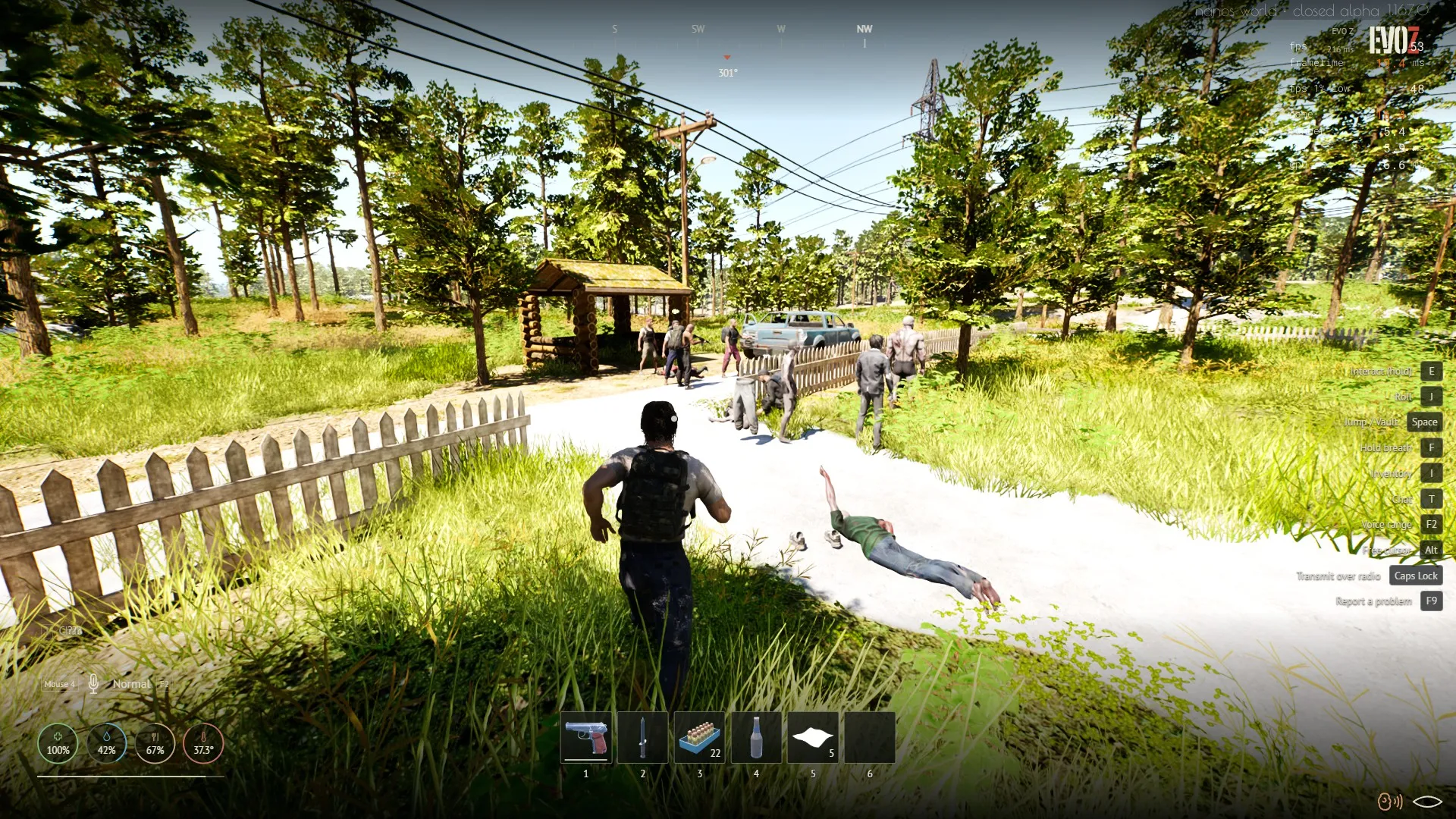
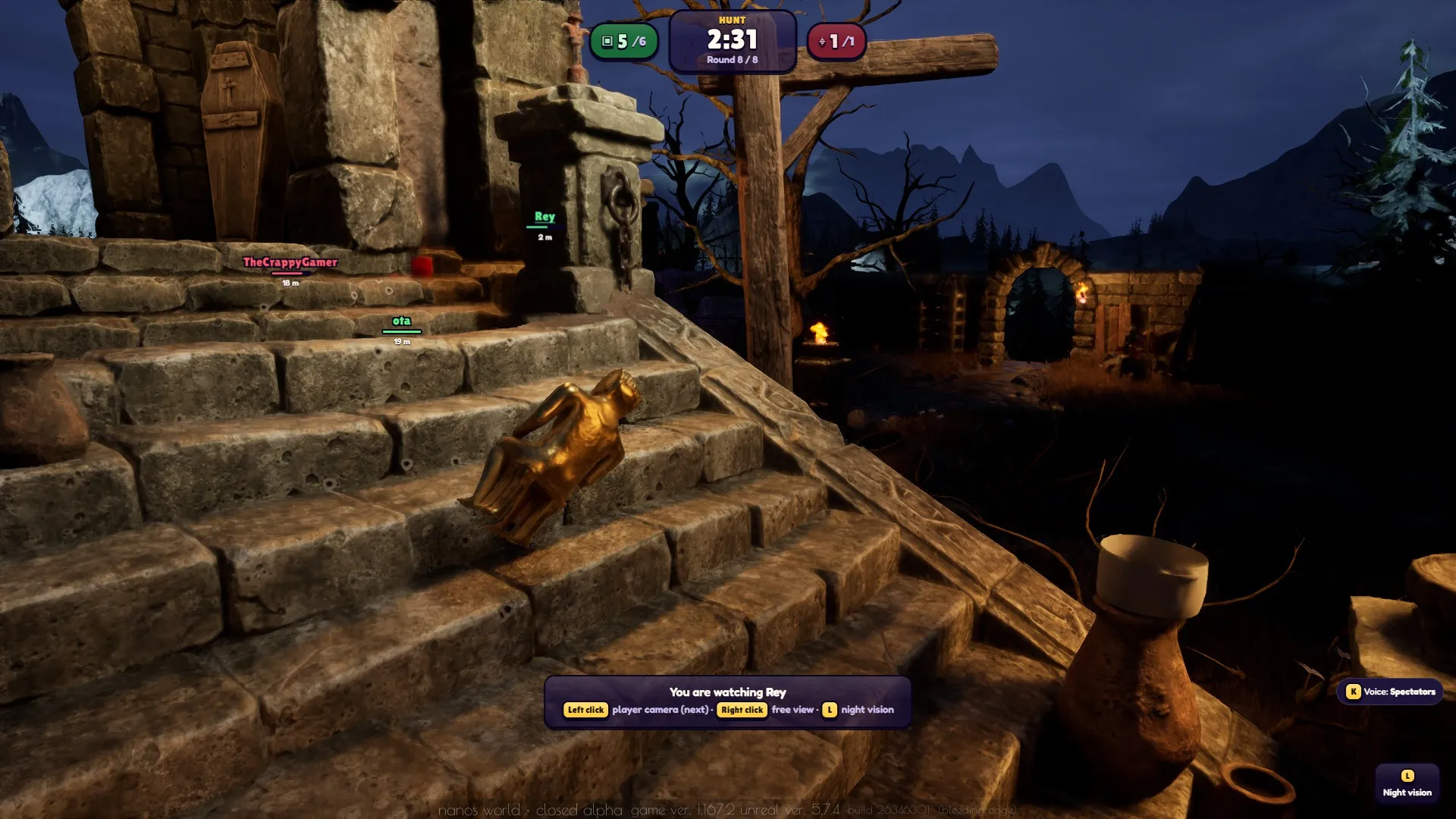
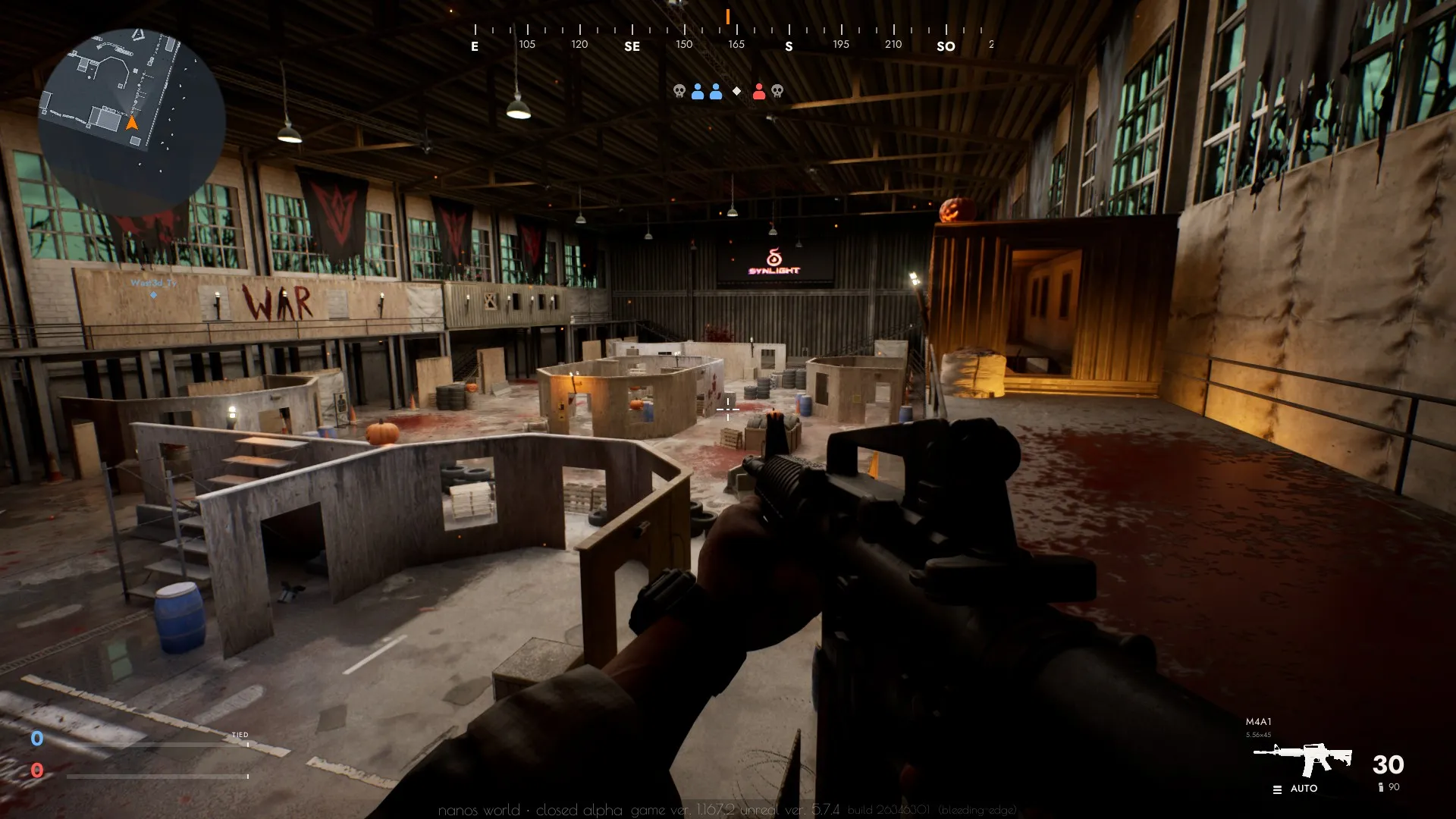
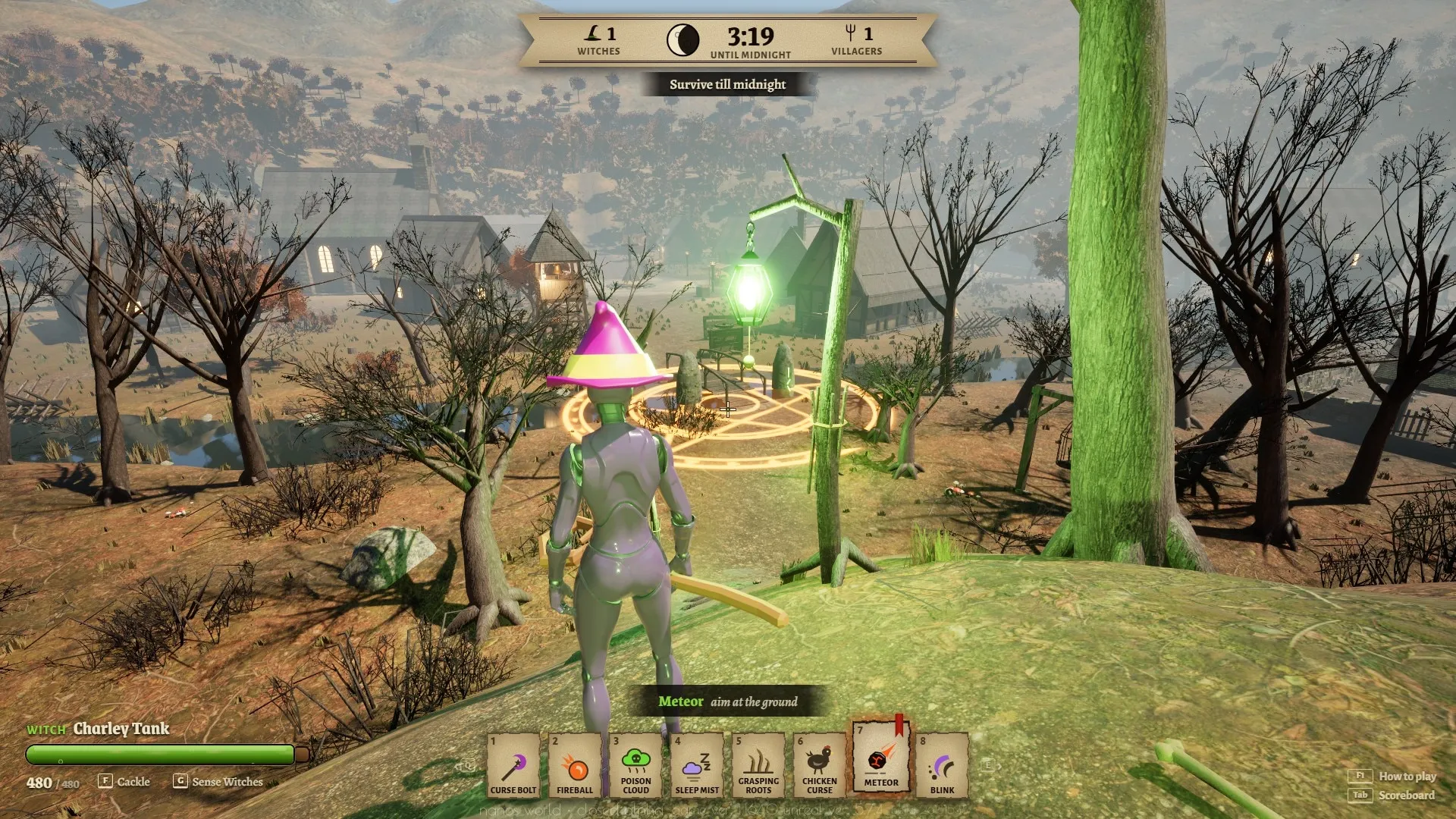
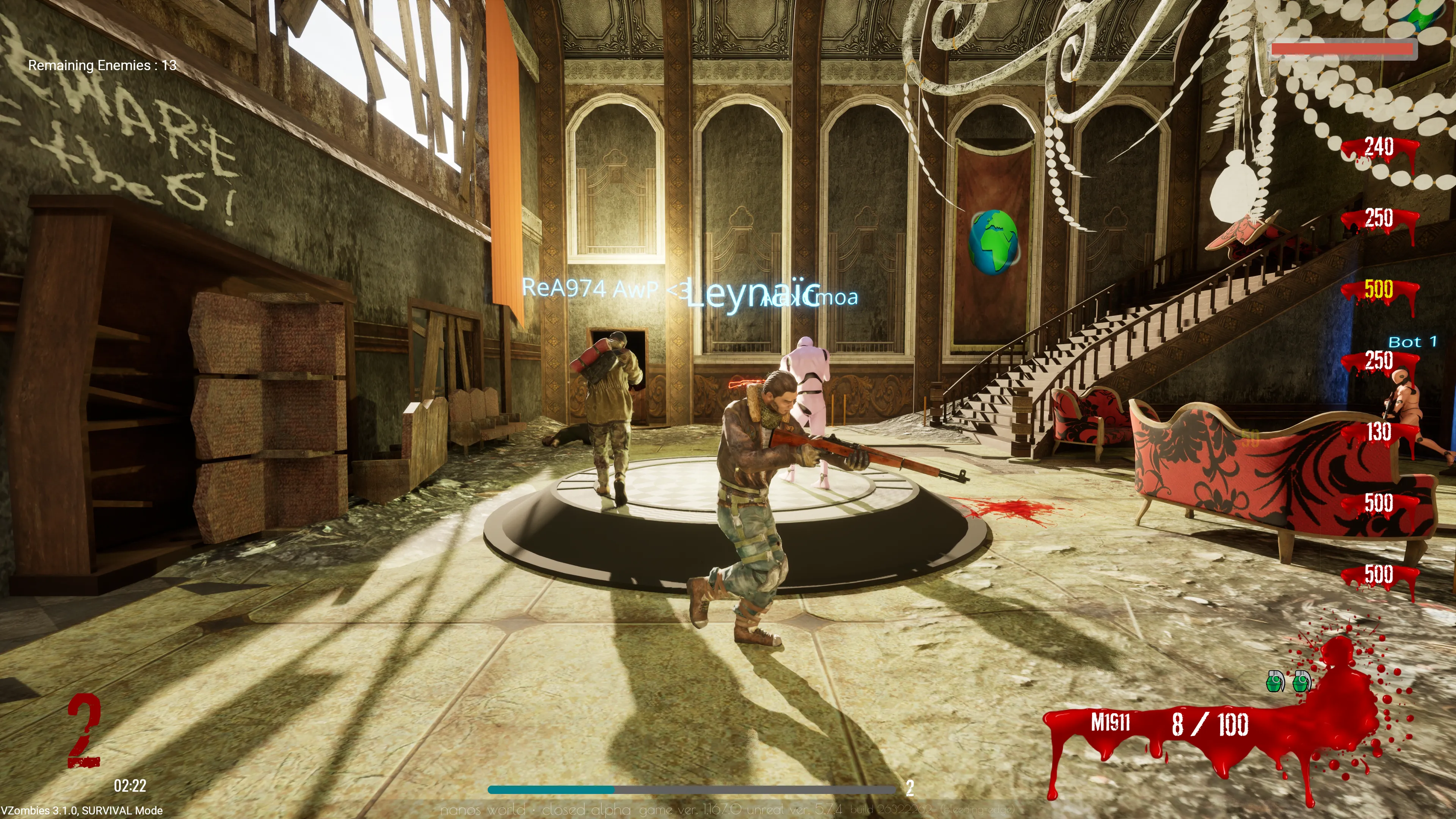
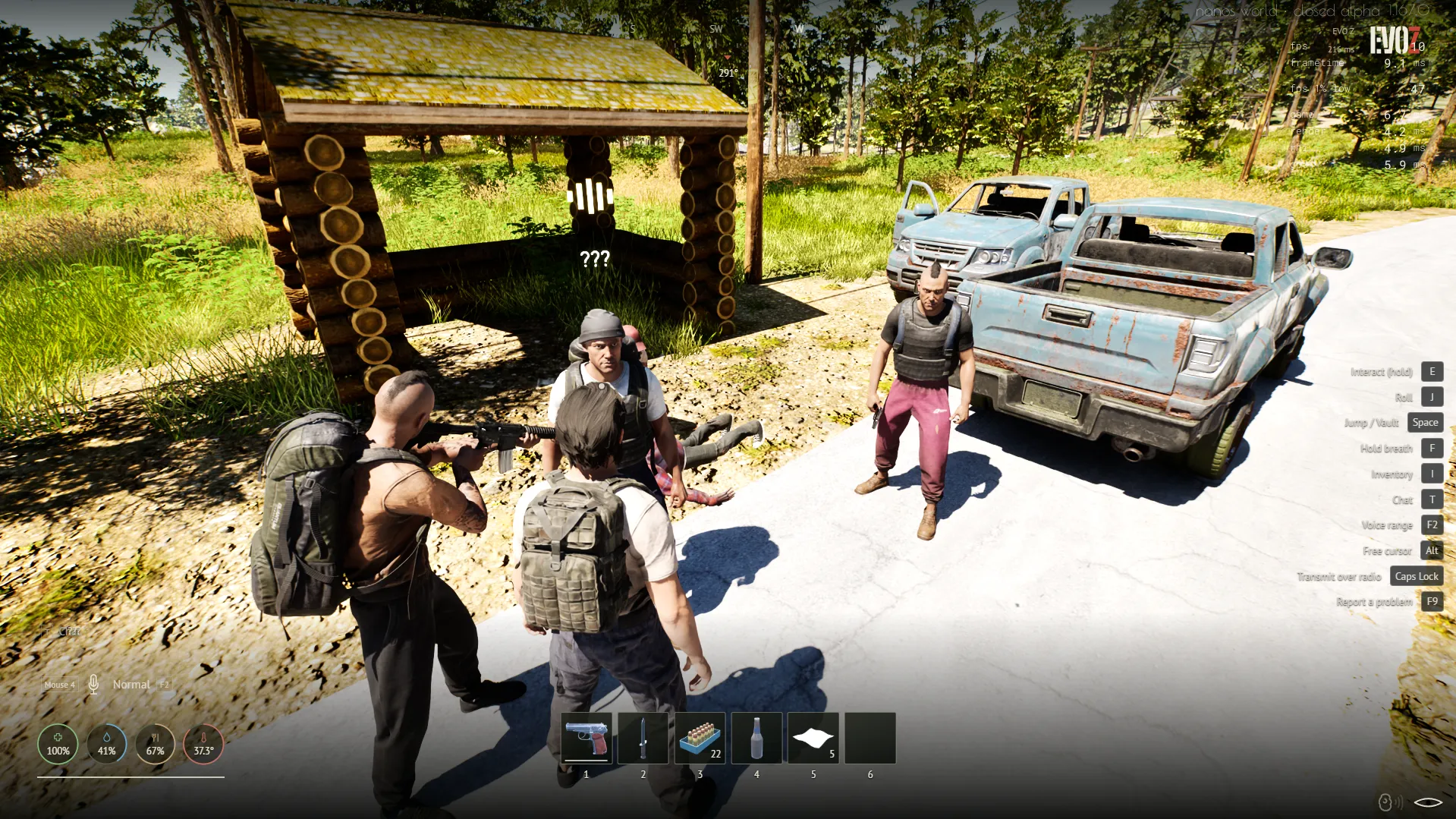
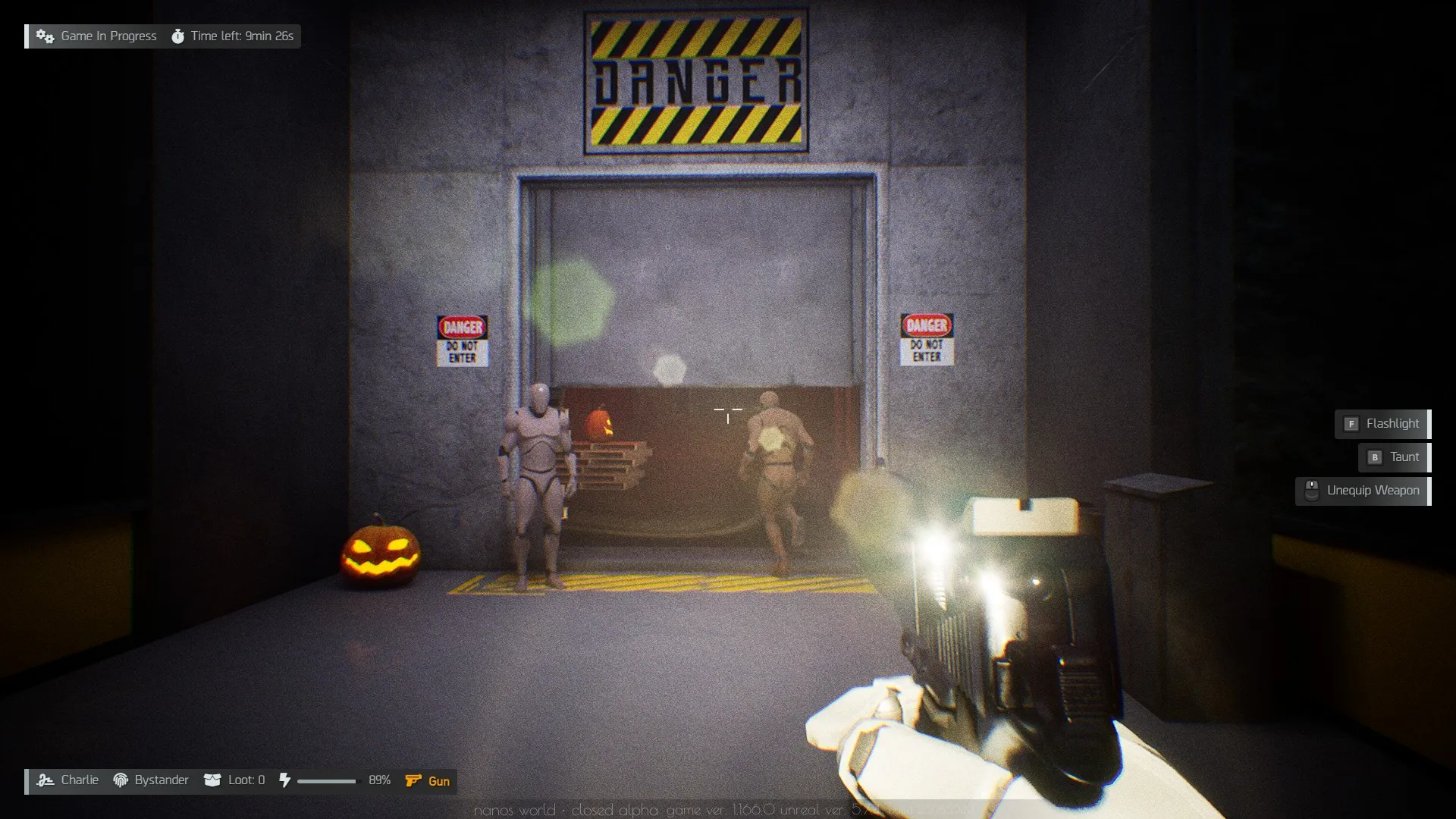
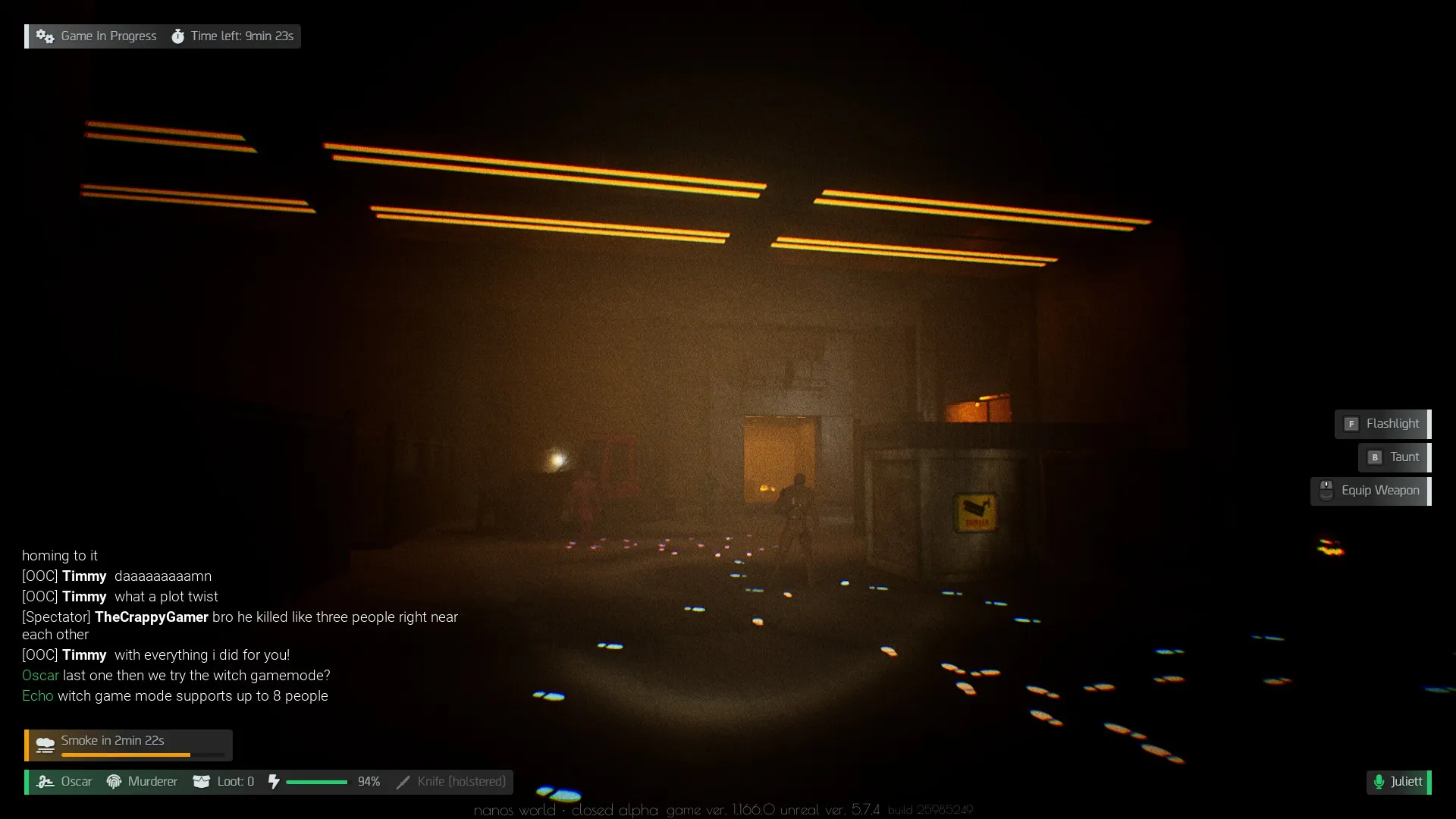
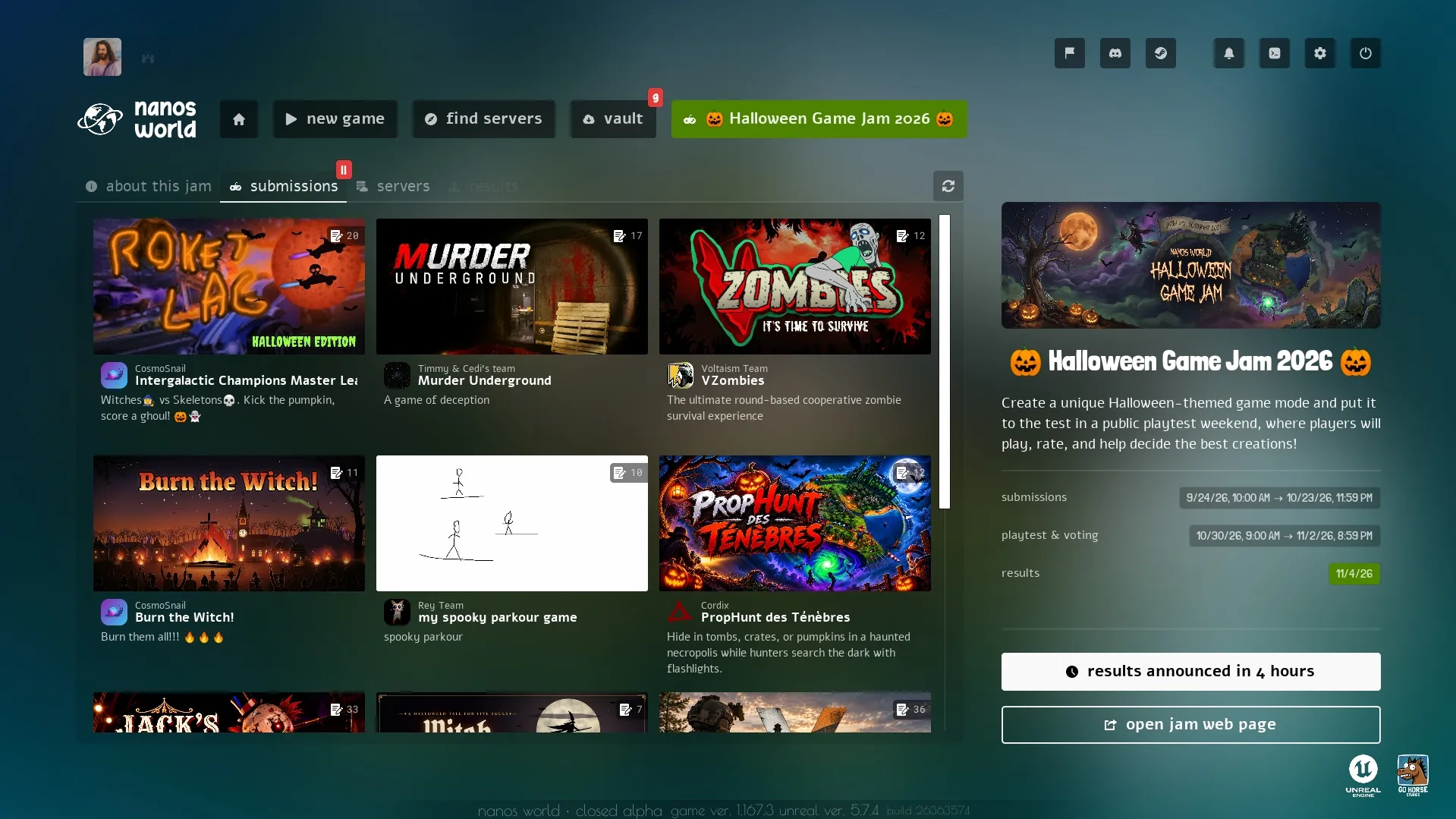
nanos world was open for everyone to join this weekend, here are some screenshots of what happened!
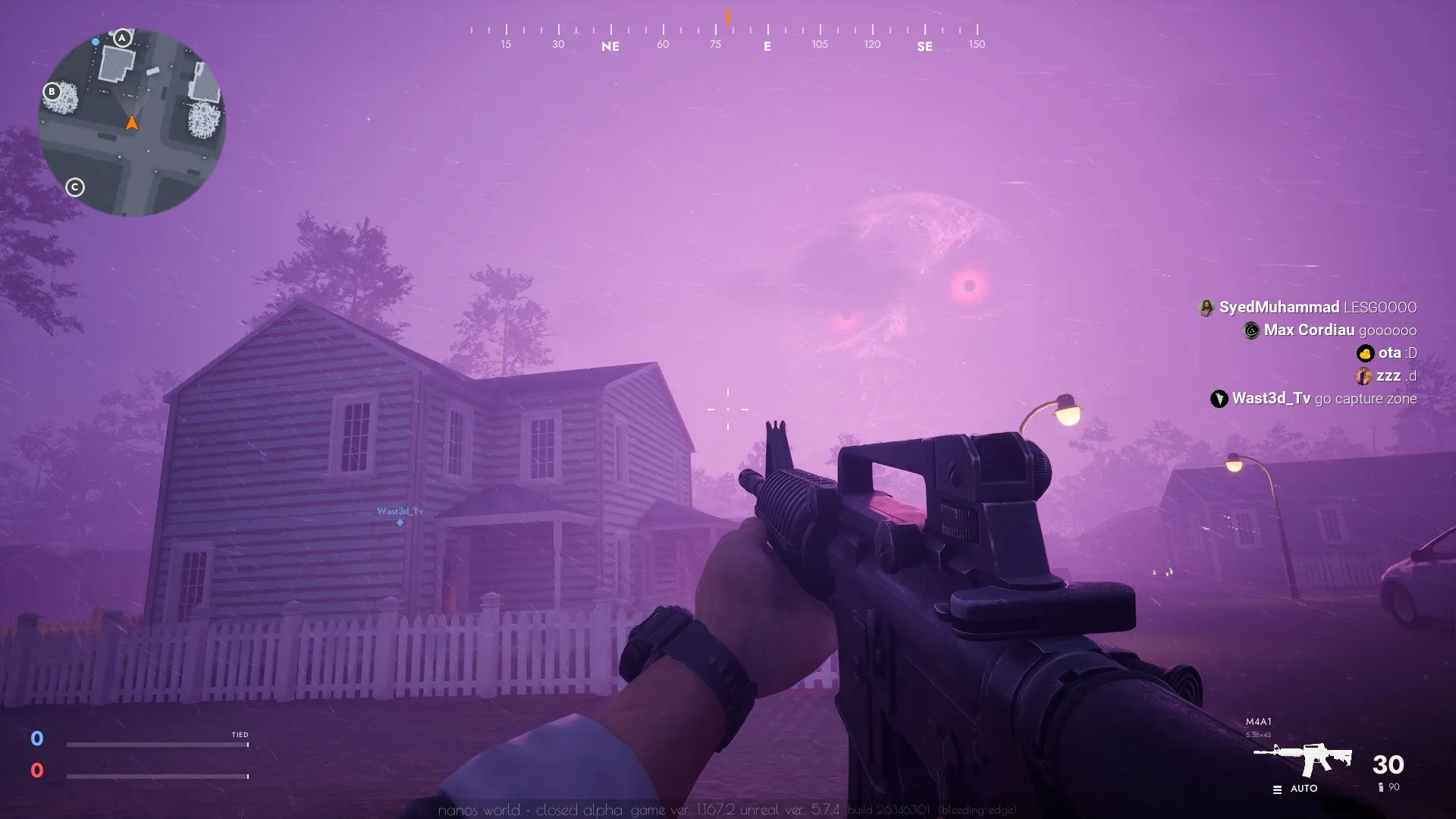
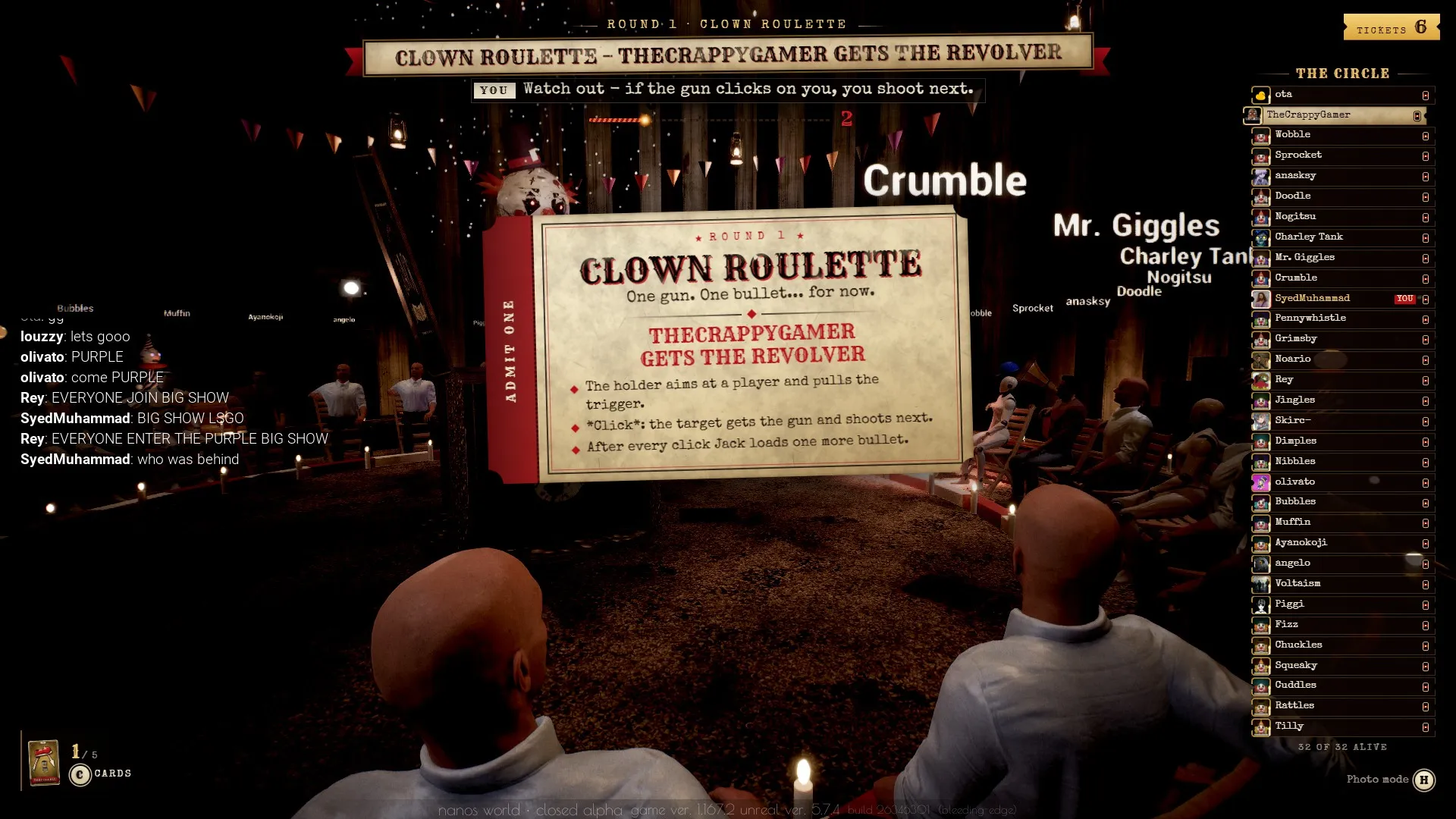
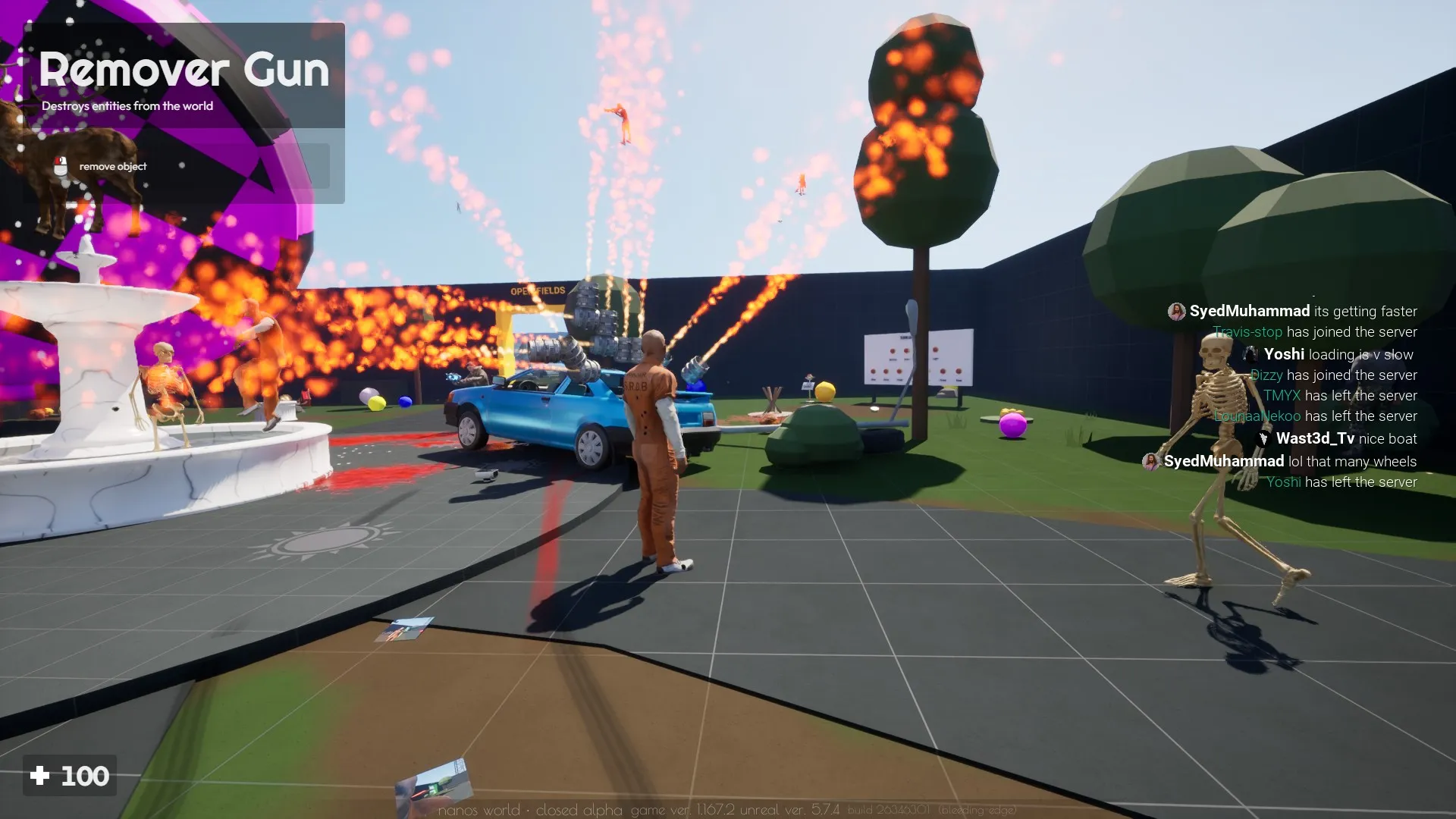
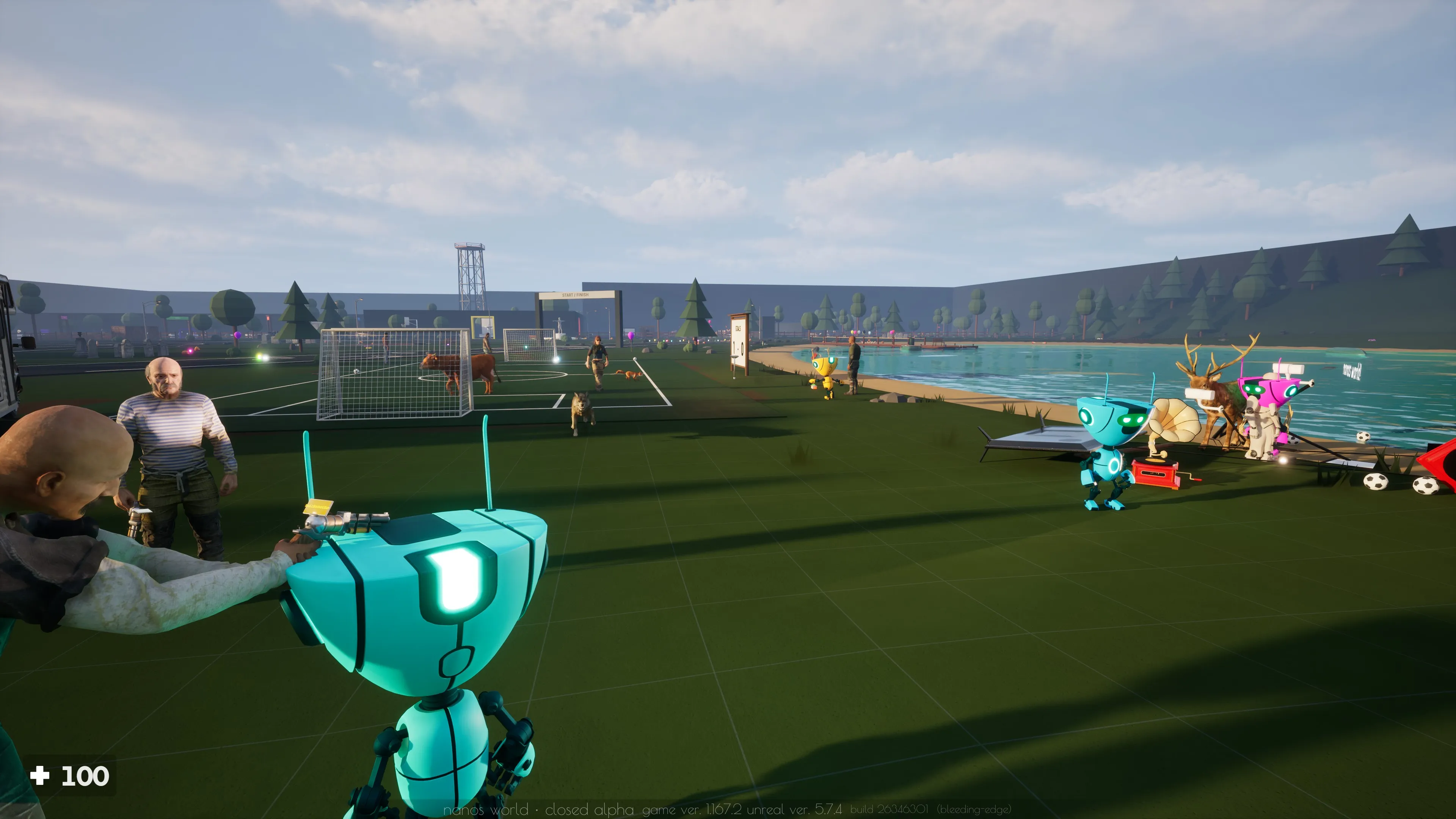
Playtest Access Extended
We've extended the Playtest weekend until Sunday November 8th, so you can still join nanos world and try game-modes and our new Playground, and give your feedback on the Feedback Hub.
Note that after Sunday, only testers and players whitelisted by communities will still be able to play nanos world. If you don't have access, register to become a tester in our Tester form!
The New Playground!
Introducing... our new Playground map! 🎉
A big open sandbox to explore entities, physics, tools and easter eggs, made for messing around and trying what nanos world can do!

The map has areas to try the tools, a shooting range, sports balls, trampolines, cameras, interactive props and more. It uses entities from Sandbox, so the things you find there can also be spawned and used in your own creations.


The Playground is available on the Vault and in our official Hub server! Don't forget to give it a try and review it!
Playground on the Vaulthttps://nanos-world.com/store/packages/default-playground-mapDefault Testing Map as Package
With the new Playground map, our old default-testing-map is retiring. It was the first map we ever created for testing nanos world features, and it has been used for a lot of testing and demos over the years.
We've moved it to the Vault so it can be publicly seen.
Default Testing Map on the Vaulthttps://nanos-world.com/store/packages/default-testing-mapPlaytest Achievements
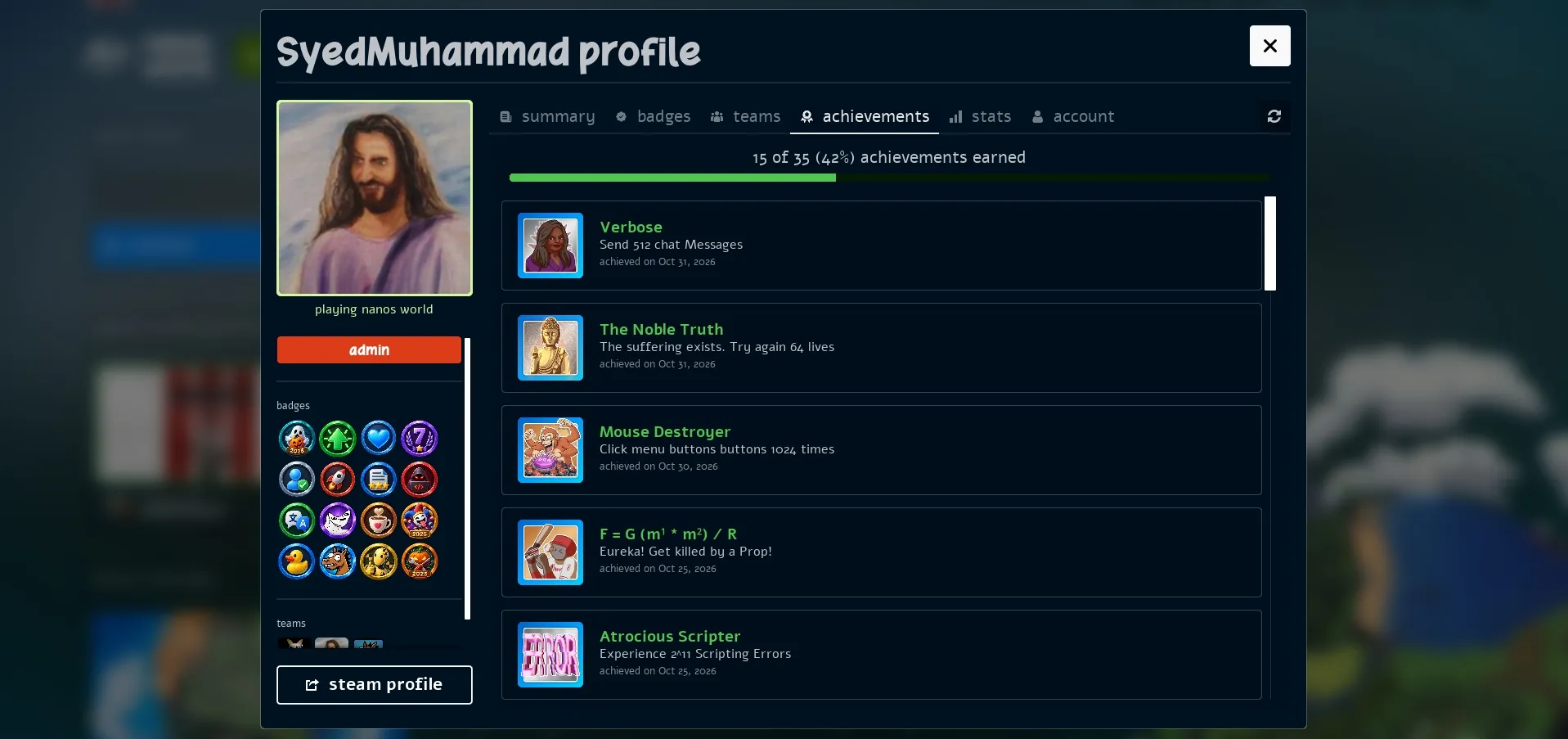
We've integrated Steam Achievements and Stats into the Playtest version, so you can now earn achievements and track your stats while playing Playtest too!
Sandbox Got New Toys!
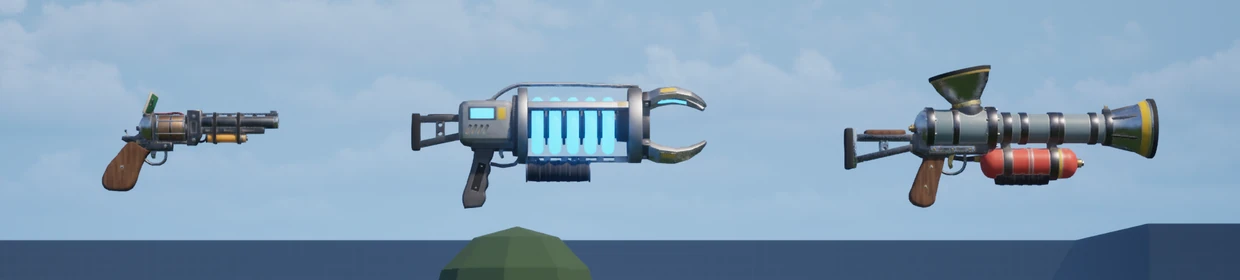
Sandbox got a lot of new stuff this month, starting with new meshes for the Physics Gun, Tool Gun and Puke Gun!
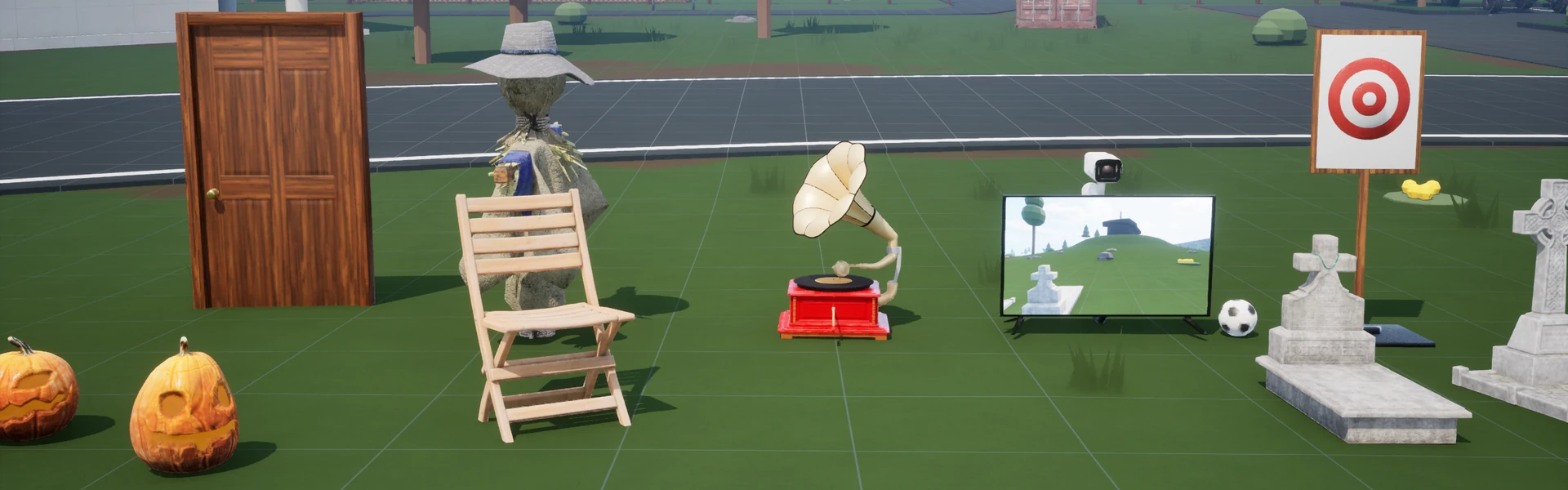
There are new Doors, Balls, Chairs, Lamps, animated Targets and a Jukebox with playlists and synchronized music. Buttons got more models, sounds and animations, and can be activated by damage.
We also added a Material Gun to change the material of objects and the Color Gun now supports choosing a material slot too!
The TV is now synchronized, CCTV has new camera models, and the Photo Frame got new frame options.
New Default Assets
Animals & Skeleton
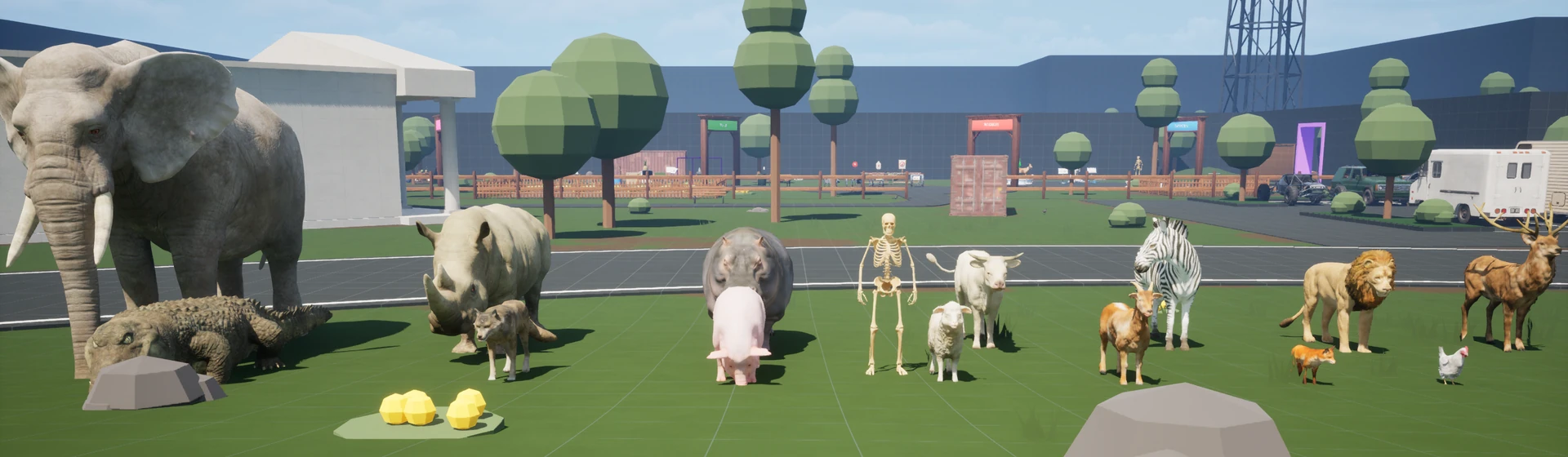
The default-characters package got a new Human Skeleton and a collection of Animals! Chickens, cows, sheep, pigs, crocodiles, elephants, lions, wolves, a flying crow and more, all available in the Sandbox NPCs tab or in the Character selection menu.
Fishing Boat Water Vehicle
We added a new Fishing Boat to the default vehicles package, and improved water vehicles too!
They now reverse at half thrust, have better automatic buoyancy pontoon placement, and only block the throttle when every pontoon is fully submerged. We fixed boats floating at an angle or sinking at the stern when their mesh or center of mass was offset, and the camera no longer realigns because of the up and down movement on waves.
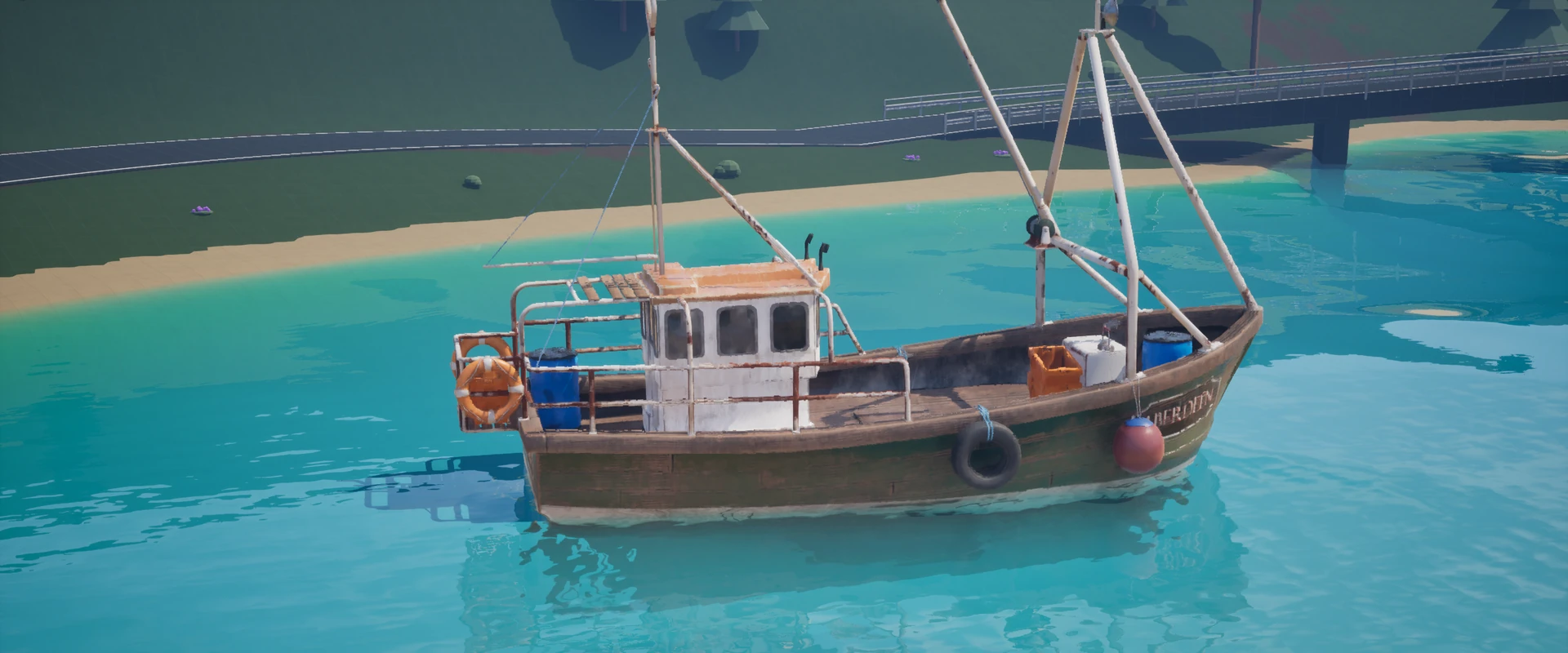
VehicleWater:SetThrustStrength() now uses Newtons, with a default of 3000.
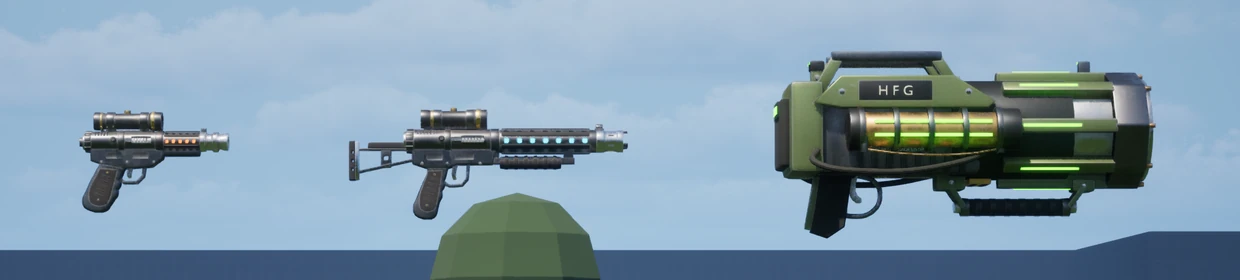
New Blasters
The default weapons package got new Blaster Pistol, Blaster Rifle and HFG meshes, replacing the old Blaster and DC-15S assets.
Surface Materials
We added a new collection of default Surface Materials: wood, brick, concrete, stone, marble, gravel, dirt, roof tiles, metals, wallpaper, plastic, rubber, neon and more!
They use the new Triplanar template material, which projects textures onto the object without depending on its UVs. The texture follows the object when it moves or rotates, and keeps the same size when the object is scaled.
You can try them with the new Material Gun, or use them directly in your scripts.
Default Surface Materialsassets-modding/default-asset-pack/default-materialsPhysics, Audio & Sync Improvements
Sleeping Objects Can Rest
We found that resting physics objects were still generating Hit events every physics step. Now these resting contacts are filtered, buoyancy only updates while a body is awake, and sleeping weapons stop updating their skeletal physics every frame.
We also fixed already loaded assets bypassing Unreal's cache and going through the loading path again.
This should reduce CPU usage and improve performance on clients with many physics objects such as weapons or props.
Runtime Audio Rewrite
Runtime Sounds (.ogg) loaded from package files are now decoded in real time by the engine, instead of being fully decoded into memory when loaded. A three-minute Ogg that previously took around 70 MB of decoded audio now keeps the compressed file data in memory instead, reducing the overall memory usage of the game.
Looping, seeking and playing the same sound multiple times now use the engine's native audio system. We also fixed sound attenuation leaking between sounds that used the same asset, improved the range of footsteps and other short sounds, and fixed music losing its priority when too many sounds were playing.
Please let us know if you notice any issues or stutters when loading sounds!
More Precise Synchronization
We improved rotation precision over the network, fixing the stepped aiming rotation you could see on other players (especially while spectating). Rotations sent through remote events benefit from this too.
The experimental Based Sync system got more fixes: Characters standing on a client-side mesh attached to a synchronized entity now follow that entity correctly for other players. We also fixed Characters sliding back after detaching from moving objects, and desync when jumping on moving platforms.
Other improvements include fixing ragdoll jitter when the mesh is hidden or off screen and inputs (like firing) being missed at low FPS.
UI Improvements
Server Browser & Filters
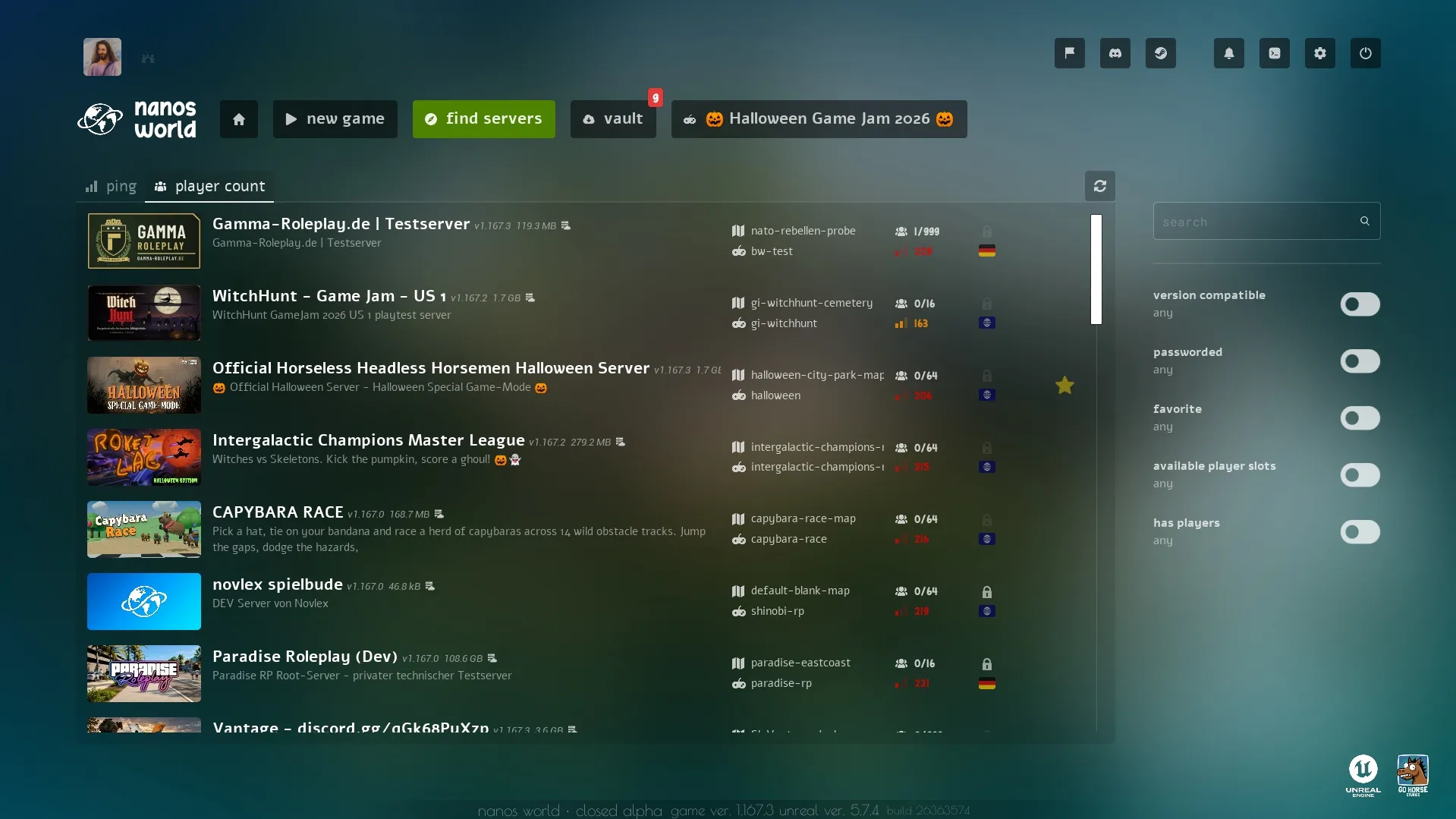
The Server Browser got a lot of love this month! It now lists compatible servers first, followed by the lowest ping and most players, and it can be sorted by Ping and Player Count. Search also matches game modes and maps, the filters are kept when you come back to the main menu, and the players tooltip shows how many players are connecting.
We also fixed the list sometimes refreshing with 0 servers: Steam was throttling our requests, so now the full list is requested at most every 30 seconds, and only the known servers are queried in between.
Escape Menu
The Escape Menu got some big improvements as well!
Holding Escape now always opens the native Escape Menu, even when a script blocks the Escape press to show its own menu.
Player Profiles
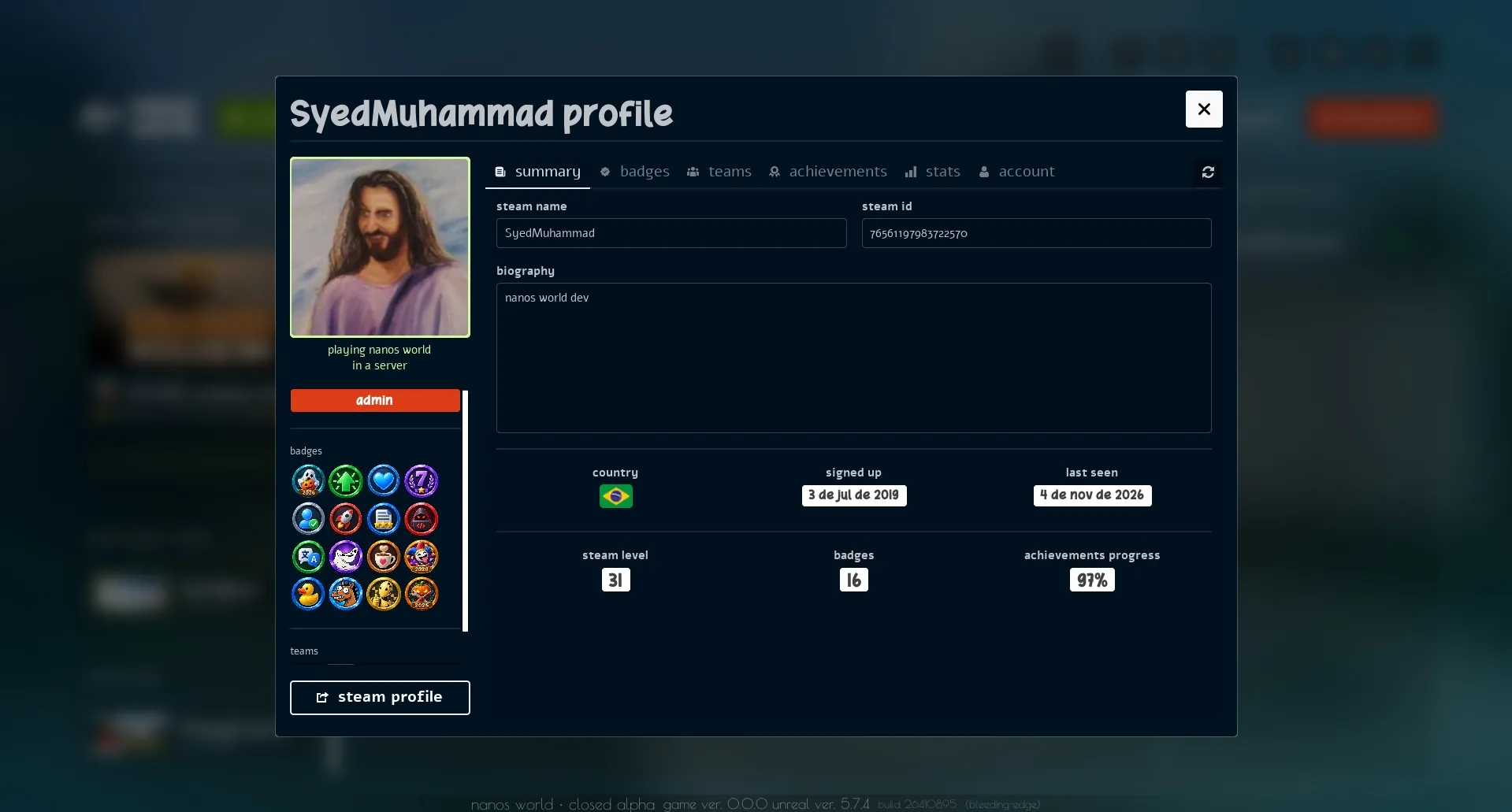
Player profiles can now be opened from the in-game player list, showing their teams and badges, and your own account, achievements and stats. Join Friend works from there too.
Vault Map & Game Mode Pages
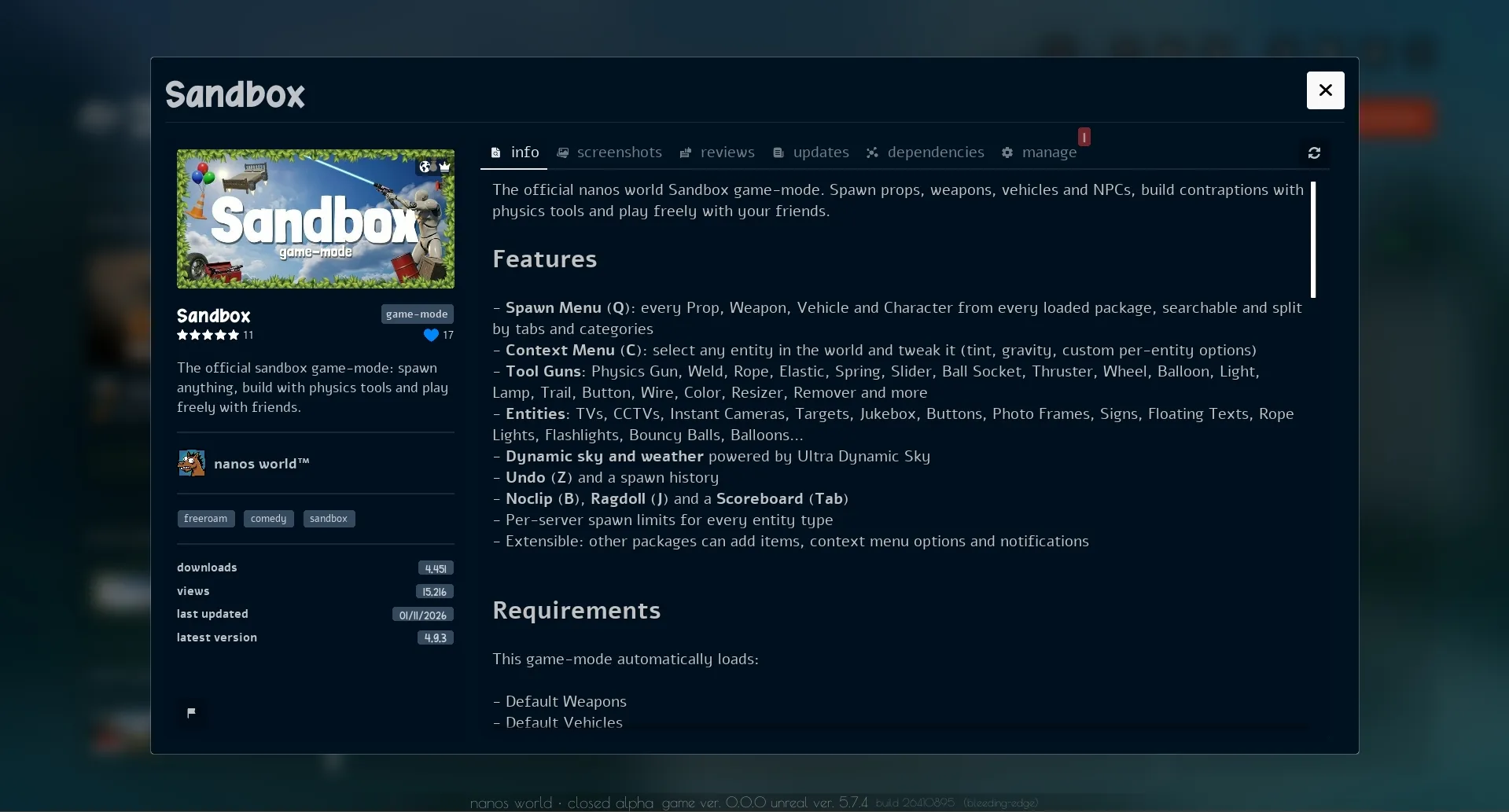
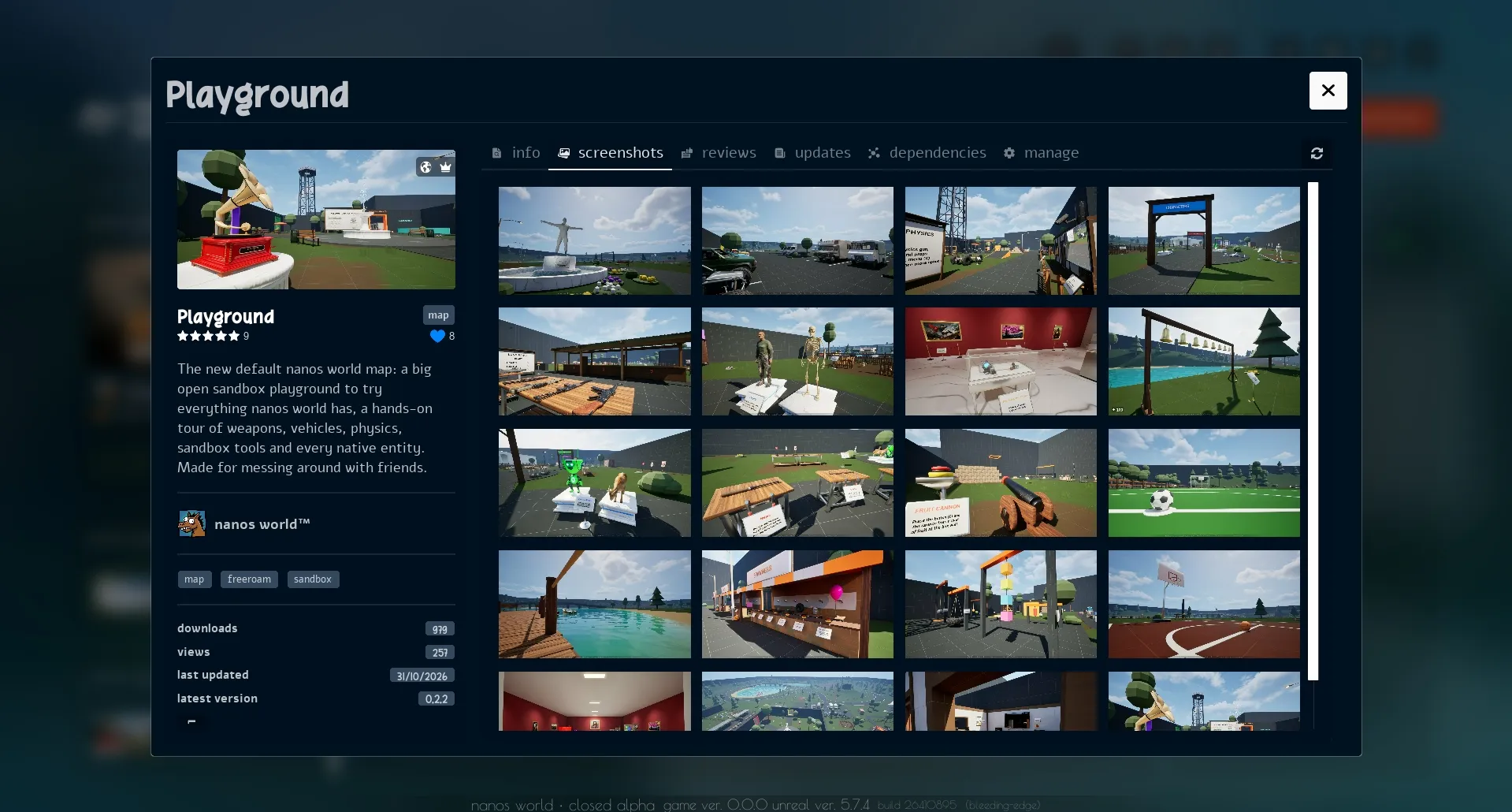
You can now click the current server's Map and Game Mode in the Escape Menu to open their Vault pages, with their description, reviews and screenshots, and rate and review them right there!
Game Jam Tab
During the Game Jam, the Escape Menu got a Game Jam tab listing every entry and its servers, so you could jump between game-modes and vote without leaving the game.
Improved Review Widgets

The in-game Review and Rating widgets for Vault resources and Game Jam entries were redesigned to match the website, making it quicker to rate and review what you play.
Other UI Improvements
A few other changes:
- New Steam Branch Selector on the News balloon, to switch between bleeding-edge and default.
- The launch error popup now explains why Steam failed to start: Steam not running, an outdated client, or missing game or Playtest access.
- New settings to disable the initial loading video and the typing sounds.
- Clear All Cache now shows how much space was freed.
- The hardware benchmark now picks upscaling, latency reduction and hardware ray tracing based on your hardware and results.
- Vehicle tooltips now say if you will enter as driver or passenger.
Website & Community
Introducing... Recruiting for Teams!
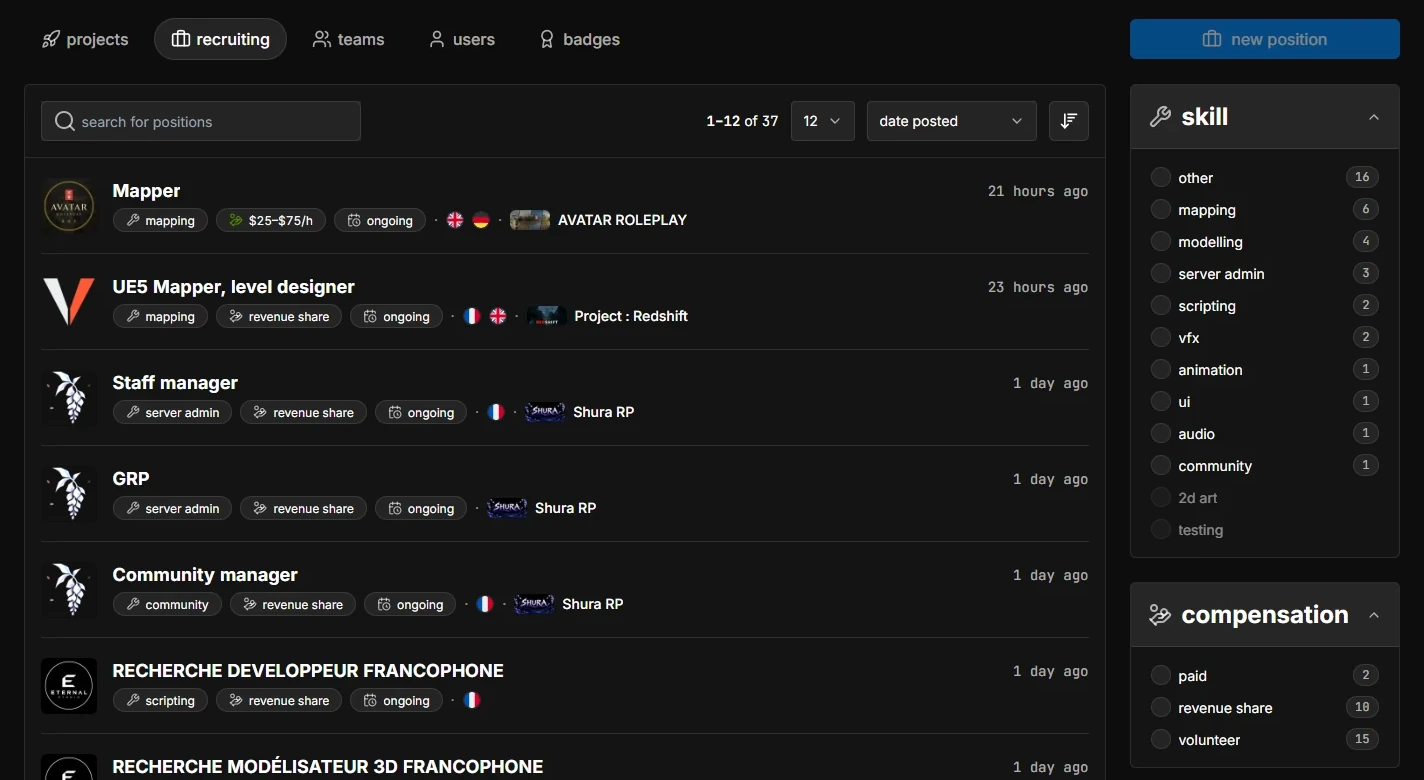
Teams can now post open positions on the new Recruiting page!
Each position can list the skill you're looking for, compensation, budget, commitment, languages and a contact, and can optionally be linked to one of your Projects. People can search and filter the list to find something that fits them.
Positions also appear on Team and Project pages, and the Hub shows new positions. Teams can edit, renew, close or reopen them from their manage page, and Projects now have their own Recruiting management tab.
Recruiting is a directory: people get in touch through the contact in the position. Any agreement, work or payment is handled directly between the people involved. nanos world is not responsible for any agreements or disputes.
Resource & Project Statistics
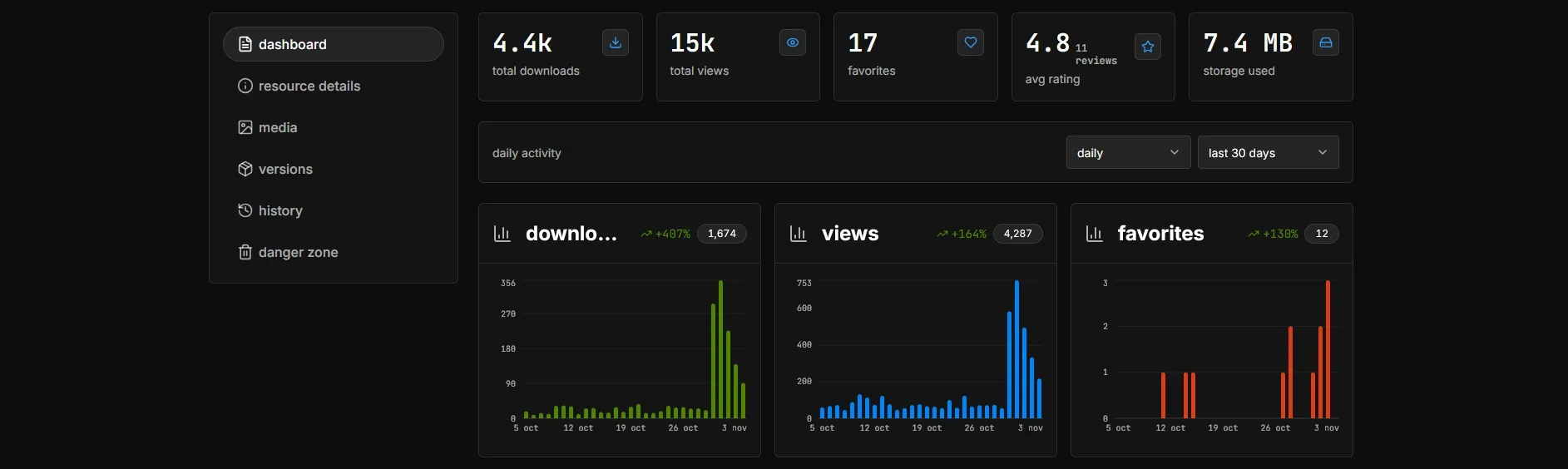
Resources and Projects now have statistics charts on their manage pages, showing daily Views, Downloads where applicable, and Favorites. The stat cards also show comparisons with the previous period.
Team Invites
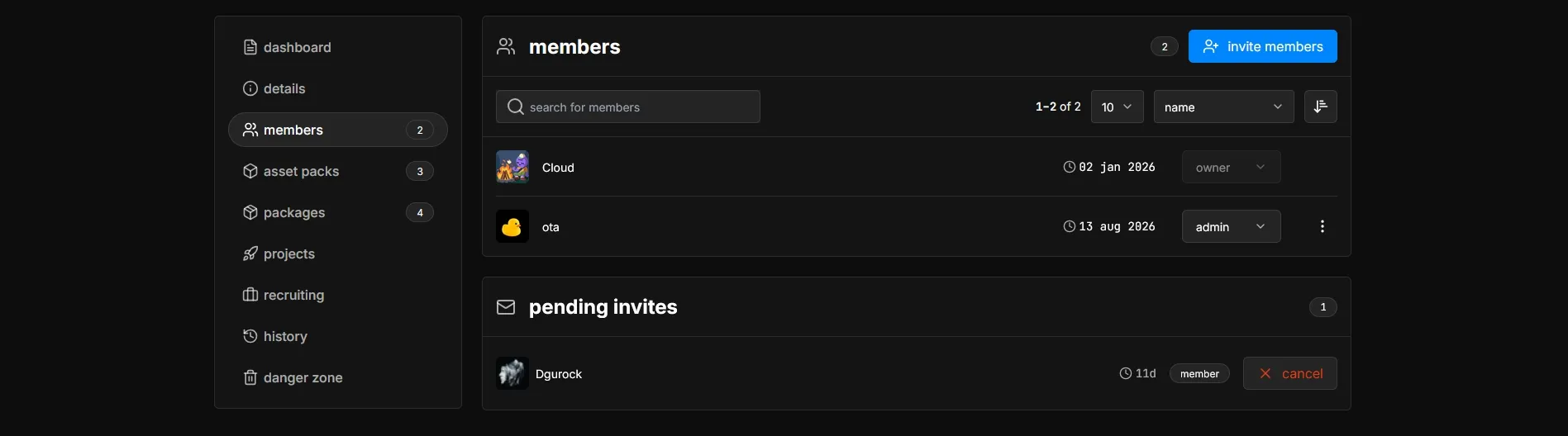
Adding someone to a Team now sends an invitation. They can accept or decline it, and pending invites appear as notifications on their account page. We also added a Leave Team button.
New Crash Lookup
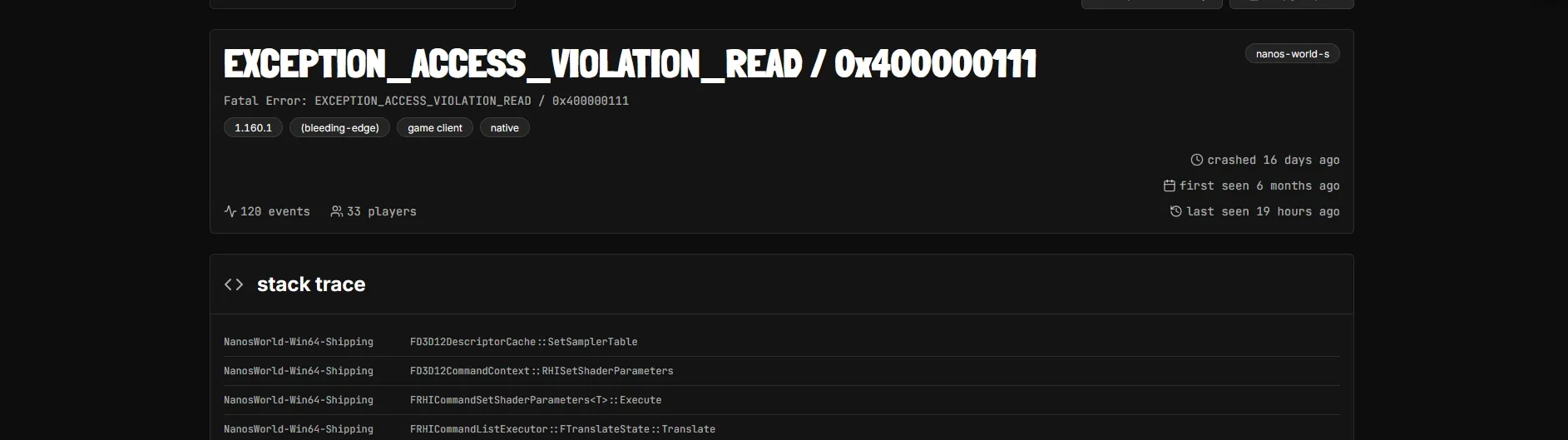
The Crash Reporter now links to your report on the new Crash Lookup page. It shows possible causes, including out-of-memory errors and corrupted assets. It helps you tell whether a crash comes from corrupted or broken assets, or is a game crash you should report to us!
Crash Lookuphttps://nanos-world.com/crashNew Navbar Menus
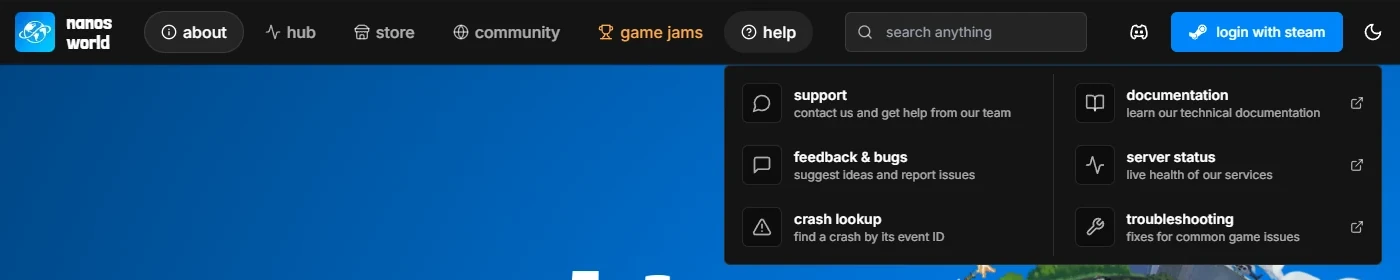
The website also has new navbar menus, with a new Help tab, bringing Support, Feedback, Crash Lookup, documentation, server status and troubleshooting together.
Content Guidelines
We added a dedicated Content Guidelines page, with recommendations and explanations for what you can publish, names, other people's work, AI-generated content, safe code and reporting.
If you're preparing a Resource, Team or Project page, give it a read before publishing!
Other Website Improvements
Profile, Team, Project, Resource and Game Jam entry editing now uses a unified save flow. Screenshots can be reordered with drag and drop, and we fixed errors when uploading or rearranging images while they were still being processed.
The resource Versions tab now renders changelogs as markdown, has a shared "show more information" toggle, and lets you hide old deleted or declined versions. Resources can also be renamed from their manage page's Danger Zone.
Images attached to Feedback, Bugs and Support discussions now open in a gallery you can step through with arrows, keys or swipes, and reviews show when they were last edited.
Scripting Improvements
Steam Friend Invites
We added Steam.OpenInviteDialog() and Steam.InviteFriend() to invite friends to your current server!
On the joining player's side, Steam.GetJoinedFromFriend() returns the SteamID of the friend whose invite brought them there. If they accept an invite to the server they're already on, the FriendJoin event fires instead of reconnecting them.
Input.Register("InviteFriends", "F7", "Invite Steam friends to the server")

Input.Bind("InviteFriends", InputEvent.Pressed, function()
	Steam.OpenInviteDialog()
end)
Package Load & Unload Events
Server and Client now have PackageLoad and PackageUnload events, so you can react when other packages load or unload.
Server.Subscribe("PackageLoad", function(package_name)
	Console.Log("Loaded package: " .. package_name)
end)
We also fixed Server.LoadPackage() not sending a newly loaded package to players already connected.
New Relative Movement
New Actor:TranslateRelativeTo() and Actor:RotateRelativeTo() smoothly move or rotate an attached Actor relative to its parent, while continuing to follow the parent's movement.
New Reset Velocity
We also added Actor:ResetVelocity() to clear linear and angular velocity. On Pawns it clears the movement velocity too, useful when teleporting a Character without carrying its old momentum.
Open Mic
Voice chat now has an Open Mic mode alongside Push to Talk, selectable in the Audio settings. In Open Mic mode, the voice key toggles your microphone mute state, and the Escape Menu shows whether it is open or muted (and you can mute/unmute there too).
Scripts can read that state with Client.IsVOIPSelfMuted() and listen to VOIPSelfMuteChange to update their own voice indicators.
New Voice Volume Normalization
We also added a new audio processing system that tries to normalize everyone's microphone volume into a consistent range.
Also now the Mic Test works in the main menu too!
Please let us know how your voice sounds now!
Lua Sandboxing
Players join servers they can't fully trust, so we hardened the Lua environment that runs server scripts on their machines:
- The
debuglibrary is now disabled, exceptdebug.traceback,debug.getinfo,debug.sethookanddebug.gethook, as the others let a script read and change other scripts' internals. - Loading precompiled Lua bytecode is now blocked, with
loador as Package files. Only text chunks can be loaded. - Scripts tampering with class tables can no longer make one entity type be read as another.
To help debugging your own scripts, the whole debug library can be enabled on the client in the new Settings > Debug option. It is never saved, so it only lasts until you close the game. Only use it on servers you trust!
Other Security Improvements
- Client Lua files are now encrypted with keys only sent to authenticated players, so they can no longer be read from the cache folder or downloaded from the server without joining it.
- Several networking messages are now strictly validated before being read and processed.
We are still working on improving the Lua sandboxing and security, and we will keep adding more safeguards in future updates. If you find a bypass or any vulnerability, please report it to us privately through the Support page instead of sharing it publicly, so we can fix it!
Other Scripting Improvements
- New
Chat.Submit()submits a message through the normal chat flow, including chat commands, useful for custom chat interfaces. - Chat messages are now sent only to players in the same dimension.
- New
Timer.Unbind()removes an Actor binding without clearing or resetting the Timer. - Morph targets and
Pawn:SetTeam()now work across Pawn types, and morph targets survive mesh changes. - New
Pawn:SetAIStopWithBraking()lets AI brake to a stop instead of halting instantly, disabled by default. - New
Prop:SetOneWayInteraction()controls one-way physics interaction. - New
Sky.SetMoonMaterialColor()andSky.SetMoonLightColor()customize the moon. - Sound, particle, crosshair, parachute texture and physics asset setters now accept
nilor an empty string to clear the asset. - New
Actor:SetImpulseOnDamage(),Pickable:SetPickable()andCable:SetVisibility(). - New
SceneCapture:SetLODDistanceFactor(), andSceneCapture:EncodeToBase64()got optional output dimensions. Grenade:Explode()got an optional instigator parameter.AttachTo()withKeepWorld/KeepRelativenow works properly on client-side actors.assets://andpackage://paths without an extension now try.pngthen.jpg.- Package and asset files with non-ANSI names now work on Windows.
- The default network send rate is now 2 MB/s.
Dependencies Updated
- Updated CEF to v154.
- Updated NVIDIA DLSS to v8.8.0.
- Updated AMD FSR to v4.1.1 and AMD Anti-Lag to v2.0.5.
- Updated Sentry to v1.24.0 and Discord SDK to v1.10.19337.
- Updated SOCI to v4.1.4, libpq to v17.11, xxHash to v0.8.4 and mimalloc to v3.5.1.
Docs
The Troubleshooting Guide was expanded with more information and help for known issues. We also updated the VOIP Guide and the Store Guide.
Conclusion
October was a big month with tons of new features, improvements and fixes. This month's news blog was huge, and I probably even forgot to cover some features in it! 😅
It's always a joy to run a public Playtest, and have a lot of new players joining and testing what we've been working on.
I already mentioned that I have a lot of fun creating new game-modes and maps, because that makes me see the game with different eyes and I always find new ways to improve it. But seeing the community creating their own content and sharing it with us is even more rewarding. I hope you enjoy exploring the new map and trying the new game-modes and tools!
A special thank you to everyone who put time into a Game Jam entry, helped host servers or spent the weekend testing and reporting issues!
Thank you too to everyone supporting development through Ko-fi and contributing translations through Crowdin. Your support helps me keep working on nanos world full-time. 💙
Keep sharing your creations and feedback with us on Discord and the Feedback Hub!
See you in the next update! 🚀